












Experience the Power of Productivity
Make your team 40% more efficient. Set up your account in just 2 minutes!

Proudly made in India. Trusted Globally
Get productivity management software with intelligence to see how teams spend work hours, improve focus time, and reduce distractions across projects and daily work.








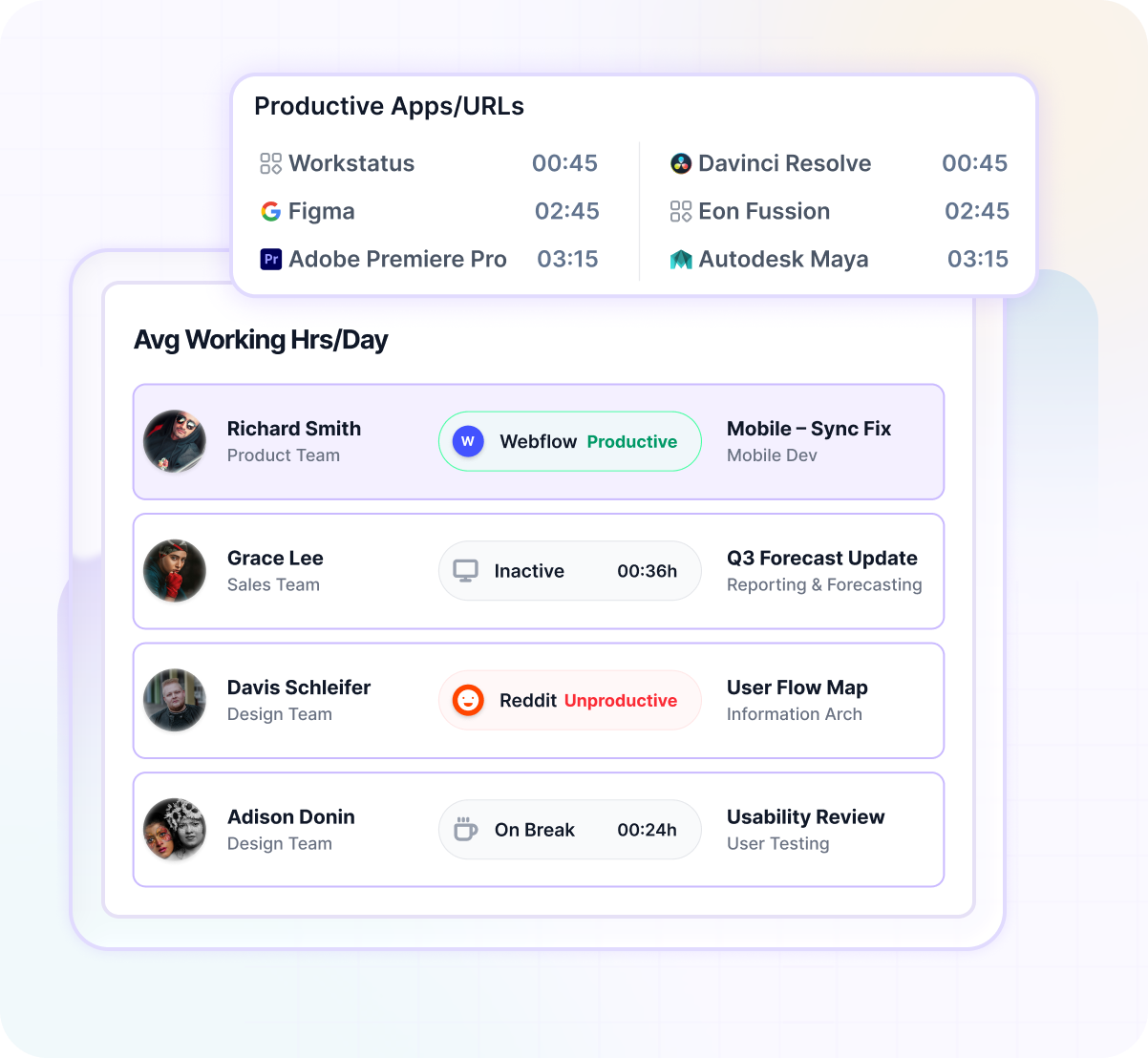
Productivity tracking software helps you track work hours, team activity, focus time, and app usage so you can improve productivity across teams and projects.
Traditional tools only record hours. Workstatus helps you understand how those hours are actually spent, and how to turn them into better outcomes.


Productivity tracking measures team performance and work habits. Intelligence helps you identify coaching opportunities, improve focus, and maintain a healthier workload balance.
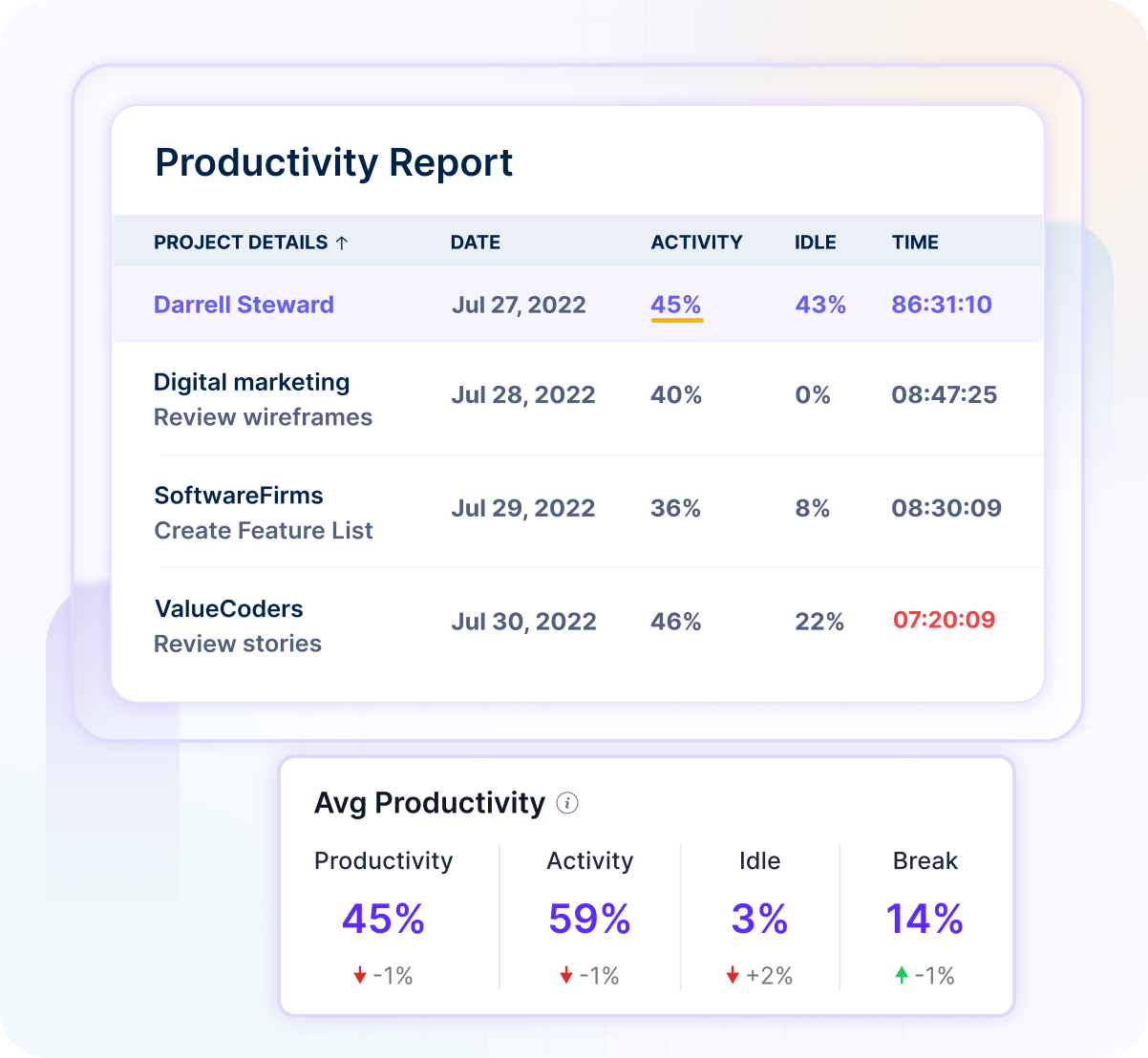
The real problem isn’t activity. It’s not knowing where productive time is really spent.
Find Your Productivity Gaps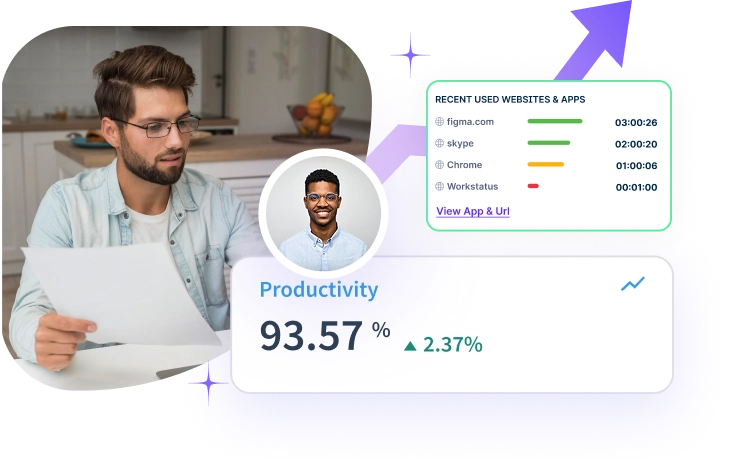

60%
More productive hours3×
Productivity visibility40%
Lower idle time2x
Higher billable utilizationCheck work activity, productive hours, and team usage in real time to maximize team performance.
Track work hours, app usage, URLs, and screenshots automatically across teams.
Link tracked time to tasks, projects, and utilization. Classify productive vs non-productive hours and flag workload imbalances
Check dashboards, productivity reports, utilization analytics, and timesheets, to know where to focus next.
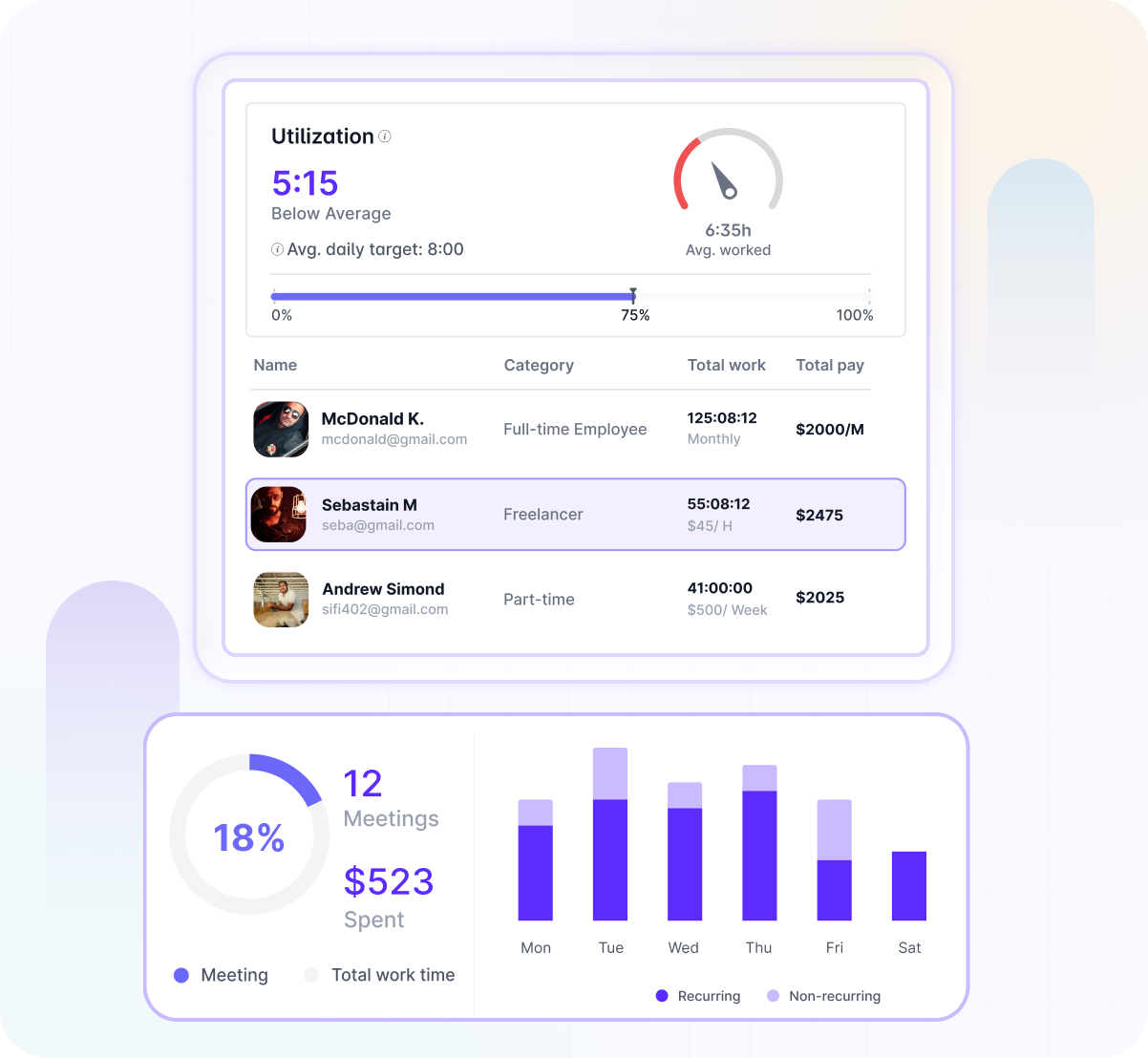
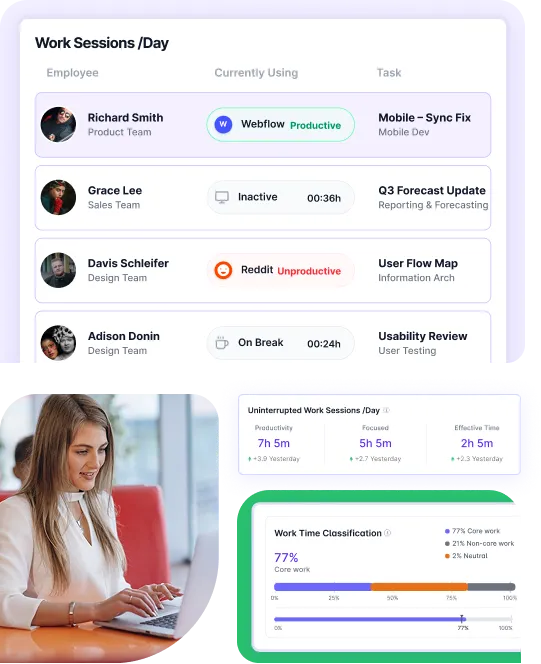
Workstatus’ productivity tracking software helps service teams measure productive time, team focus, and work output in one place. Businesses that manage client work and project deadlines use it to improve utilization, delivery speed, and team performance, such as:
No data migration- Connect tools and add an intelligence layer to your existing data to unify visibility, remove gaps, and enable smarter decisions.
Explore More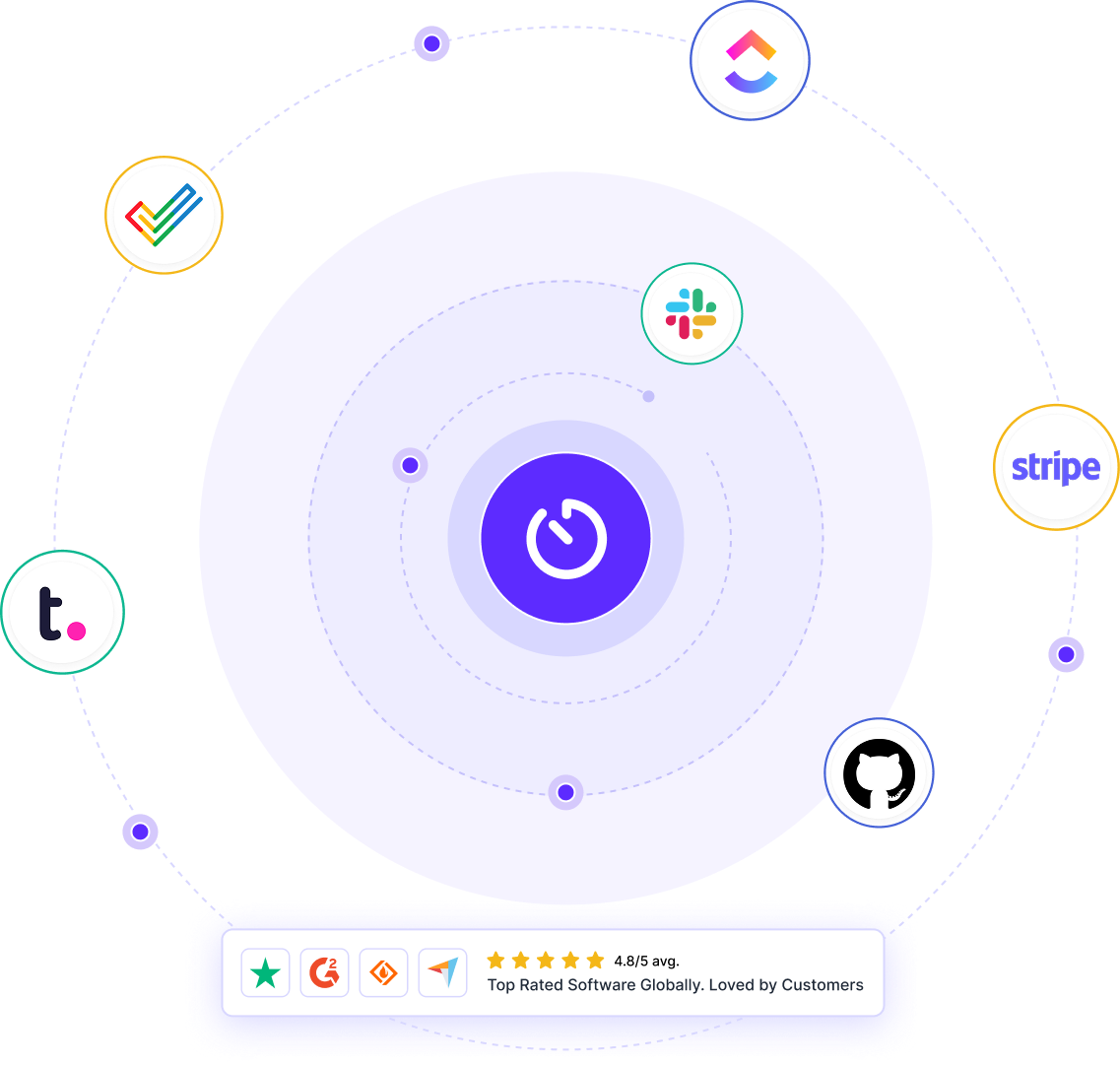
Connect productivity, utilization, and team activity in one shared platform with Workstatus.
Workstatus helps you understand how teams spend their work hours. You can:
Therefore, you get better visibility into team performance.
Productivity tools help you understand how work is progressing across teams. They help you:
Therefore, teams stay productive and aligned.
The most useful metrics focus on work output and team efficiency. You can track:
Thus, you get a clearer view of team performance.
Yes, Workstatus lets you create reports based on your business needs. You can generate reports for:
Thus, you get the information you need quickly.
Yes, Workstatus connects with popular business tools. This helps you:
Therefore, teams work more efficiently.
Not when used with clear policies and transparency.
Workstatus focuses on work-related data and helps maintain a balance between visibility and employee privacy.
Yes, Workstatus helps you manage distributed teams from one place. You can:
Thus, remote work becomes easier to manage.
Managing your workforce, projects, and reports gets simple & effective.
“Workstatus’s Productivity Measurement feature has helped us improve team’s performance. It helps us track time, spot productivity trends, and set realistic goals. We can set benchmarks and keep our team motivated. I highly recommend Workstatus to businesses looking to improve productivity.”
“Workstatus has helped us improve our architecture and interior design processes. It helps us track time across tasks and projects, spot productivity trends, and identify areas for improvement. The reports & analytics support better decisions. I highly recommend Workstatus for continuous improvement.”

“I’ve been using Workstatus time tracking software for my team, and it has made a real difference in our productivity and time management. It helps us track time accurately across projects. I highly recommend Workstatus to businesses looking to streamline time management and maximize productivity.”

“Workstatus helped us improve employees’ productivity. It helps us track what they do and how much time they spend on each project. This gives us clarity on where we need to focus. Plus, the support team quickly resolves technical issues. We’re looking forward to a long-term association with Workstatus.”

“Workstatus simplified our workforce management and HR operations. It helps us track attendance accurately, with easy clock-ins and clock-outs on smartphones. We can monitor attendance in real time, manage leave requests, and generate attendance and productivity reports. I highly recommend Workstatus for simplifying attendance and HR operations.”
“So far, I am happy with Workstatus. The client support is awesome. There've been some tweaks here & there, but I recommend this application.”

“Workstatus does more than track time. It helps us understand team performance, set realistic goals, and improve team morale. It gives us better visibility into performance and helps our team maintain good standards. I would recommend Workstatus to any organization. ”

“Workstatus has made it easier for us to focus on what matters most. It helps reduce distractions, keeps projects on track, and ensures we deliver the right projects with the best results for our users.”

“Before Workstatus, I struggled with visibility into employee productivity and daily distractions. Workstatus helps me identify top performers and coach team members. The dashboard, screenshots, focused work hours, and app tracking have made management easy. I’m very happy with the platform and its excellent support team.”

“Workstatus has simplified our attendance, task management, and productivity tracking in one platform. As our team has grown, managing people, tasks, and attendance has become significantly simpler with Workstatus. It’s affordable and easy to use, with excellent customer support.”

“"Workstatus has made a significant difference to our team. It helps us track productivity and time accurately across projects and tasks. The real-time tracking gives us a clear view of where time goes, helping us improve efficiency and optimize workflows. I highly recommend Workstatus. ”

Managing your workforce, projects, and reports gets simple & effective.

Workstatus is highly rated on G2 for ease of use, productivity insights, and workforce visibility.
Explore More
Workstatus is highly rated on Trustpilot for reliability, ease of use, and workforce visibility.
Explore MoreTracking time is not enough. Identify up to 20–25% revenue leakage, improve utilization by 15%, and prevent costly overruns.


Get a 14-day free FULL FEATURE trial of Workstatus now. Boost efficiency, accountability, and results – anytime, anywhere.



