












Experience the Power of Productivity
Make your team 40% more efficient. Set up your account in just 2 minutes!

Proudly made in India. Trusted Globally
Capture work activity, screenshots, and productive hours in one place to improve team visibility, accountability, project delivery, and data-driven decision-making.








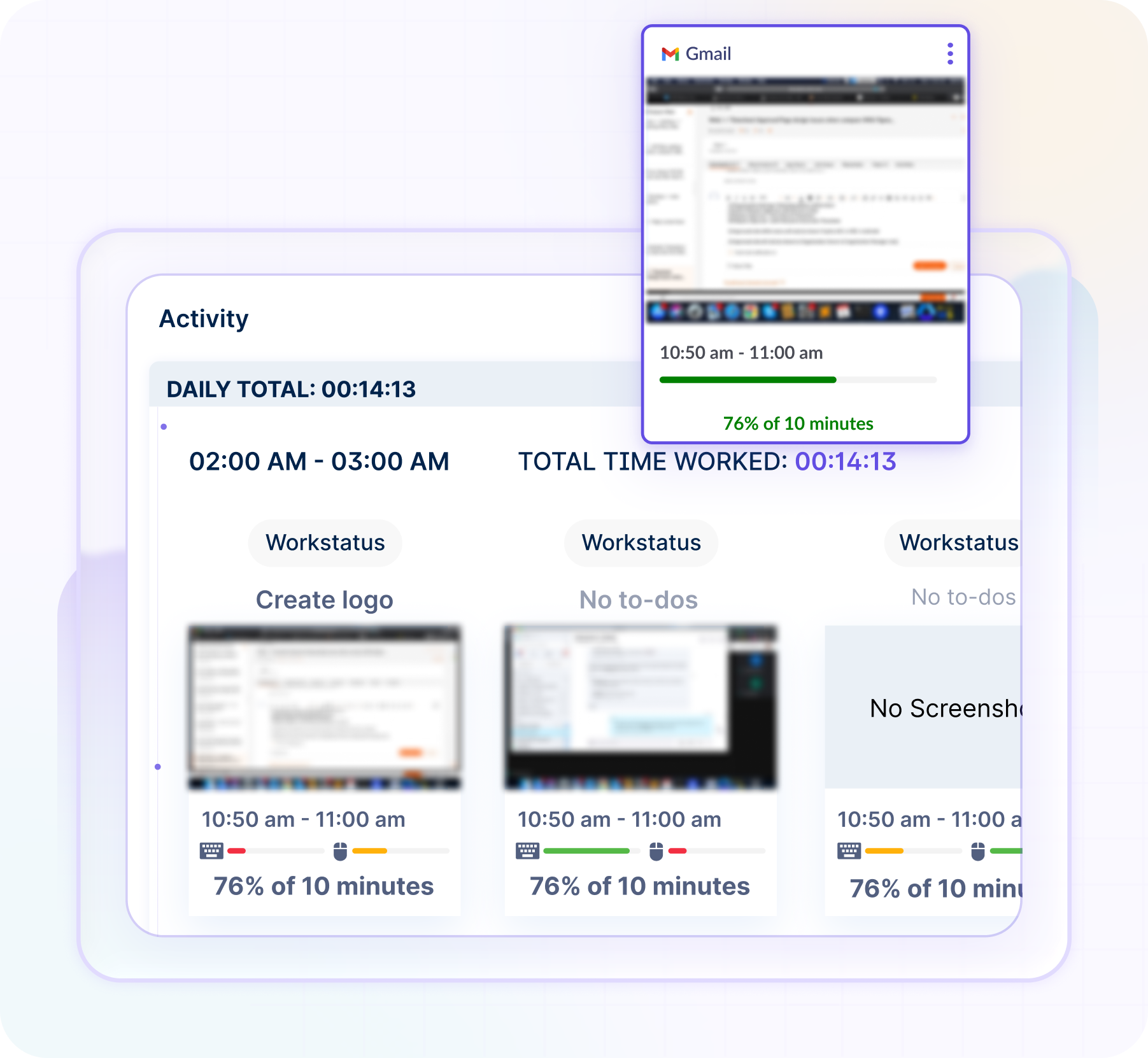
Screen monitoring software for employees captures screen activity, app usage, and work-hour records automatically. Thus, you can understand how teams spend work hours every day.
Teams switch between tasks, meetings, apps, and projects every day. However, without clear work visibility, productivity gaps become difficult to identify.
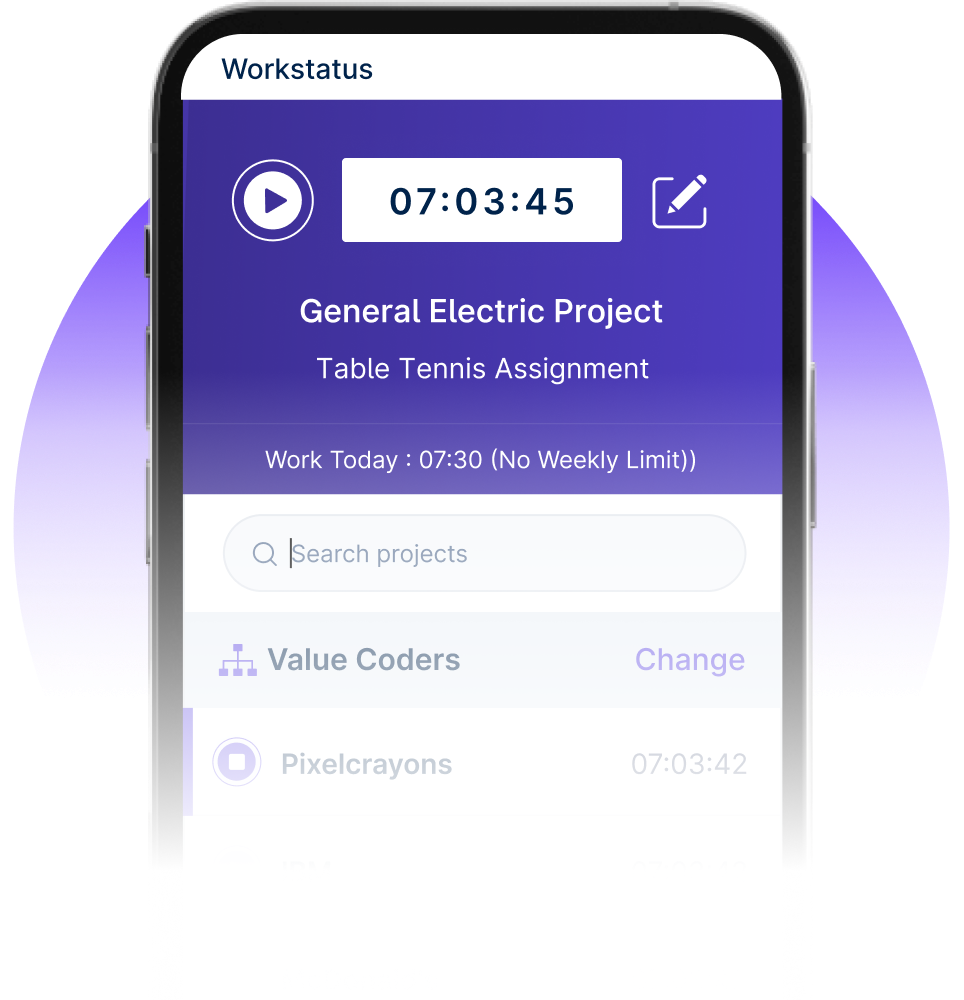

You manage projects, remote teams, and work-hour records every day. Therefore, you need clear work visibility to improve productivity and delivery timelines.
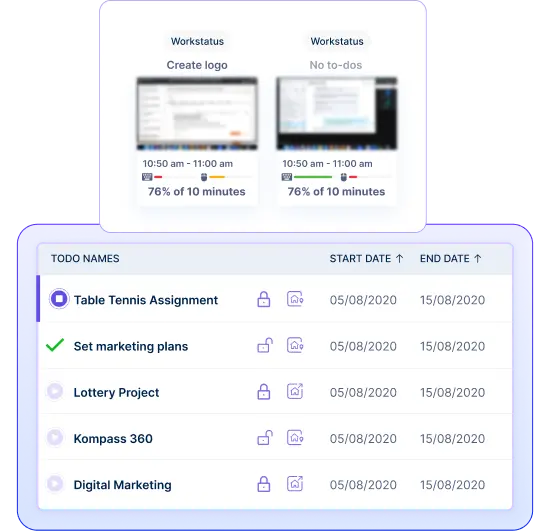
Track screen activity, work hours, and project updates automatically every day. Therefore, you can improve work visibility and reporting accuracy.
Workstatus captures screenshots, app usage, and work-hour activity automatically.
Workstatus connects work activity with projects, tasks, and billable work.
See screenshots, work updates, and productivity reports in real time.
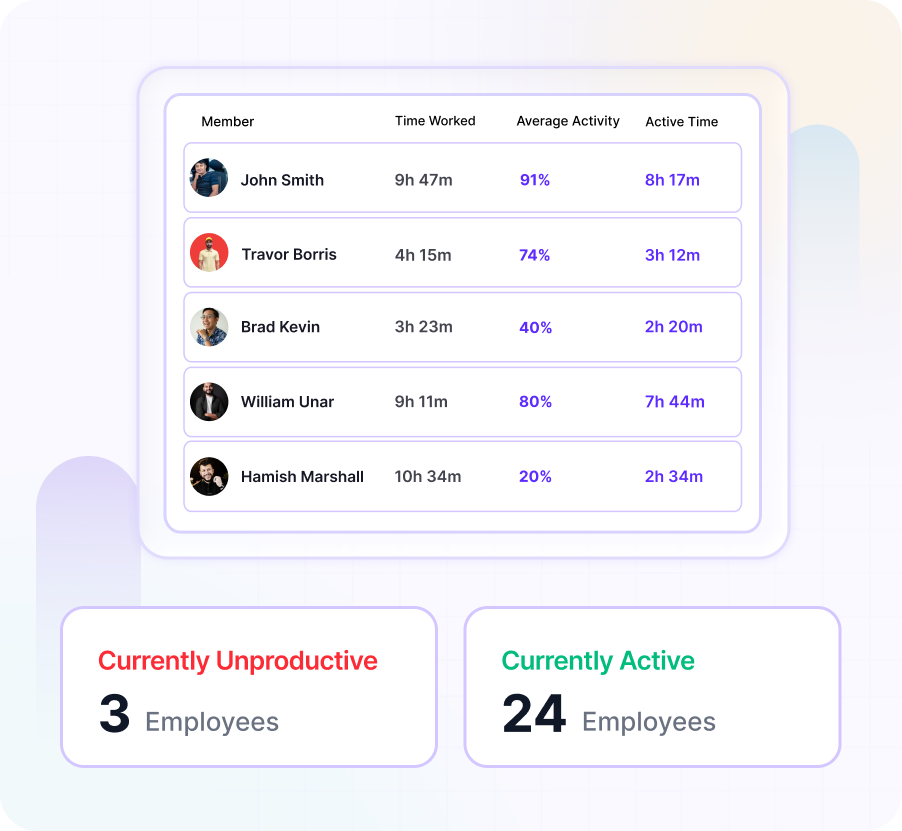

See screenshots, work activity, and productive hours in one place with Workstatus.
Book a Demo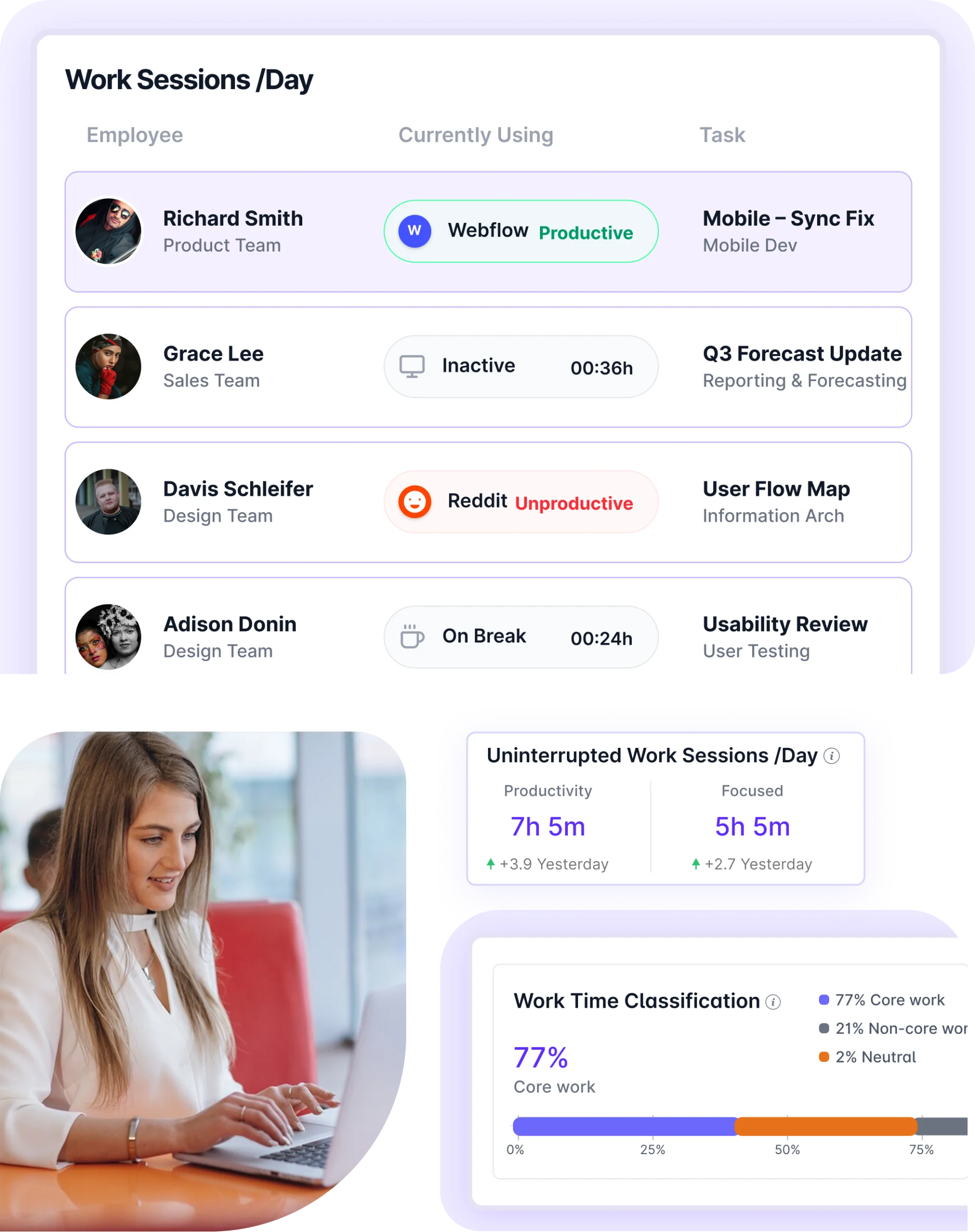
Workstatus’ employee screen tracking software for PC helps businesses gain visibility into work progress, task activity, and team focus during work hours. Teams use it to improve accountability, productivity, and project delivery.
You don’t need to migrate data. Connect tools and add an intelligence layer to your existing data to unify visibility, remove gaps, and enable smarter decisions.
Explore More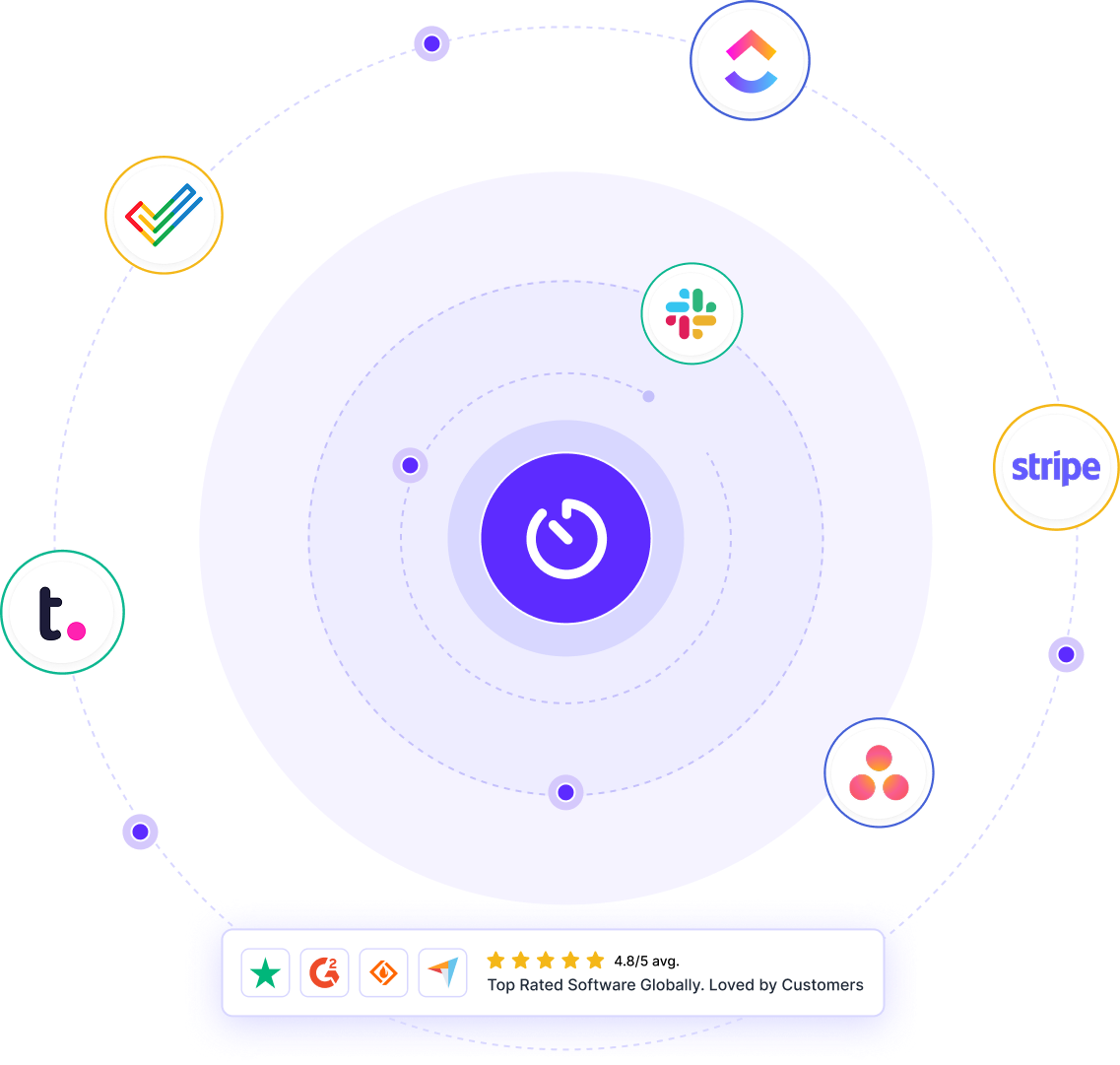
A unified intelligence layer connecting your people, projects, and operations- turning daily work into predictable outcomes.
Maximize workforce potential with activity insights, workload signals, and focus trends- without micromanagement.
Explore Productivity IntelligenceReal-time visibility into progress, blockers, delivery estimates, and verified balance for every project across your portfolio.
Explore Project IntelligenceClear visibility into billable hours and invoice-ready time, ensuring accurate billing and healthier margins on every engagement.
Explore Time IntelligenceCross-team insights into capacity, utilization, and performance health across roles, teams, and departments - at a glance.
Explore Workforce IntelligenceConnect screenshots, work activity, and project updates in one shared platform with Work Intelligence™.
Workstatus captures screen activity during work hours and connects it with time tracking.
You can review work patterns and project activity from one platform.
Thus, you get better visibility into daily work.
Yes, remote screen monitoring software helps you understand work patterns and time usage.
It helps you:
Therefore, remote teams can work more efficiently.
Yes, screen monitoring software is generally legal when employees are informed and businesses follow local labor and privacy regulations.
It helps organizations:
Therefore, clear communication and transparent policies are important when using screen monitoring tools.
Many industries use screen monitoring to improve visibility and productivity. These include:
Thus, it supports better workforce management across different industries.
Screen monitoring provides visibility into work activity during work hours.
It helps you:
Thus, teams make better use of their workday.
Yes, Workstatus connects screen activity with workforce data.
You can:
Therefore, you get a complete view of workforce performance from one platform.
Managing your workforce, projects, and reports gets simple & effective.
“Workstatus simplified our workforce management and HR operations, allowing us to track attendance seamlessly and accurately.”

“Workstatus is incredibly easy-to-use. It allows us to track time accurately for each project and task.”

“We started using Workstatus sometime back. It gives a clarity on project progress, and we are able to track the time spent on each task.”

“So far, I am happy with Workstatus. The client support is awesome. There've been some tweaks here & there, but I recommend this application.”

“Workstatus doesn't just track time, it helps us understand how the team is performing. It always boosts team morale.”

“Time management is crucial for us, and Workstatus keeps away the distractions. We can focus more on project and deliver best outcomes to users.”

“Workstatus helped us identify top performers, reduce distractions, and improve overall team productivity. It's a no-brainer for any business.”

“Hi, I'm Ritesh, Founder of Insightstap. Workstatus has simplified our attendance, task management, and productivity tracking in one platform. It's affordable, easy to use, and backed by excellent customer support. ”

Managing your workforce, projects, and reports gets simple & effective.

Workstatus is highly rated on G2 for ease of use, productivity insights, and workforce visibility.
Explore More
Workstatus is highly rated on Trustpilot for reliability, ease of use, and workforce visibility.
Explore MoreTracking time is not enough. Identify up to 20–25% revenue leakage, improve utilization by 15%, and prevent costly overruns.


Get a 7-day free FULL FEATURE trial of Workstatus now. Boost efficiency, accountability, and results – anytime, anywhere.



