


Set up Slack time tracking and activity notifications in minutes to keep teams informed and projects moving forward.

Experience the Power of Productivity
Make your team 40% more efficient. Set up your account in just 2 minutes!

See exactly where time goes, improve team performance, and strengthen Slack for project management workflows through real-time work intelligence and productivity insights.
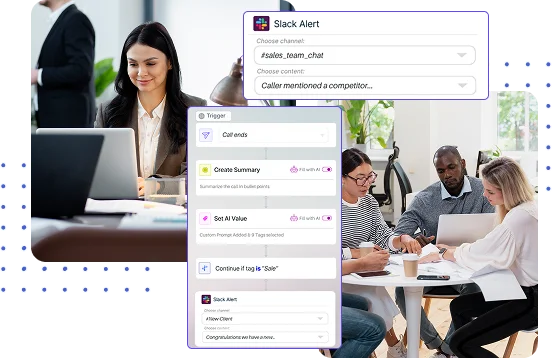
Improve project management with Slack by receiving real-time notifications when work starts, stops, or reaches key milestones.
Log in to Workstatus. Open the Integrations tab from the sidebar, then select Slack from user profile under Integrations.
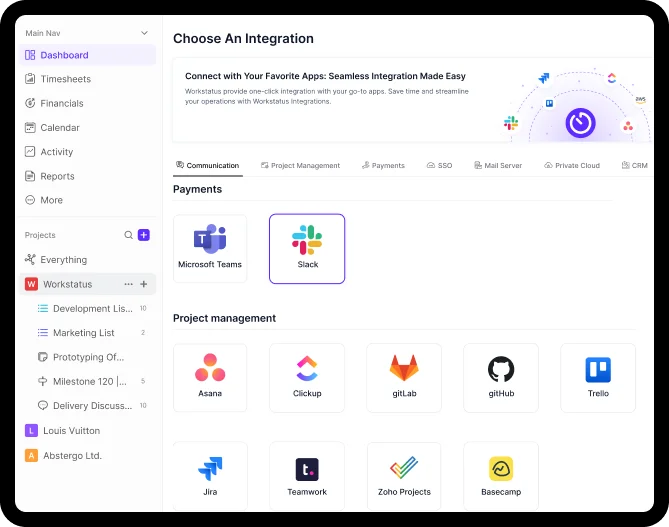
Choose the Slack channels you want to link. All new updates flow in automatically.
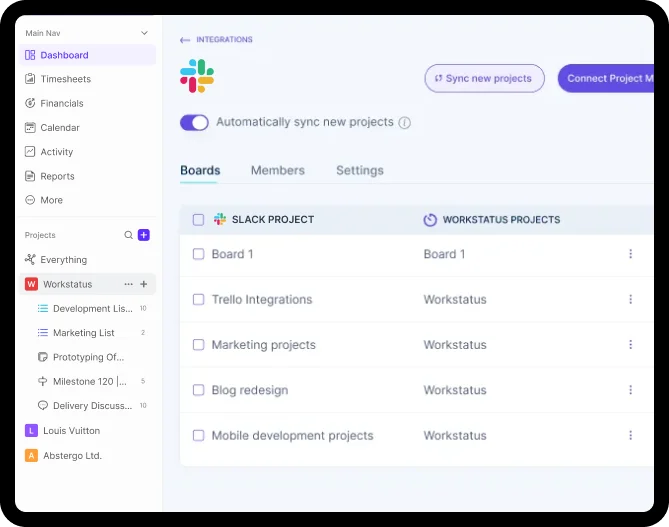
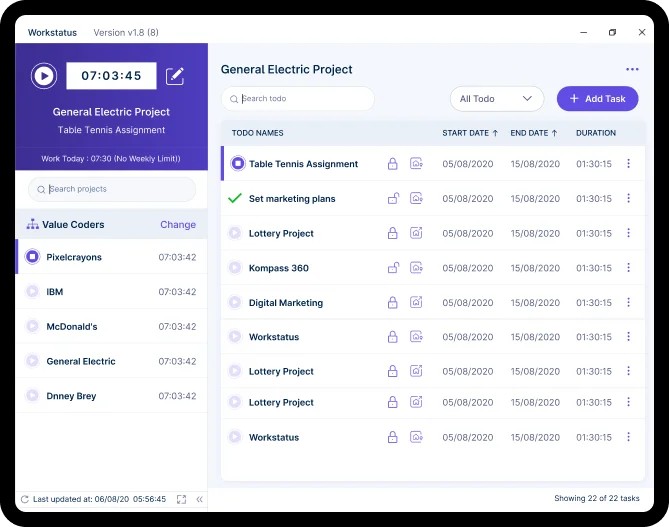
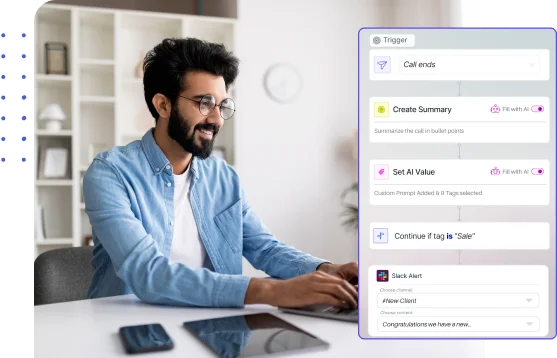
Reduce communication gaps with instant updates that keep teams on track, minimize delays, and maintain consistent project momentum
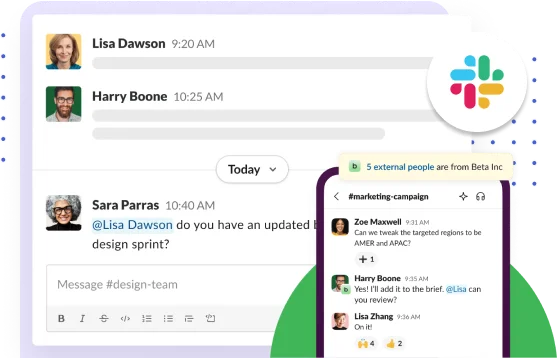
Teams using Slack for project management benefit from centralized communication, instant updates, and greater visibility into project progress.
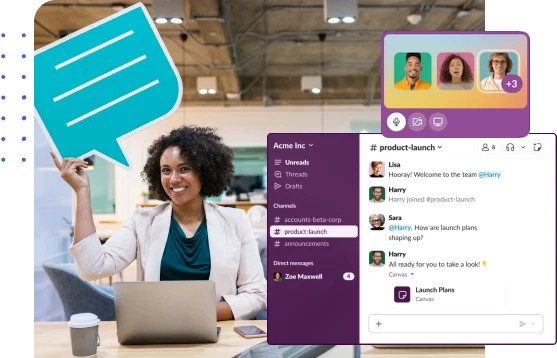
Empower teams to act quickly with timely information, accelerating decisions that improve project outcomes and enhance client transparency.

Manage projects with task clarity, budget tracking, and reliable client billing.

Get app and URL insights tied to tasks for clearer time usage.

Capture billable and non-billable hours for clearer client reporting and planning.

Track shifts and locations with GPS and geofencing for detailed workforce insights.

Get periodic screenshots for real-time visibility and clear proof of work.

Simplify payroll & invoicing with verified work hours and accurate calculations.

The Slack project management integration connects team communication with Workstatus productivity tracking, activity insights, and project updates. Teams receive real-time notifications and visibility without switching between tools.
Slack integrated with Workstatus helps by adding activity tracking, automated notifications, productivity insights, and workforce visibility directly into Slack.
Yes. Slack time tracking notifications can keep teams informed when work starts, stops, or reaches key milestones, improving accountability and project visibility.
Absolutely. It centralizes updates, helps teams stay informed, and ensures work progress is visible without switching tools.
Workstatus is a project management software that integrates with Slack, combining communication, productivity tracking, workforce analytics, and project visibility in a single workflow.
Yes. Workstatus uses secure authentication and protects communication data with industry-standard security.
Track time and productivity effortlessly.
Customized Solutions for Maximum Productivity


Get a 7-day free FULL FEATURE trial of Workstatus now. Boost efficiency, accountability, and results – anytime, anywhere.



