











Resource Management

Manage Resources With Clarity, Balance, and Control

Use capacity insights, skill mapping, and workload analytics to ensure every team member is optimally assigned- without burnout or underutilization.

Without Workstatus

  • Manual resource allocation
  • No visibility into team capacity
  • Inaccurate project forecasting
  • Overutilized or idle team members
Workstatus

With Workstatus

  • Real-time resource allocation
  • Automated capacity planning
  • Predictable project timelines
  • Accurate utilization insights


Transform How Your Team Works

Turn Resource Allocation Into Measurable Outcomes

Use intelligent forecasting and workload analytics to reduce inefficiencies, prevent overstaffing, and keep delivery on track across projects and teams.

  • Workstatus
  • Workstatus
  • Workstatus

What Workstatus Delivers

  • 3× Faster Allocation
  • 50% Better Balance
  • 95% Capacity Accuracy
  • 60% Less Work Overload
  • 4.8 Excellent Award

    I am so glad I found Workstatus. It has helped me become more productive, track my time.

  • 4.6 Excellent Award

    WorkStatus has been a game-changer for our team's productivity. Its real-time tracking features have brought transparency.

  • 4.5 Excellent Award

    We are able to time track all our team members with screenshots and activity URLs, Task management as well as Project reports.

  • 4.8 Excellent Award

    Workstatus is an amazing tool to help me keep track of what my team is doing. It's very easy, gives powerful insights on projects.

  • 4.6 Excellent Award

    The best thing about Workstatus is how easy it is to use. The app makes it simple for me to track the time I spend on tasks and projects.

  • 4.8 Excellent Award

    I am so glad I found Workstatus. It has helped me become more productive, track my time.

  • 4.6 Excellent Award

    WorkStatus has been a game-changer for our team's productivity. Its real-time tracking features have brought transparency.

  • 4.5 Excellent Award

    We are able to time track all our team members with screenshots and activity URLs, Task management as well as Project reports.

  • 4.8 Excellent Award

    Workstatus is an amazing tool to help me keep track of what my team is doing. It's very easy, gives powerful insights on projects.

500K+

Active users

21M+

Hours Tracked

EFFICIENT DEPLOYMENT

Allocate the Right Resources at the Right Time

Use resource intelligence to match skills, availability, and workload- ensuring every task is assigned efficiently and projects move forward without delays.
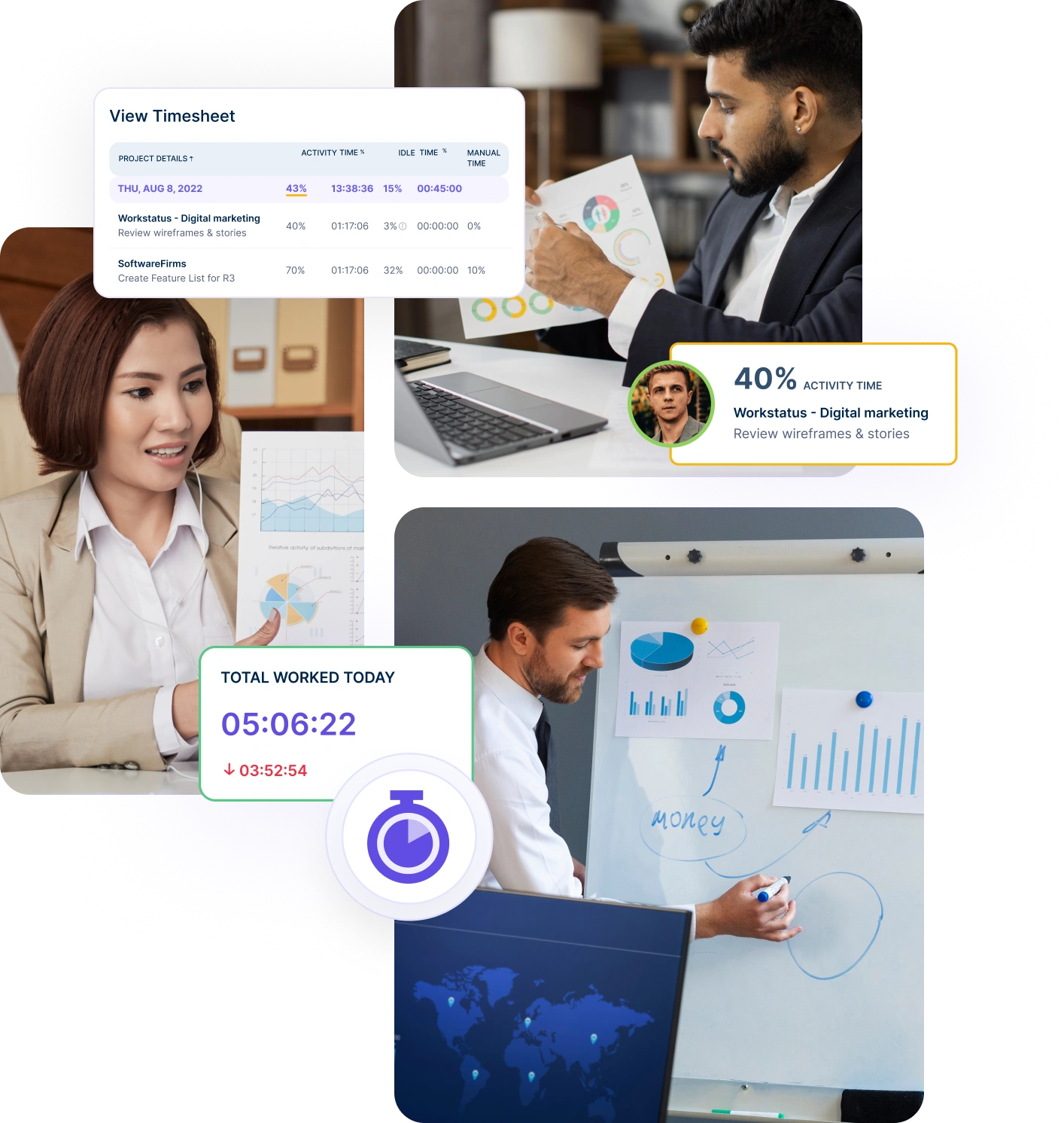
Strategic Resource Deployment

Strategic Resource Deployment

Focus on effectively deploying your team’s skills across projects to maximize productivity.

  • Optimized allocation
  • Enhanced efficiency
  • On-time delivery

Real-Time Utilization Tracking

Monitoring resource usage continuously for improved efficiency.

SEAMLESS SCHEDULING

Know What’s Scheduled and What Needs Adjusting

Gain scheduling intelligence that highlights gaps, conflicts, and shifting priorities – so you can rebalance workloads and keep teams aligned with minimal effort.
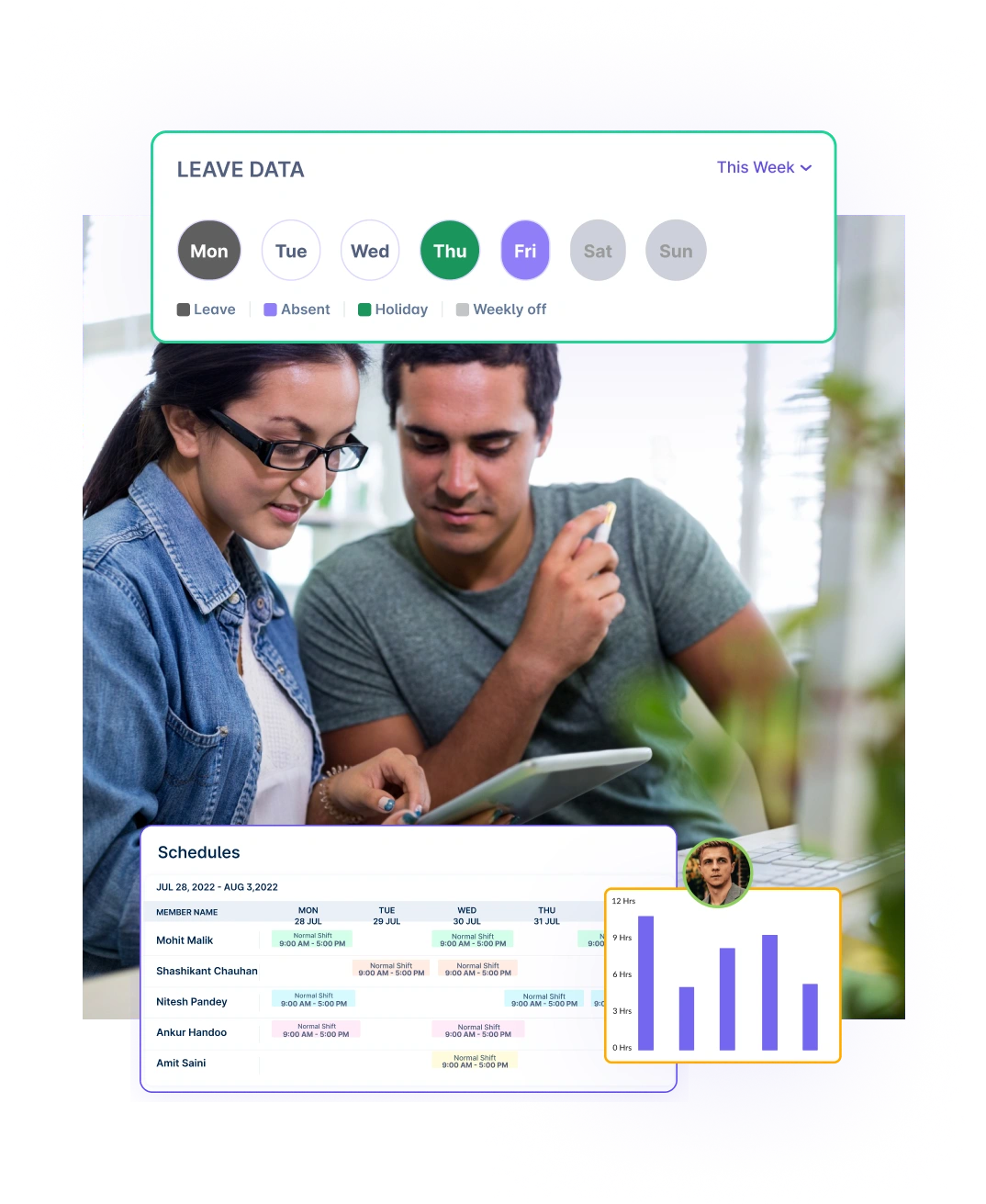
Create Flexible Schedules

Create Flexible Schedules

Easily handle employee availability, shifts, and time off without overlap or confusion.

  • Adaptable planning
  • Better coverage
  • Aligned tasks

Automated Schedule Updates

Notify employees instantly when schedules are updated to avoid miscommunication.
  • Reduced errors
  • Improved communication
  • Quick adjustments

Achieve More: Optimize Time Tracking & Workforce Coordination

Discover
Discover

70%

INCREASED EFFICIENCY

A multi-national marketing firm, boosted overall efficiency.

Increase Your Team Productivity

Discover

35%

INCREASED ROI

A Delhi-based startup achieved 30%+ increased ROI with Workstatus.

Enhance Your Business ROI
OPTIMAL DISTRIBUTION

See Who’s Busy, Who’s Free, and Who Needs Support

Use real-time workload intelligence to understand team capacity, identify overload risks, and assign work where it can be completed most efficiently.
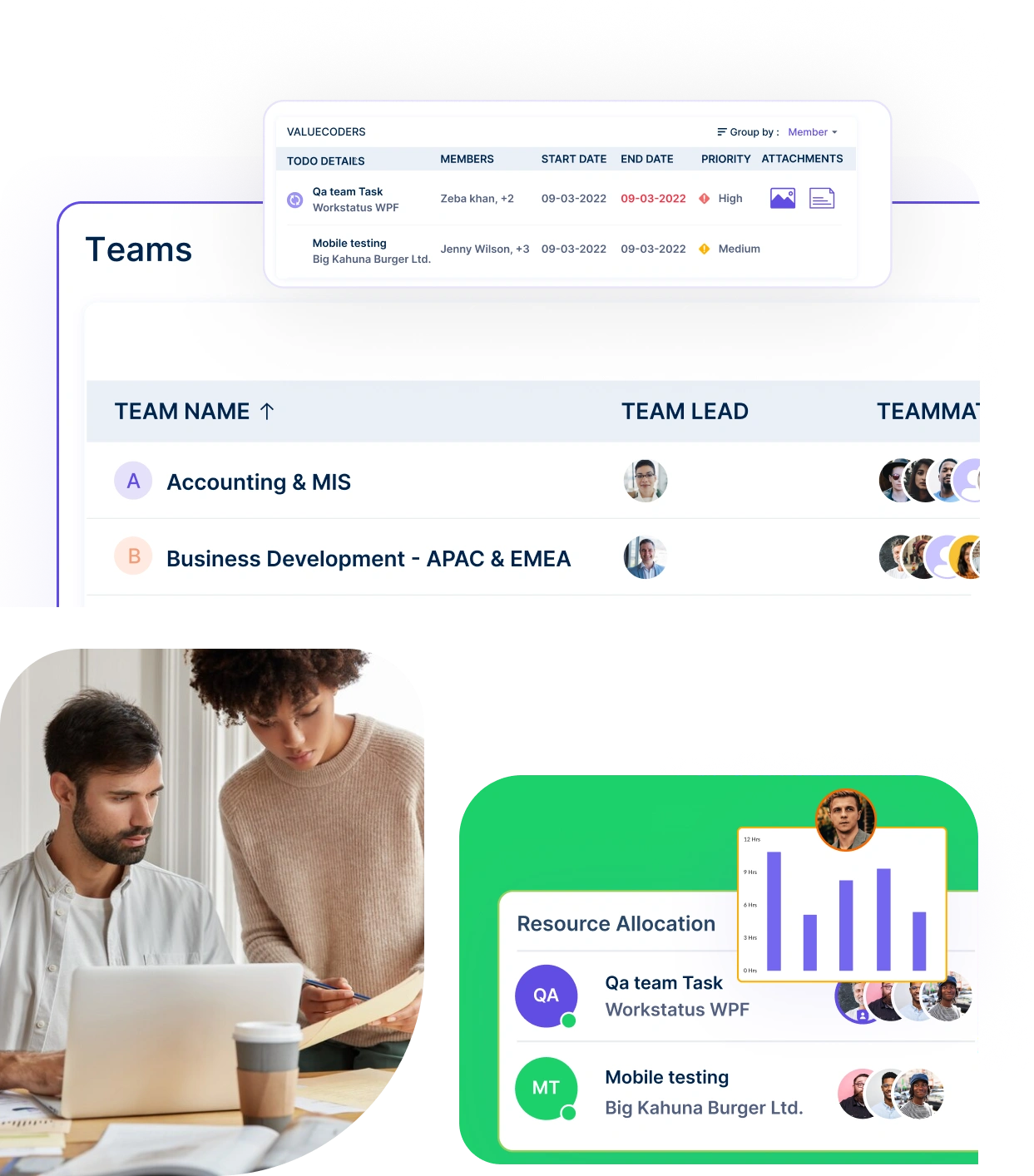
Fair Workload Distribution

Fair Workload Distribution

Balance workloads across your team to maintain consistent productivity.

  • Avoid Overload
  • Boost Morale
  • Less admin work

Prioritize Tasks Dynamically

Shift workloads dynamically based on changing project needs or deadlines.

  • Agile Planning
  • Responsive Priorities
  • Project Agility
Simple & Quick

Why Switch To Workstatus

Get clearer visibility, smarter decisions, and stronger workforce performance- powered by automation and intelligence.
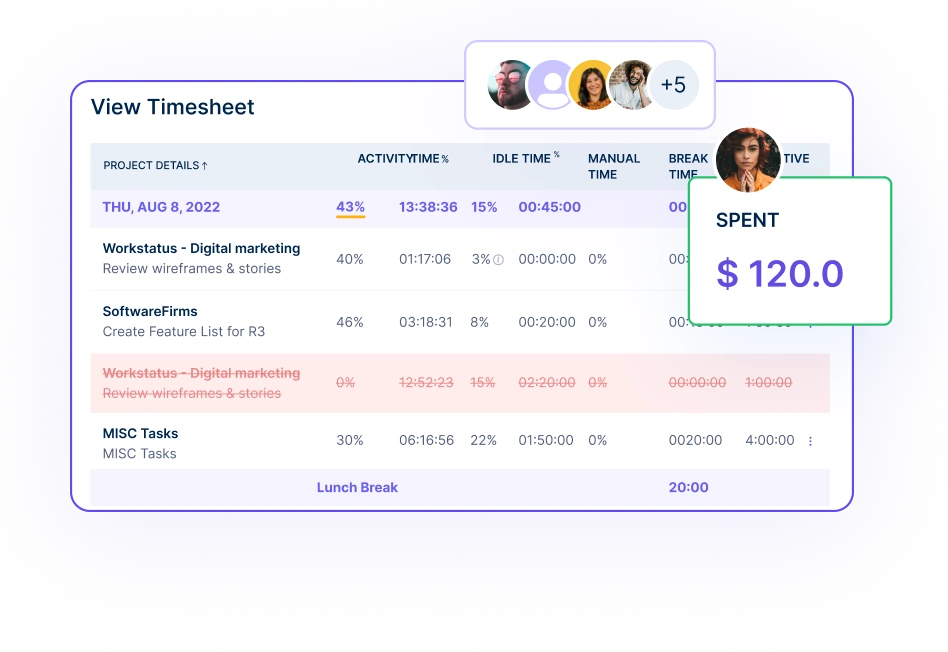
Predict resource needs

Switching Is Easy

Quick setup, smooth move

  • Quick Onboarding
  • Support & Training
  • Data Security
  • Zero Downtime
  • Flexible Plans
For All Workplaces

Collaborate Seamlessly Wherever You Work

Work together effortlessly, no matter where your team is located, with tools that keep communication and collaboration smooth.

Workstatus

Remote Work

Stay connected and accountable

Achieve 30%

Higher Accountability

Remote Work

  • Reduce delivery surprises
  • Improve accountability
  • Defend client billing
Workstatus

Hybrid Work

Balance productivity everywhere

Get 40%

Productivity Increase

Hybrid Work

  • One unified view across teams
  • Balance workloads
  • Predict performance
Workstatus

Field Work

Empower field team efficiency

Experience 35%

Task Efficiency

Field Work

  • Accurate time & location records
  • Verified payroll & billing
  • Compliance-ready logs
Workstatus

Office Work

Optimize office productivity

See 35%

Enhanced Productivity

Office Work

  • Zero manual admin work
  • Improve productivity visibility
  • Reduce hidden time loss
Compare. Analyze. Decide

Get The Right Tool

Analyze and assess tools side by side to choose the best fit for your team’s needs and goals.

Hubstaff
DeskTime
Time Doctor
Insightful
We360
ActivTrak
Teramind
Monitask
TimeChamp
Everhour
Clockify
Toggl
Truein
Zoho
Apploye
Harvest
TrackOlap
My Hours
Handdy
EmpMonitor
Online Timesheets
Online Time Reporting
Web Based Time Tracker
Shift Management
Live Location Tracking
Time Off Management
Geofence Time Tracking
Time Clock App
Automatic Time Mapping
Habit Tracker App
Pricing
$1.6₹48 (Per user / Month) Start Free Trial
$7₹593 (Per user / Month)
$4.55₹390 (Per user / Month)
$11₹931 (Per user / Month)
$14₹1199 (Per user / Month)
$5₹423 (Per user / Month)

Transform the Way You Work

From time tracking to advanced analytics, Workstatus has everything your business needs to elevate operations.

Book A DemoGet queries answered from experts
OR
Please wait, while we load the pricing plans for you.
User Guide

Have Queries? We Have Answers

How to allocate resources across a team?

Allocating resources effectively across a team ensures tasks are completed on time and team members remain productive without being overburdened.

A structured approach makes this process more efficient.

  • Begin by assessing each team member’s skills, strengths, and current workload. This helps identify who has the capacity to take on additional tasks and ensures that assignments align with individual expertise.
  • Utilize tools designed for resource allocation to distribute tasks systematically. These tools help managers assign responsibilities based on availability and project priorities.
  • Clearly define roles, responsibilities, and expectations to avoid confusion. Providing clear guidelines ensures everyone understands their tasks and how they contribute to the overall project.
  • Monitor progress regularly to ensure workloads remain balanced. Use reporting tool to identify any team members who may be struggling or under utilized.
  • Encourage open communication within the team, allowing members to share feedback or suggest adjustments to their assignments.
  • Continuously evaluate and adjust resource distribution as project demands change, ensuring resources are utilized optimally.

By following these steps, teams can achieve a balanced workload, prevent burnout, and maintain high productivity levels throughout the project lifecycle.

Is real-time resource utilization tracking possible?

Yes, real-time resource utilization tracking is not only possible but also a vital aspect of effective team management. It helps optimize productivity and ensures resources are used efficiently.

  • Implement time-tracking tools to monitor how team members spend their working hours. These tools provide insights into active hours, idle time, and time spent on specific tasks.
  • Use real-time data to identify inefficiencies, such as delays or bottlenecks, and address them promptly. This allows managers to take corrective actions before small issues become major problems.
  • Real-time tracking also enables dynamic resource allocation, where tasks can be reassigned or reprioritized based on current project needs.
  • Generate detailed reports to analyze trends in resource utilization. These insights can guide decisions about workload adjustments and future project planning.
  • Communicate with team members about the benefits of real-time tracking, emphasizing how it supports productivity and ensures a fair workload.
  • Ensure the tracking process is transparent and easy to understand, fostering trust and collaboration among team members.

Real-time tracking empowers managers to make informed decisions, helping teams stay on track and meet project goals efficiently.

What can be done if the team is over-allocated?

Over-allocation can lead to stress, burnout, and missed deadlines, so addressing it promptly is essential for maintaining team well-being and efficiency.

  • Start by reviewing the workload of each team member to identify those who are handling too many tasks. This step helps pinpoint areas where redistribution is necessary.
  • Use a workload management tool to redistribute tasks among team members who have more availability. These tools make it easier to balance workloads across the team.
  • Prioritize tasks based on urgency and importance. Focus on high-priority tasks while deferring or reassigning less critical ones to lighten the load.
  • Adjust project timelines for non-urgent tasks to provide overburdened team members with more time to complete their work.
  • Consider bringing in additional resources, such as temporary staff or outsourcing, to alleviate pressure during peak periods.
  • Regularly monitor workloads and maintain open communication with the team to prevent over-allocation from happening again.

By redistributing tasks and adjusting priorities, teams can maintain efficiency and meet deadlines without compromising employee well-being.

How to manage resources across multiple projects?

Managing resources across multiple projects can be challenging, but with careful planning and organization, it’s possible to balance workloads and ensure successful project outcomes.

  • Begin by organizing projects into distinct phases or categories. Assign resources based on the priority and urgency of each phase to ensure high-priority tasks receive adequate attention.
  • Use time-tracking tool to monitor how much time each team member spends on tasks across different projects. This provides insights into individual contributions and potential inefficiencies.
  • Regularly review resource allocation to identify areas where adjustments are needed. This helps ensure that no project is neglected and that workloads remain balanced.
  • Use resource management software to streamline scheduling and optimize resource utilization across projects. These tools provide a clear overview of team capacity and project demands.
  • Communicate with team members about their responsibilities and workloads to ensure they are comfortable with their assignments. Open dialogue fosters collaboration and reduces stress.
  • Monitor overall team performance to identify bottlenecks or resource shortages. Make proactive adjustments to maintain progress and avoid delays.

By staying flexible and using the right tools, teams can effectively manage resources across multiple projects while maintaining productivity and morale.

Can budget limits be set for resource allocation?

Yes, setting budget limits for resource allocation is a practical way to maintain financial control while ensuring resources are used effectively.

  • Start by defining clear budget parameters for each project. These can be based on hours, tasks, or overall costs, providing a framework for resource allocation.
  • Use time-tracking and project management tool to monitor time spent on tasks. Compare this data against the allocated budget to identify any discrepancies.
  • Adjust allocations for non-essential tasks to ensure critical work is completed within budget constraints. This helps prioritize spending on high-value activities.
  • Review budgets regularly to identify inefficiencies or areas where resources can be reallocated to save costs.
  • Incorporate flexibility into your budgeting process, allowing for adjustments in scope or priorities as project demands evolve.
  • Communicate budget expectations clearly to the team so everyone understands the importance of staying within financial limits.

By setting and actively monitoring budget limits, teams can ensure that projects remain financially viable while achieving desired outcomes.

How can resource allocation be balanced during busy periods?

Balancing resource allocation during busy periods is essential to maintain productivity and meet deadlines without overwhelming team members.

  • Start by evaluating each team member’s availability and assessing their current workloads. This helps identify areas where adjustments are needed.
  • Prioritize tasks based on urgency and importance. Focus on critical work first, ensuring that essential tasks are completed on time.
  • Use employee scheduling tool to reassign tasks or adjust deadlines. These tools help create a more balanced workload across the team.
  • Provide additional support through temporary staff, outsourcing, or shifting non-critical tasks to less busy periods. This helps alleviate pressure on the team.
  • Regularly monitor progress and make adjustments as needed to keep projects on track without overburdening employees.
  • Encourage team members to communicate openly about their workloads and any challenges they face during busy times. Open communication fosters trust and collaboration.

By planning carefully and staying flexible, teams can maintain high productivity levels and ensure deadlines are met even during peak periods.

Get Answers For

Frequently Asked Questions

How does Workstatus simplify resource management?

Workstatus streamlines dynamic resource allocation by providing tools for scheduling, tracking utilization, and optimizing workloads, ensuring projects run efficiently.

What options are available for customizing resource management in Workstatus?

Workstatus allows customization of resource management by assigning roles, setting priorities, adjusting employee schedules, and updating team member availability to fit project needs.

Can Workstatus track time-offs and their impact on projects?

Yes, Workstatus integrates time-off tracking, updating team availability in real-time to reflect approved leaves and ensuring project schedules are adjusted accordingly.

How does Workstatus support enterprise resource management?

Enterprise resource management involves optimizing resources across an organization. Workstatus supports this by:

  • Centralizing resource tracking on a single dashboard.
  • Balancing workloads with workforce management tool.
  • Providing real-time data to adjust priorities quickly.

Workstatus ensures smooth and effective enterprise resource management for any business.

What role do reports play in resource management within Workstatus?

Reports in Workstatus offer detailed insights into resource utilization, productivity trends, and workload distribution, allowing managers to make informed decisions.

How does Workstatus assist with resource management plan?

A resource management plan outlines how resources like time and skills are allocated to meet project goals. Workstatus assists by:

  • Tracking time to optimize resource allocation.
  • Offering real-time insights for better planning.
  • Automating task scheduling to prevent conflicts.

With Workstatus, creating an efficient resource management plan becomes simple and actionable.

TESTIMONIALS

We Love To Hear From Our Users

Managing your workforce, projects, and reports gets simple & effective.

“Workstatus simplified our workforce management and HR operations, allowing us to track attendance seamlessly and accurately.”

Workstatus
Ripple Nagpal
CEO of Execube Digital

“Workstatus is incredibly easy-to-use. It allows us to track time accurately for each project and task.”

Workstatus
Chetan Pabari
CHETAN PABARI & ASSOCIATES

“We started using Workstatus sometime back. It gives a clarity on project progress, and we are able to track the time spent on each task.”

Workstatus
Karthik
CEO of Experts Bio

“So far, I am happy with Workstatus. The client support is awesome. There've been some tweaks here & there, but I recommend this application.”

Workstatus
Alvaro J Ruiz
RF Solutions

“Workstatus doesn't just track time, it helps us understand how the team is performing. It always boosts team morale.”

Workstatus
Sudha
DITS

“Time management is crucial for us, and Workstatus keeps away the distractions. We can focus more on project and deliver best outcomes to users.”

Workstatus
Akash
DITS
TOP RATED GLOBALLY

The #1 Work Intelligence Software

Managing your workforce, projects, and reports gets simple & effective.

Workstatus

Workstatus is a Leader in the 2024 Gartner® Magic Quadrant™ for DevOps Platforms.

Explore More
Workstatus

Workstatus is highly rated on Trustpilot for reliability, ease of use, and workforce visibility.

Explore More

DON’T WAIT

Start Your Workstatus Journey Today!

Get detailed and clean activity reports of your team.

Book A Demo Get queries answered from experts
Start Free TrialNo credit card required