


Start Tracking Activity
Workstatus begins capturing time and updates on selected Salesforce items, giving you instant clarity on work and progress.

Bring real-time work intelligence into Salesforce to track time, follow task progress, and manage projects with clearer insights and confidence.
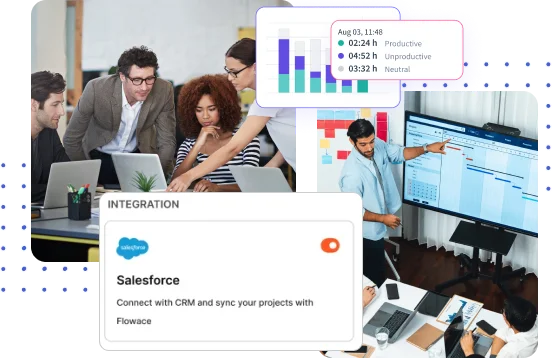
Log time directly on Salesforce tasks and activities for clear project tracking- no switching tools, just smoother, more connected workflows.
Connect Salesforce in a few simple steps to sync customer data, track work, and streamline your sales workflows.
Log in to Workstatus, connect your Salesforce account, and grant permissions for smooth data sync.
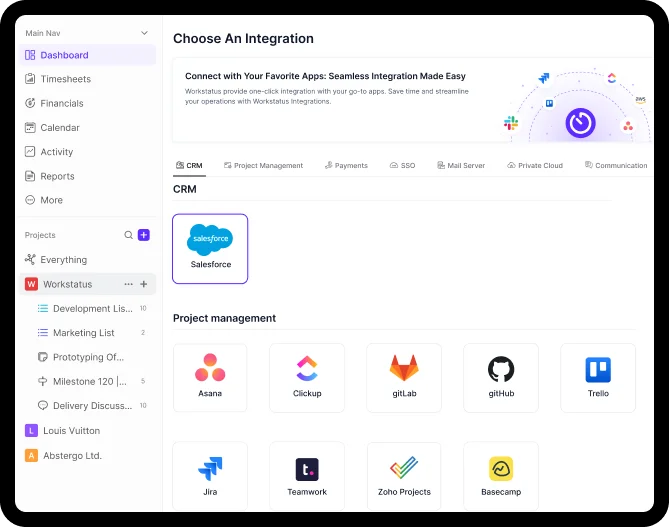
Choose the leads, opportunities, or tasks you want Workstatus to track for focused visibility.
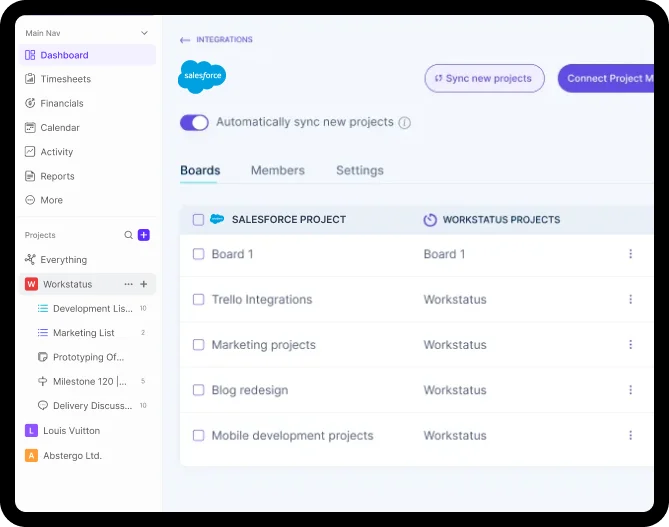
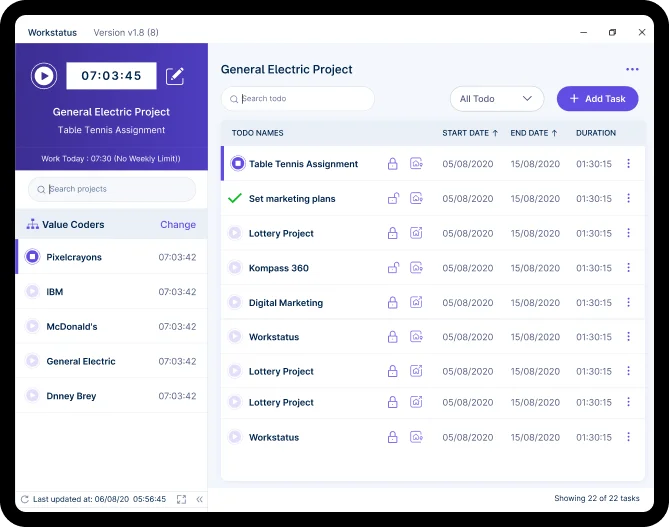
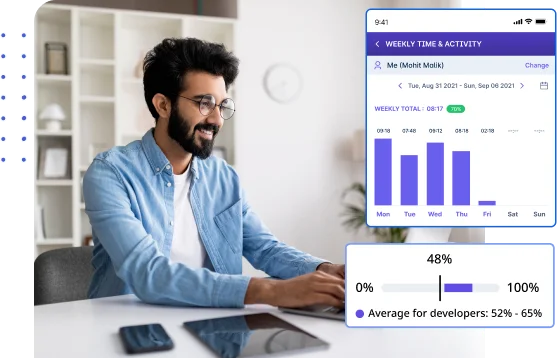
Measure sales and support work precisely, giving teams deeper insight to allocate resources better, improve planning, and drive stronger performance outcomes.
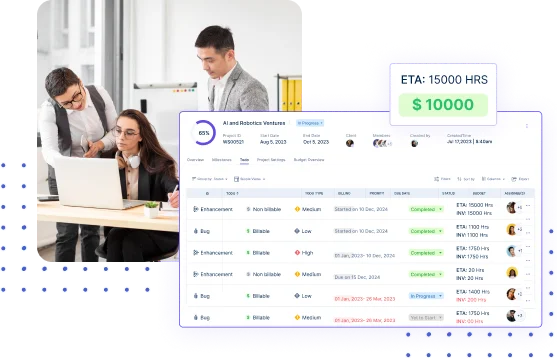
Use actionable insights to refine strategies, strengthen every interaction, and deliver more personalized, effective customer experiences that improve satisfaction.
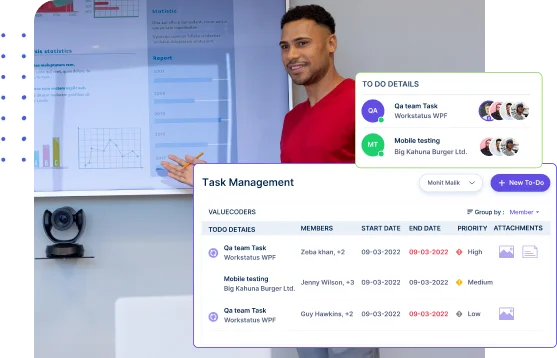
Enhance workflows with clearer data and faster processes, enabling teams to work smarter, reduce operational waste, and consistently drive higher revenue.

Manage projects with task clarity, budget tracking, and reliable client billing.

Get app and URL insights tied to tasks for clearer time usage.

Capture billable and non-billable hours for clearer client reporting and planning.

Track shifts and locations with GPS and geofencing for detailed workforce insights.

Get periodic screenshots for real-time visibility and clear proof of work.

Simplify payroll & invoicing with verified work hours and accurate calculations.

It connects your Salesforce tasks, workflows, and activities with Workstatus to track time, productivity, and project progress in one place.
Tasks, leads, activities, opportunities, and related work logs sync automatically so teams have complete visibility.
Workstatus generates automated reports on productivity, time usage, and task progress based on Salesforce data.
The integration is included in plans that support third-party app connections. Check your plan details for confirmation.
Yes. You can use tracked hours and productivity data from Salesforce tasks to automate billing/invoices in Workstatus.
Track time and productivity effortlessly.
Customized Solutions for Maximum Productivity


Get a 7-day free FULL FEATURE trial of Workstatus now. Boost efficiency, accountability, and results – anytime, anywhere.




