



Experience the Power of Productivity
Make your team 40% more efficient. Set up your account in just 2 minutes!

Bring clarity to every Teams discussion with instant insight into progress and workload, making collaboration smoother and decisions quicker.
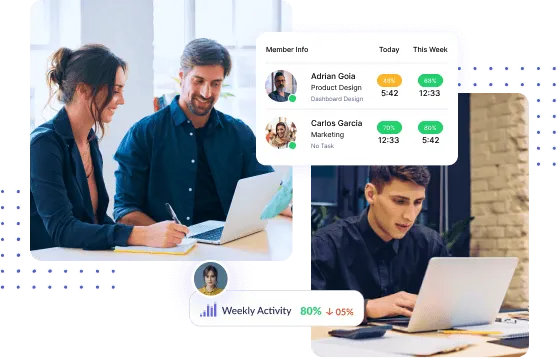
Receive immediate notifications for progress updates, time logs, and task shifts so you’re always aligned, informed, and ready to act at the right moment.
Set up Microsoft Teams quickly to centralize updates, check team activity with ease, and streamline communication.
Log in to Workstatus. Open the Integrations tab from the sidebar, then select Microsoft Teams from user profile under Integrations.
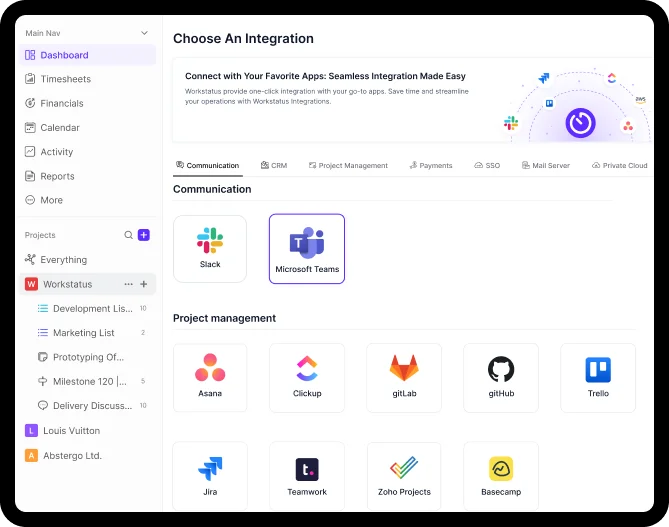
Pick the Teams channels you want to sync. New updates sync automatically.
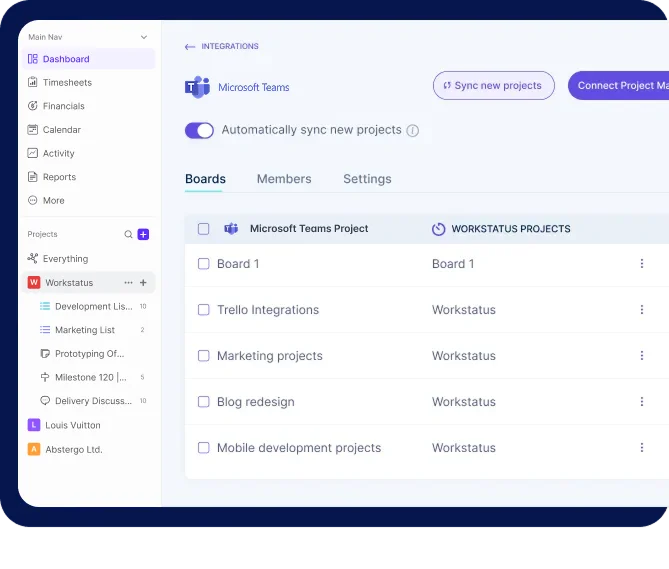
With real-time updates, teams stay aligned, respond faster to issues, and deliver work more efficiently.
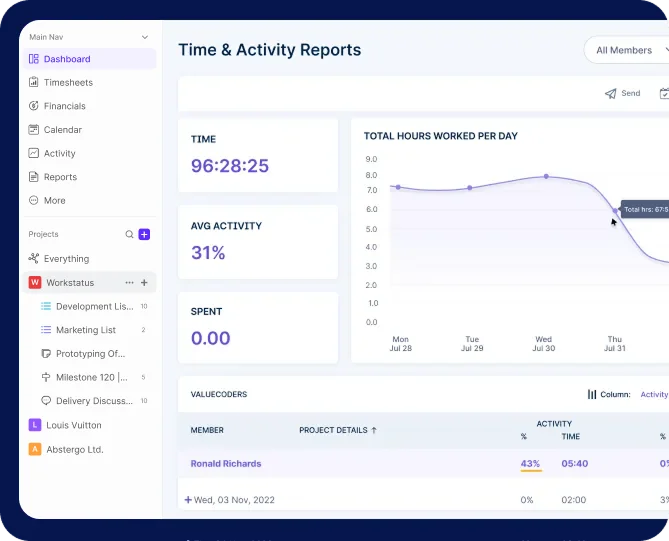
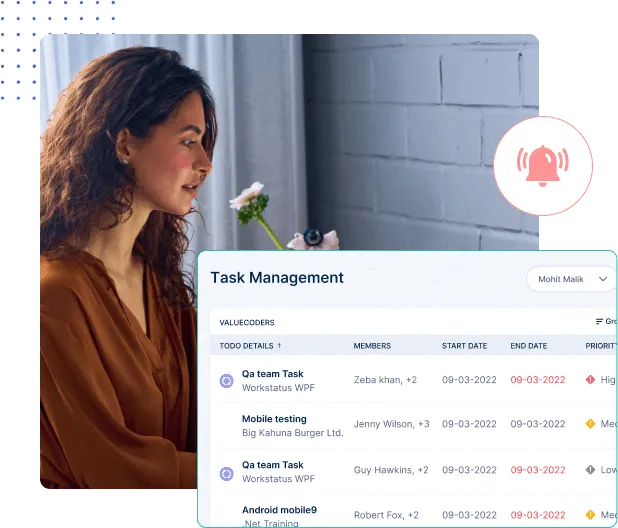
Identify bottlenecks early with timely alerts, enabling teams to act quickly, solve problems sooner, and prevent delays from escalating.
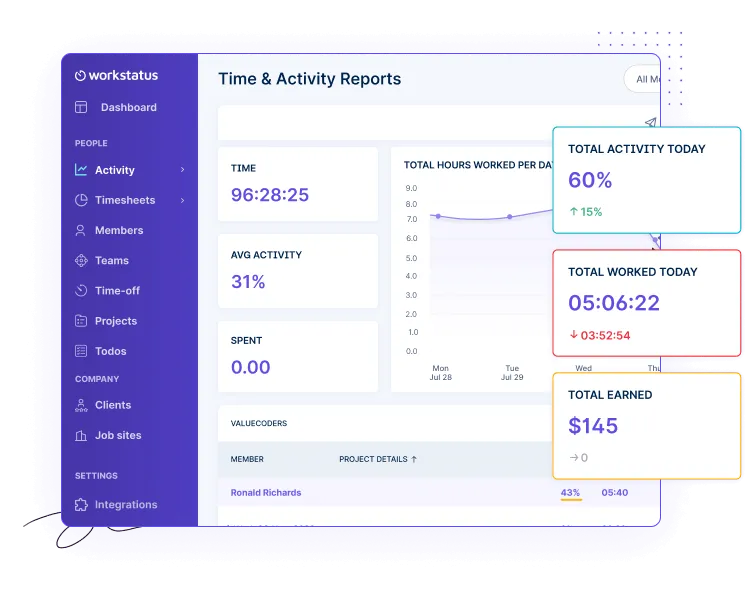
Work more efficiently and consistently meet expectations, resulting in higher client satisfaction and a more cohesive, confident team.
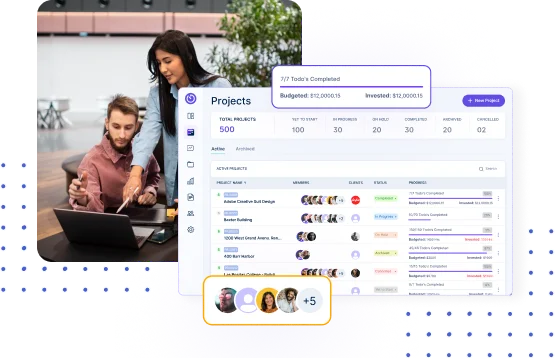
Keep teams on the same page with instant updates that reduce confusion, improve coordination, and maintain steady project momentum.

Manage projects with task clarity, budget tracking, and reliable client billing.

Get app and URL insights tied to tasks for clearer time usage.

Capture billable and non-billable hours for clearer client reporting and planning.

Track shifts and locations with GPS and geofencing for detailed workforce insights.

Get periodic screenshots for real-time visibility and clear proof of work.

Simplify payroll & invoicing with verified work hours and accurate calculations.

The integration provides in-app notifications inside Microsoft Teams for project updates, time tracking events, and task status changes. This keeps everything visible without switching apps.
Real-time notifications ensure everyone knows when tasks move, projects change, or time entries are updated. This keeps teams on the same page at all times.
Yes. Instant alerts inside Microsoft Teams help teams spot issues early and take quick action. This reduces delays and improves overall workflow speed.
Absolutely. With all updates visible in real-time, teams avoid miscommunication, reduce back-and-forth, and manage tasks more smoothly- leading to more efficient project delivery.
Clients benefit from faster responses, fewer delays, and smoother project execution. Real-time visibility enables teams to deliver work on time, improving client satisfaction and trust.
Track time and productivity effortlessly.
Customized Solutions for Maximum Productivity


Get a 7-day free FULL FEATURE trial of Workstatus now. Boost efficiency, accountability, and results – anytime, anywhere.



