Experience the Power of Productivity
Make your team 40% more efficient. Set up your account in just 2 minutes!

Maximize productivity with Asana time tracking integration powered by Workstatus, the Work Intelligence platform, revealing how tasks progress and where teams need support.
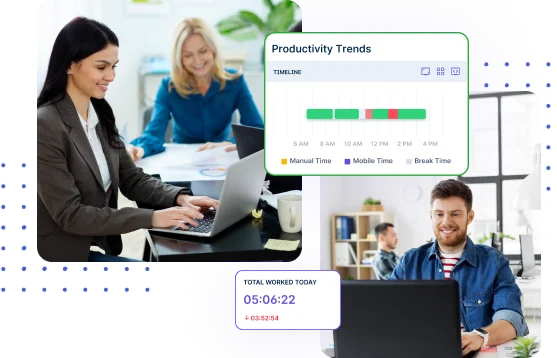
Whether you’re using Asana for project management or managing multiple client projects, Workstatus automatically syncs tasks and captures time data, giving teams a complete view of work and productivity.
A simple way to enable time tracking in Asana? Connect Workstatus and start tracking project activity in minutes.
Login to Workstatus then go to integrations from sidebar and select Asana.
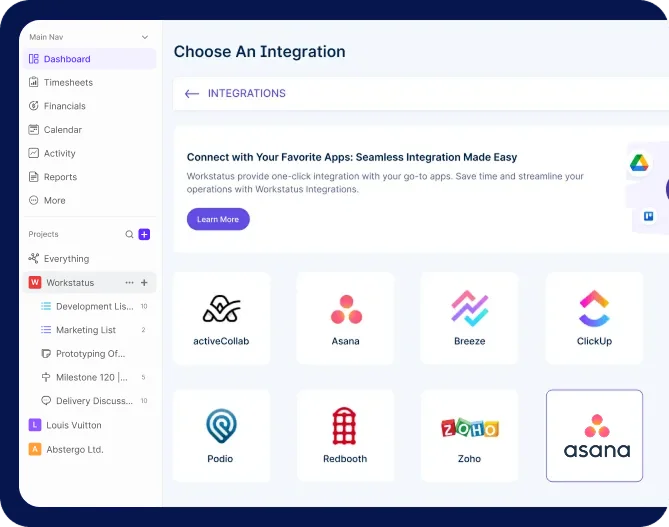
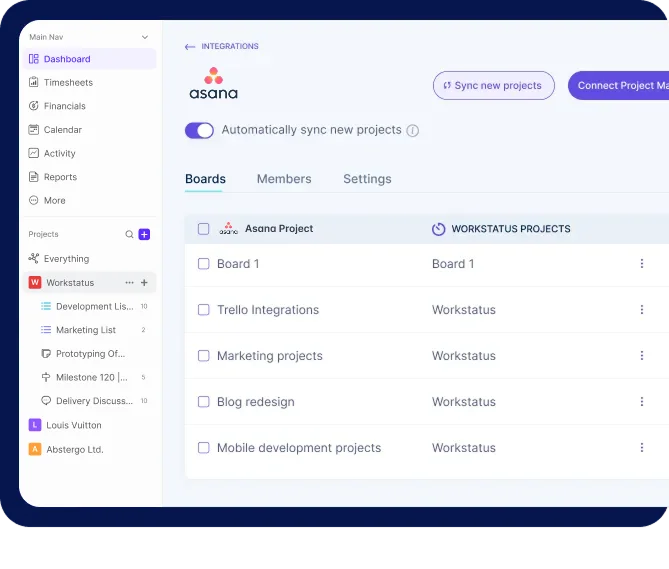
Pick your Asana projects. Workstatus will auto-sync everything- new tasks and existing ones too.
Choose a project in Workstatus and click the timer button to start tracking hours. Get accurate and valuable work insights for better productivity.
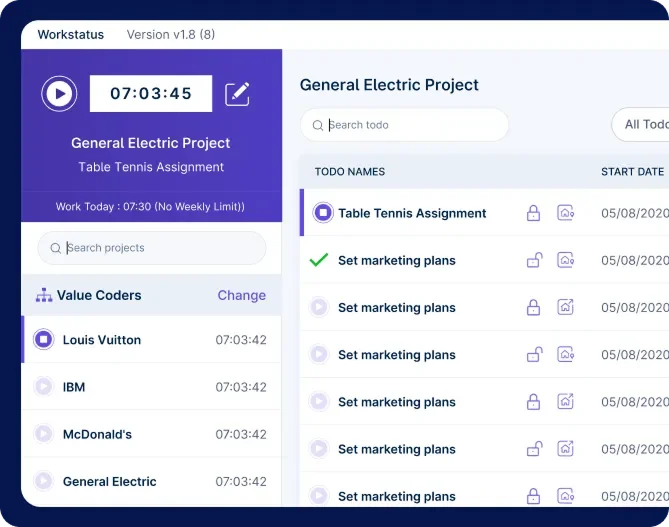
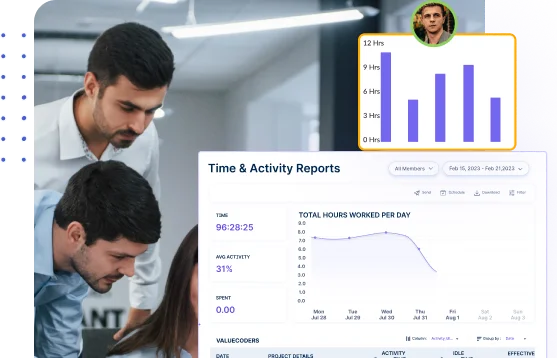
Simplify time tracking with Asana with automated time capture and reporting, giving teams cleaner data, fewer errors, and more time to focus on core tasks.
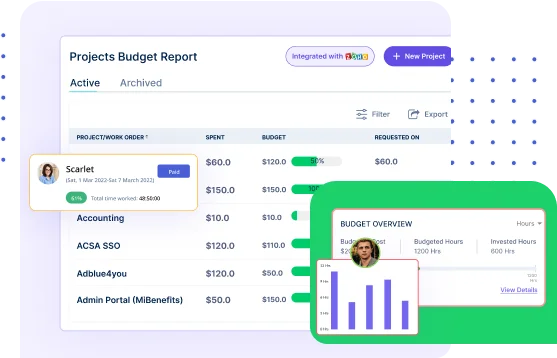
Get accurate project analytics to monitor progress, control budgets, and make faster decisions that keep delivery smooth and predictable.
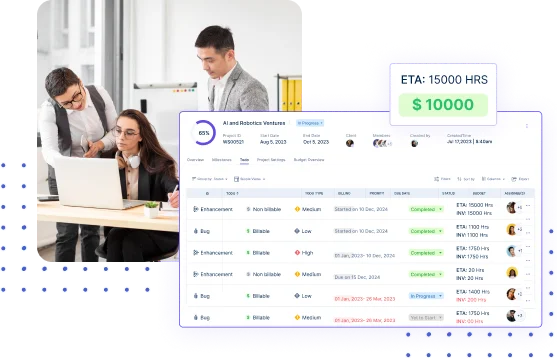
Create clear, accurate invoices using real tracked hours, improving transparency, reducing disputes, and strengthening client trust.

Manage projects with task clarity, budget tracking, and reliable client billing

Get app & URL insights tied to Asana tasks for clearer time usage.

Capture billable and non-billable hours for clearer client reporting and planning.

Get periodic screenshots for real-time visibility into ongoing tasks.

Track shifts and locations with GPS and geofencing for detailed workforce insights.

Simplify payroll & invoicing with verified work hours and accurate calculations.

Workstatus enhances Asana time tracking by automatically capturing work hours, activity levels, and task progress. Teams gain visibility into how time is spent, making it easier to improve planning, resource allocation, and project delivery.
You get detailed activity insights like active hours, idle time, task focus, and daily performance trends. These insights add work intelligence to your projects, making it easier to understand team patterns and improve workflows.
Workstatus extends Asana with automatic time tracking, workforce analytics, screenshots, productivity insights, and reporting. Together, they help teams manage projects and understand how work gets done.
Yes. Workstatus is one of the leading Asana time tracking integrations that connects task management with workforce intelligence. It automatically syncs projects, captures work hours, and provides detailed productivity insights.
Yes. Workstatus makes tracking time in Asana simple by linking timers and activity data to specific tasks and projects. This helps teams measure effort accurately and improve project visibility.
An Asana time tracking integration helps teams automate time capture, improve billing accuracy, monitor productivity, and gain better visibility into project performance. It eliminates manual timesheets and supports data-driven decision-making.
Track time and productivity effortlessly.
Customized Solutions for Maximum Productivity


Get a 14-day free FULL FEATURE trial of Workstatus now. Boost efficiency, accountability, and results – anytime, anywhere.