Experience the Power of Productivity
Make your team 40% more efficient. Set up your account in just 2 minutes!

Get full visibility into task time, maximize team productivity, and enhance Trello for project management with real-time work intelligence and workforce insights.
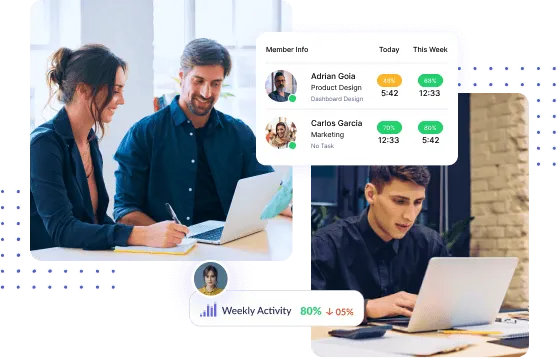
Teams using Trello for project management can automatically sync cards, boards, and time data to gain better visibility into project execution.
Connect Trello and Workstatus in minutes to improve project management with Trello, automate time tracking, and gain deeper visibility into team performance.
Login to Workstatus then go to integrations from sidebar and select Trello.
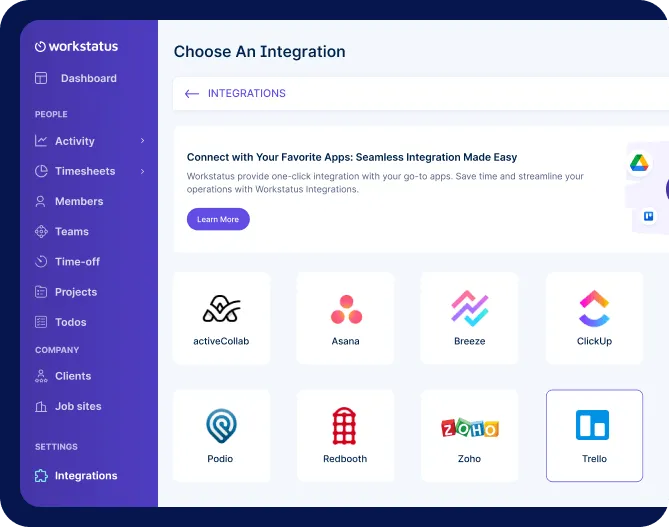
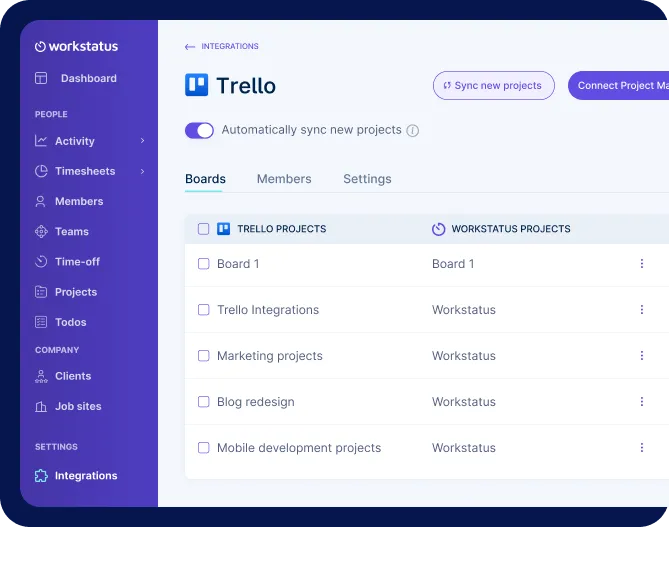
Pick your Trello projects. Workstatus will auto-sync everything- new tasks and existing ones too.
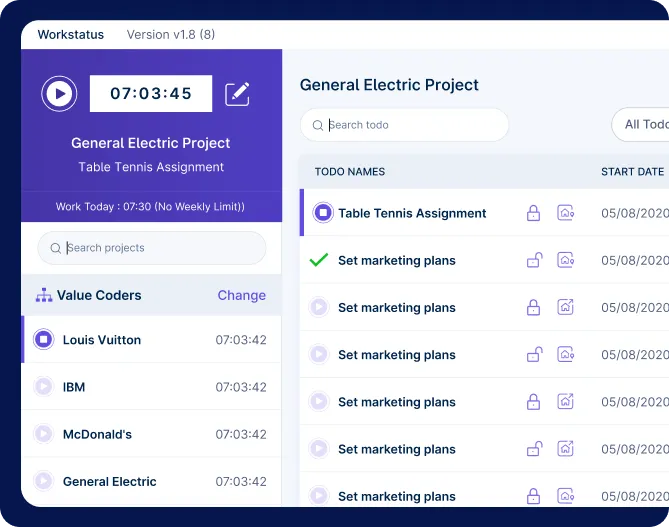
Choose a project in Workstatus and click the timer button to start tracking hours. Get accurate and valuable work insights for better productivity.
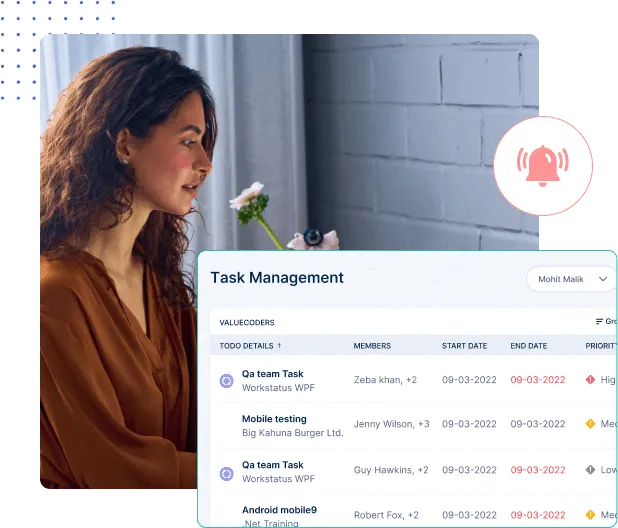
Extend your Trello project management software with workforce intelligence, productivity insights, and real-time project visibility.
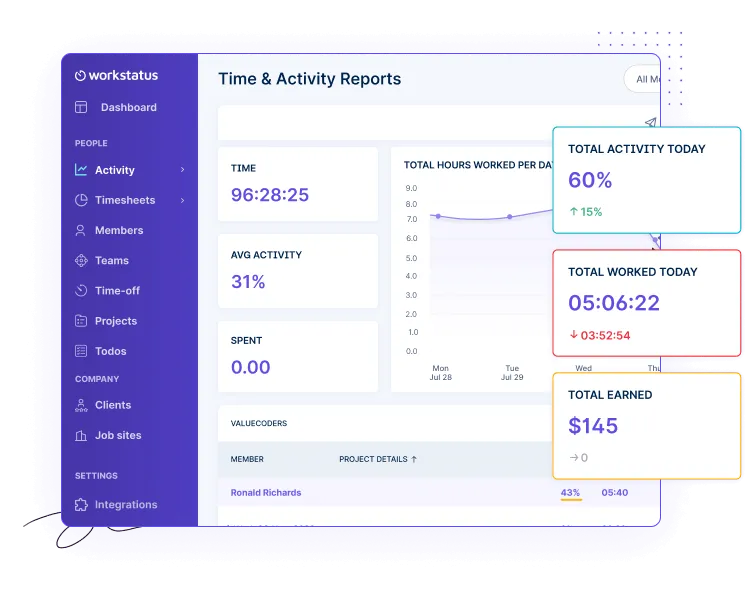
Use productivity insights and accurate timelines to manage workloads efficiently, streamline coordination, and ensure projects stay on track from start to finish.
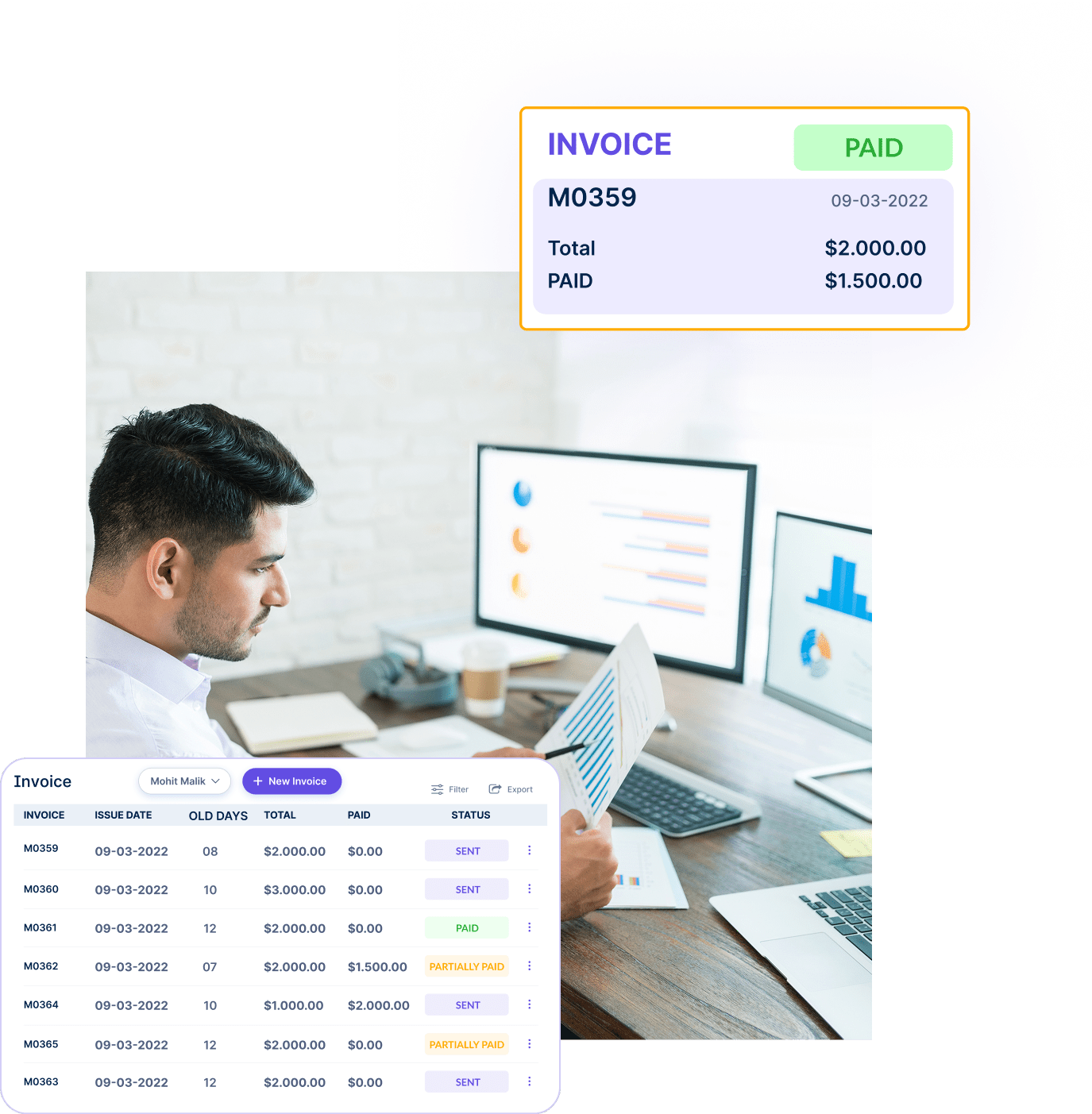
Link tracked hours directly to tasks for precise, transparent billing, building trust, accountability, and consistent client satisfaction with data-backed clarity.

Manage projects with task clarity, budget tracking, and reliable client billing.

Get app and URL insights tied to Trello tasks for clearer time usage.

Capture billable and non-billable hours for clearer client reporting and planning.

Track shifts and locations with GPS and geofencing for detailed workforce insights.

Get periodic screenshots for real-time visibility and clear proof of work.

Simplify payroll & invoicing with verified work hours and accurate calculations.

Workstatus enhances Trello project management software by adding automated time tracking, workforce analytics, productivity monitoring, and work intelligence. Teams gain better visibility into project progress and performance.
Yes. Trello time tracking becomes more accurate with Workstatus by automatically recording hours, monitoring activity levels, and generating reports that help teams improve planning and accountability.
Yes, Workstatus captures screenshots tied to specific Trello cards. This acts as simple proof of work and helps you maintain transparency for client projects and internal reviews.
Yes. Many teams choose Trello because of its visual boards and ease of use. If you’re wondering is Trello good for project management, Workstatus extends Trello with productivity intelligence, workforce analytics, and detailed reporting for greater visibility.
Integrating Workstatus provides automated time tracking, activity monitoring, productivity insights, and project visibility that help teams stay on track.
Teams using Trello AI features in project management can combine Trello’s automation capabilities with Workstatus workforce intelligence to gain deeper visibility into team performance and project execution.
Yes. Workstatus tracks the apps and websites used while working on Trello cards, helping managers understand how time is spent. These productivity insights highlight productive tools, identify distractions, and improve accountability.
Track time and productivity effortlessly.
Customized Solutions for Maximum Productivity


Get a 14-day free FULL FEATURE trial of Workstatus now. Boost efficiency, accountability, and results – anytime, anywhere.