














Experience the Power of Productivity
Make your team 40% more efficient. Set up your account in just 2 minutes!

Proudly made in India. Trusted Globally
Track idle time, send idle detection reminder notifications, and gain valuable insights to optimize team performance and efficiency.








With intelligent idle detection reminders, you can reduce downtime, increase productivity, and keep your team engaged.
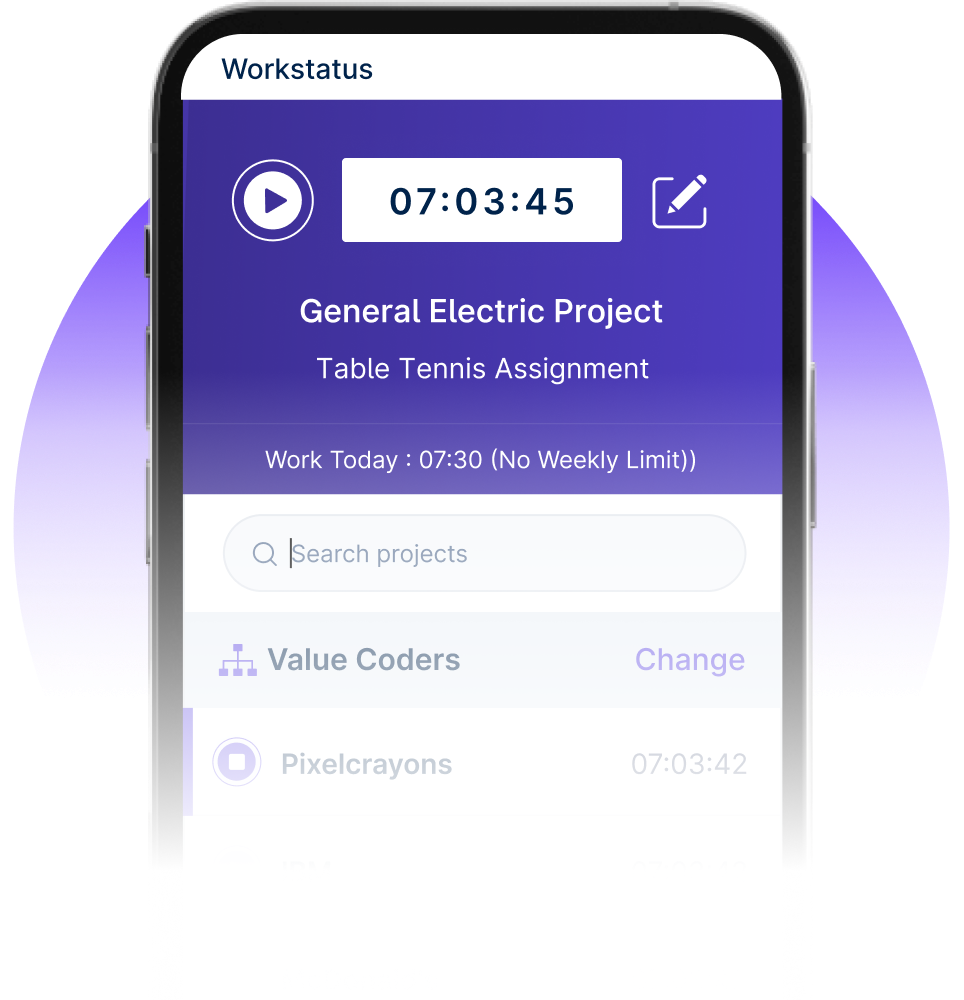

Identify idle periods, understand productivity gaps, and rebalance workloads-so teams stay focused without micromanagement.



I am so glad I found Workstatus. It has helped me become more productive, track my time.


Our team is more productive than ever with Workstatus. Its real-time tracking provides the visibility we were missing.


We are able to time track all our team members with screenshots and activity URLs, Task management as well as Project reports.

Workstatus is an amazing tool to help me keep track of what my team is doing. It's very easy, gives powerful insights on projects.

The best thing about Workstatus is how easy it is to use. The app makes it simple for me to track the time I spend on tasks and projects.
I am so glad I found Workstatus. It has helped me become more productive, track my time.
WorkStatus has been a game-changer for our team's productivity. Its real-time tracking features have brought transparency.
We are able to time track all our team members with screenshots and activity URLs, Task management as well as Project reports.
Workstatus is an amazing tool to help me keep track of what my team is doing. It's very easy, gives powerful insights on projects.
Active users
Hours Tracked
Automatically track and log idle time to ensure precise timekeeping and improve overall productivity.
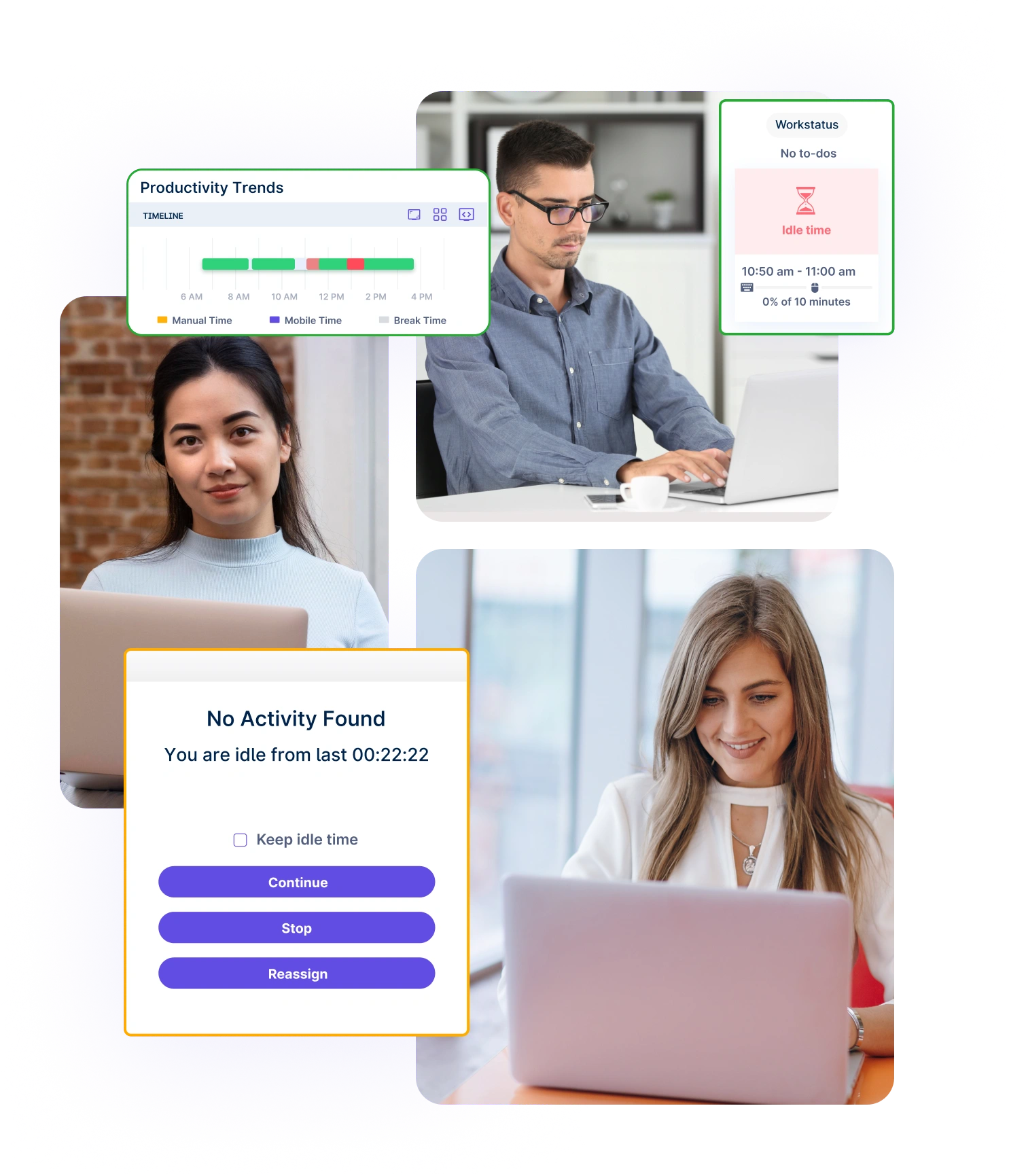
Detect inactivity with user idle detection to refocus attention on critical tasks.
Recognize idle time-out moments to understand disengaged periods better.
Send timely reminders to keep your team focused, minimize distractions, and reduce idle time, boosting productivity.
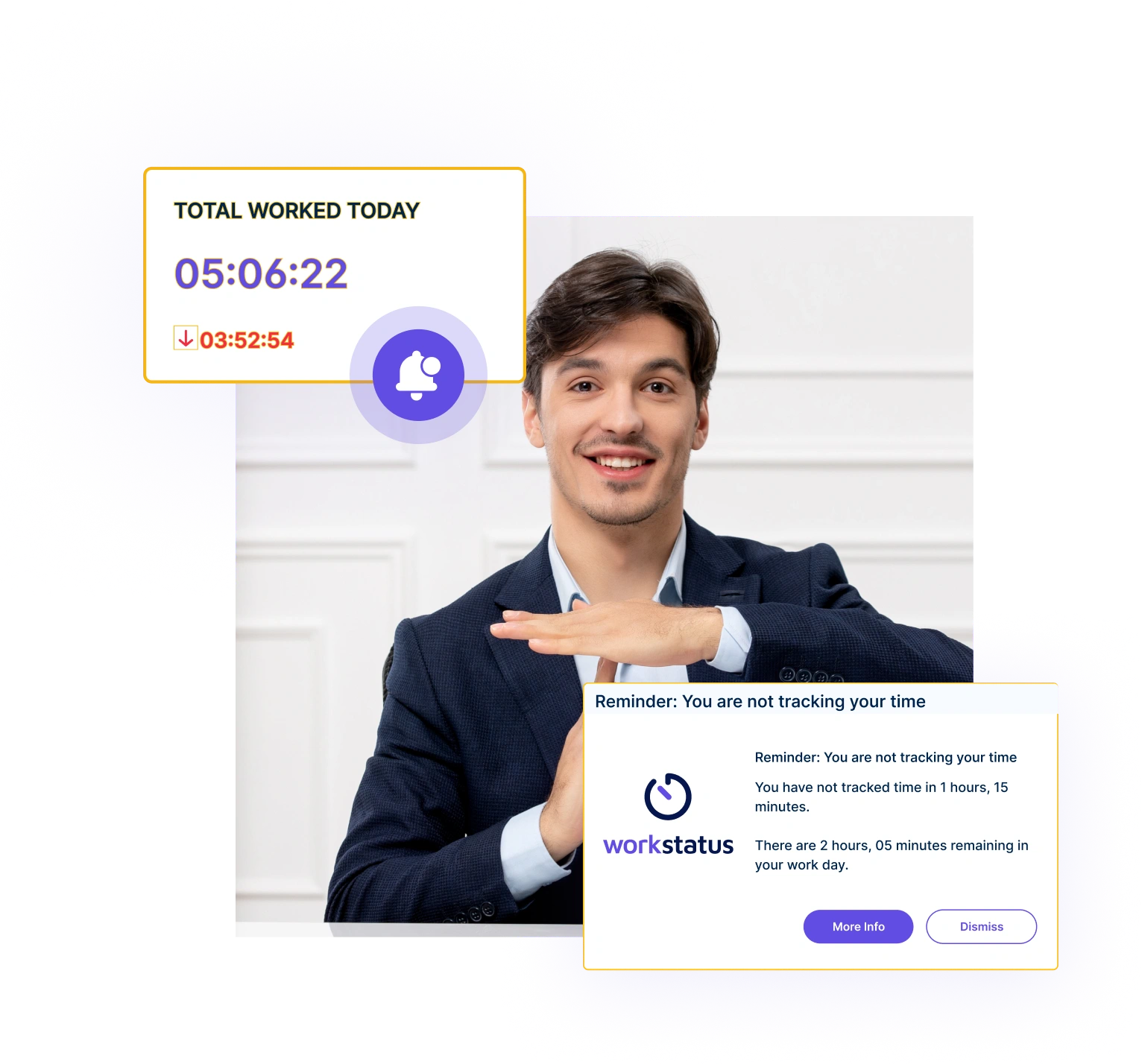
Personalized, context-aware reminders keep your team focused and productive.
Customize the frequency of reminders to ensure they are sent at the right time.

A multi-national marketing firm, boosted overall efficiency.
Increase Your Team Productivity
A Delhi-based startup achieved 30%+ increased ROI with Workstatus.
Enhance Your Business ROIGenerate detailed reports to track productivity trends and identify areas for improvement.
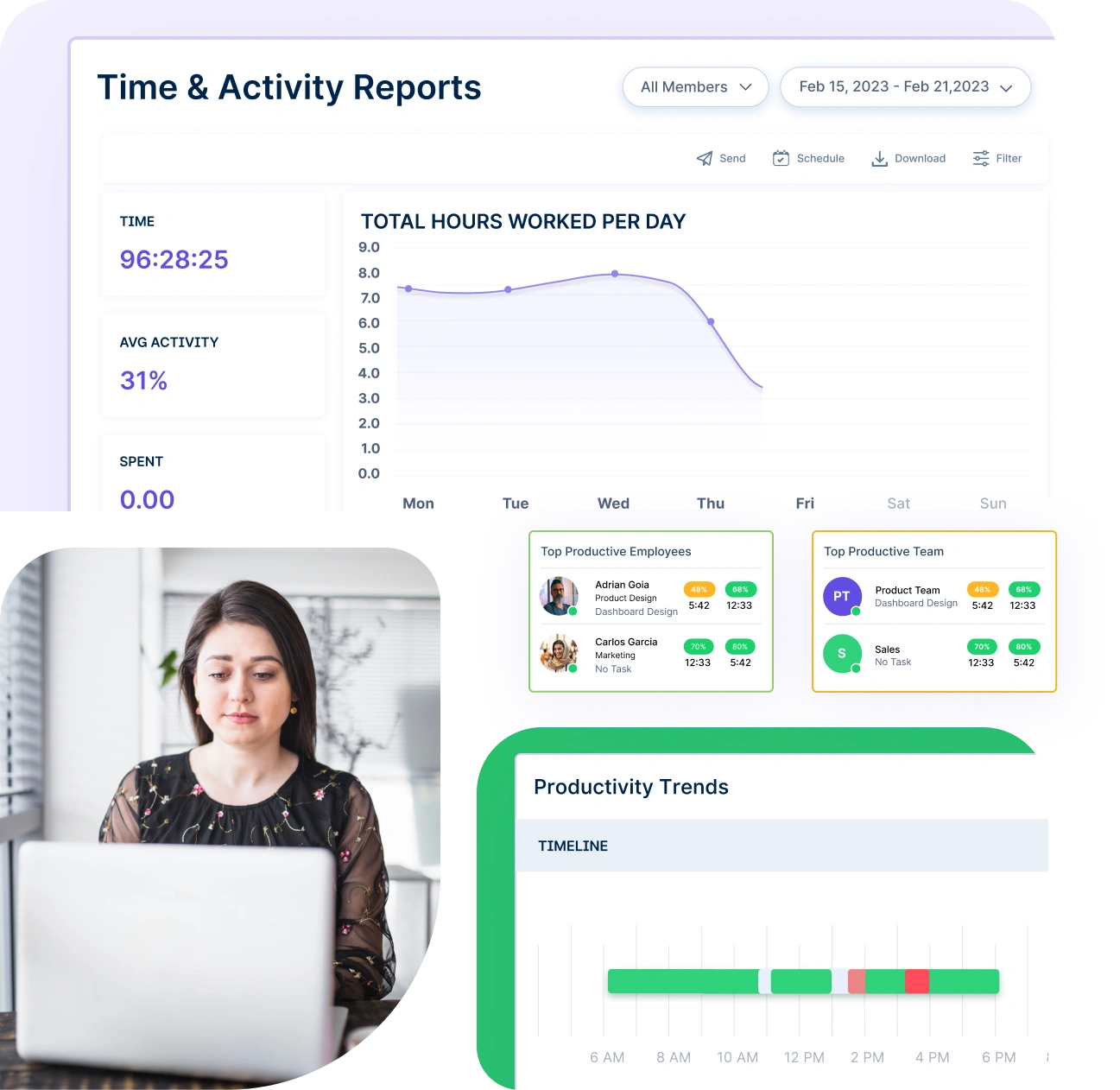
Use visual data to identify idle time trends across your team, enabling you to pinpoint inefficiencies and optimize workflows.
Access detailed reports that provide actionable insights to improve team performance and drive operational success.
Get clearer visibility, smarter decisions, and stronger workforce performance- powered by automation and intelligence.
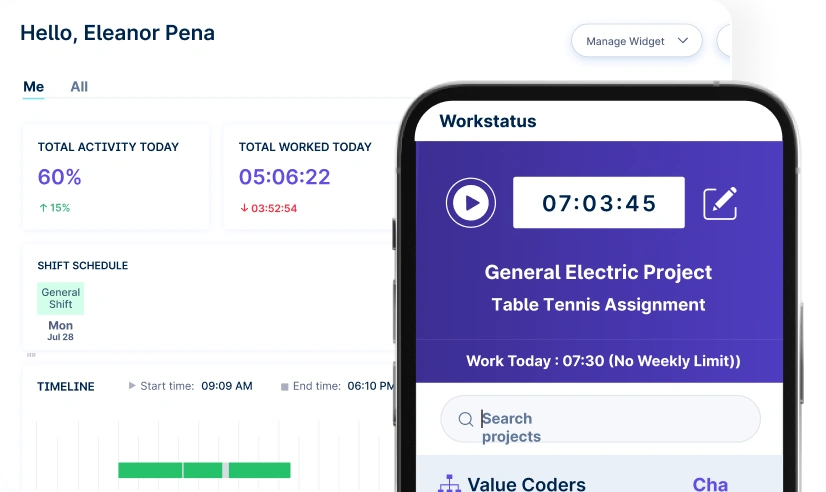
Quick setup, smooth move
One platform to manage productivity, projects, and workforce operations across any industry.


We provide clarity, no matter the industry, with:
Explore solutions for your industries
Analyze and assess tools side by side to choose the best fit for your team’s needs and goals.
From time tracking to advanced analytics, Workstatus has everything your business needs to elevate operations.
Workstatus fits seamlessly into your existing tools, connecting time, tasks, and insights without changing how your teams work.
User idle detection identifies when a user is inactive for a set period within the time clock app. It helps ensure accurate time tracking and attendance management by monitoring keyboard and mouse activity.
An idle reminder is triggered when the idle timer expires. This happens after a period of inactivity that exceeds the configured idle time-out.
Idle time-out data helps distinguish between active work and breaks, providing more accurate data for productivity reports which are used in workforce optimization. These reports then assist in effective workforce management.
Yes, the idle time-out duration can often be customized at the organizational or user level. Some systems also allow for project-specific settings. This impacts automatic time mapping.
Yes, idle detection can be integrated with application & website usage tracking. This provides a more detailed view of user activity and helps enhance workforce analytics.
Idle time data, captured through user idle detection, helps establish realistic benchmarks & goals by providing insights into actual work patterns.
This allows managers to set data-driven targets for individuals and teams and contributes to effective workforce management.
Managing your workforce, projects, and reports gets simple & effective.
“Workstatus simplified our workforce management and HR operations, allowing us to track attendance seamlessly and accurately.”

“Workstatus is incredibly easy-to-use. It allows us to track time accurately for each project and task.”

“We started using Workstatus sometime back. It gives a clarity on project progress, and we are able to track the time spent on each task.”

“So far, I am happy with Workstatus. The client support is awesome. There've been some tweaks here & there, but I recommend this application.”

“Workstatus doesn't just track time, it helps us understand how the team is performing. It always boosts team morale.”

“Time management is crucial for us, and Workstatus keeps away the distractions. We can focus more on project and deliver best outcomes to users.”

“Workstatus helped us identify top performers, reduce distractions, and improve overall team productivity. It's a no-brainer for any business.”

“Hi, I'm Ritesh, Founder of Insightstap. Workstatus has simplified our attendance, task management, and productivity tracking in one platform. It's affordable, easy to use, and backed by excellent customer support. ”

Managing your workforce, projects, and reports gets simple & effective.

Workstatus is highly rated on G2 for ease of use, productivity insights, and workforce visibility.
Explore More
Workstatus is highly rated on Trustpilot for reliability, ease of use, and workforce visibility.
Explore MoreTracking time is not enough. Identify up to 20–25% revenue leakage, improve utilization by 15%, and prevent costly overruns.


Get a 7-day free FULL FEATURE trial of Workstatus now. Boost efficiency, accountability, and results – anytime, anywhere.