

















Experience the Power of Productivity
Make your team 40% more efficient. Set up your account in just 2 minutes!

Proudly made in India. Trusted Globally
Track billable hours, record case-related work accurately, and simplify invoicing with attorney time tracking software designed for legal teams.








Legal teams rely on precise time records to maintain billing accuracy and client transparency. Clear time tracking ensures work effort aligns with case activity.
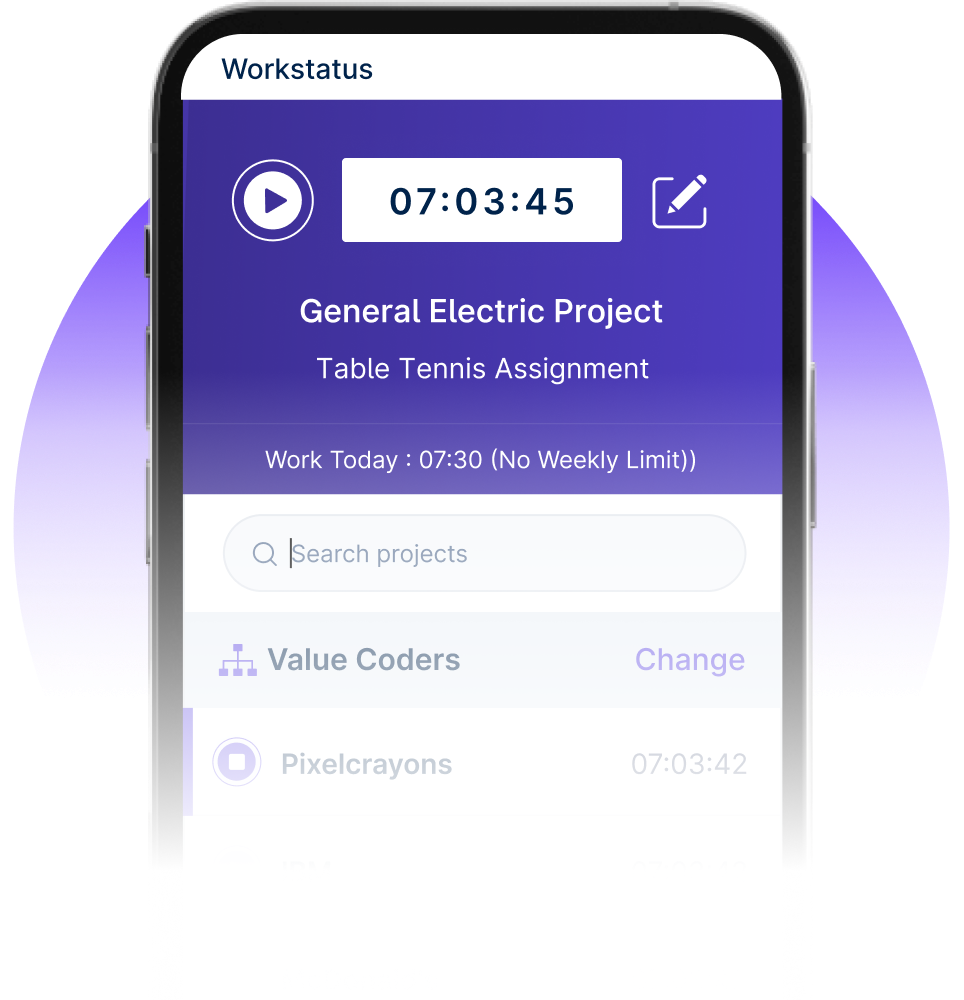

Time tracking with work intelligence connects attorney hours, case tasks, and billing records.



I am so glad I found Workstatus. It has helped me become more productive, track my time.


Our team is more productive than ever with Workstatus. Its real-time tracking provides the visibility we were missing.


We are able to time track all our team members with screenshots and activity URLs, Task management as well as Project reports.

Workstatus is an amazing tool to help me keep track of what my team is doing. It's very easy, gives powerful insights on projects.

The best thing about Workstatus is how easy it is to use. The app makes it simple for me to track the time I spend on tasks and projects.
I am so glad I found Workstatus. It has helped me become more productive, track my time.
WorkStatus has been a game-changer for our team's productivity. Its real-time tracking features have brought transparency.
We are able to time track all our team members with screenshots and activity URLs, Task management as well as Project reports.
Workstatus is an amazing tool to help me keep track of what my team is doing. It's very easy, gives powerful insights on projects.
Active users
Hours Tracked
Attorneys often manage multiple cases simultaneously. Structured time tracking keeps work hours aligned with case progress and client billing.
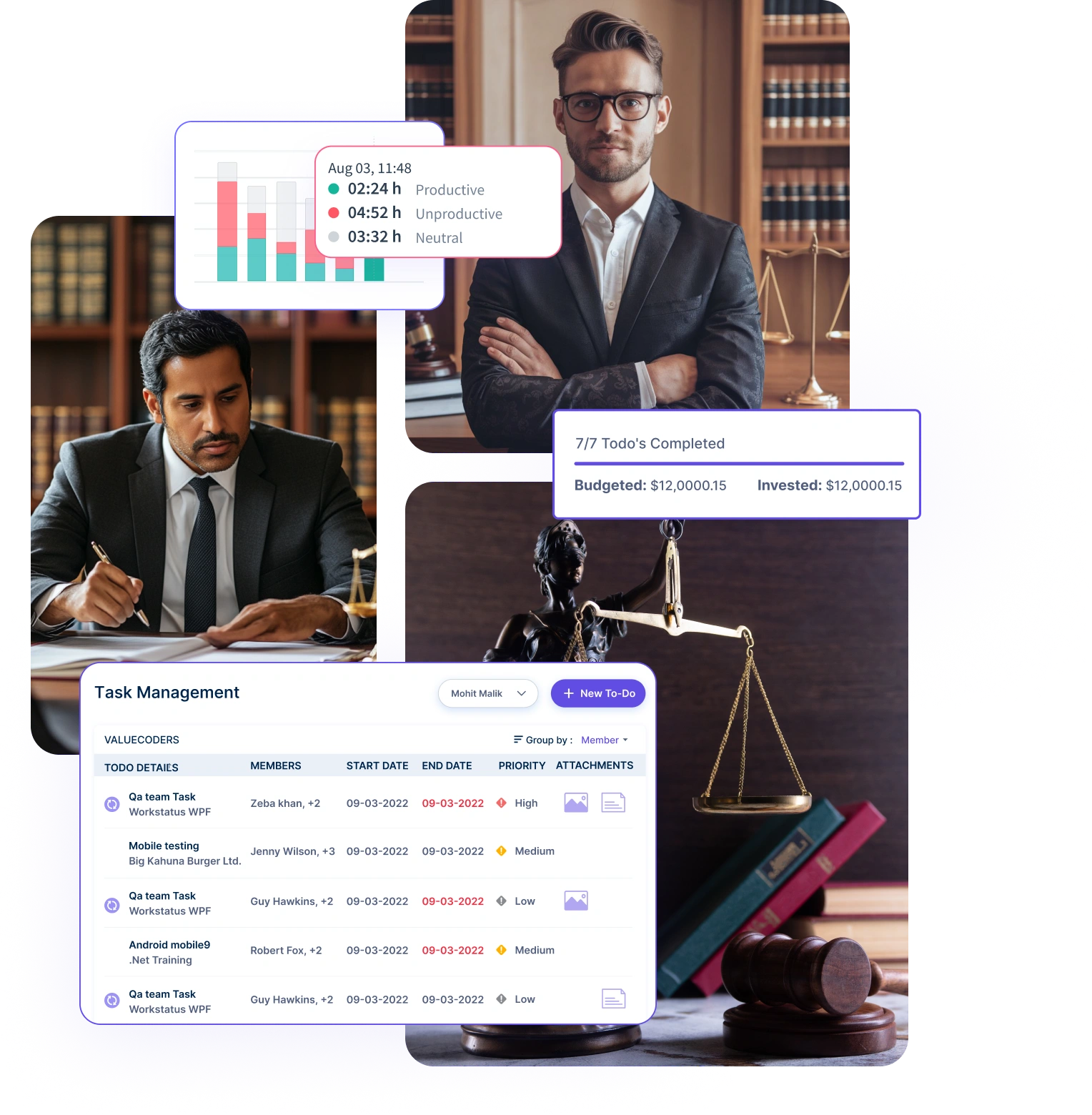
Understand how much time is spent on each case, legal activity, and matter throughout the workday.
Separate billable legal work from administrative or internal tasks to maintain accurate billing records.
Convert captured time into clear, professional invoices-eliminate manual entry, reduce billing errors, and ensure every billable hour is paid on time
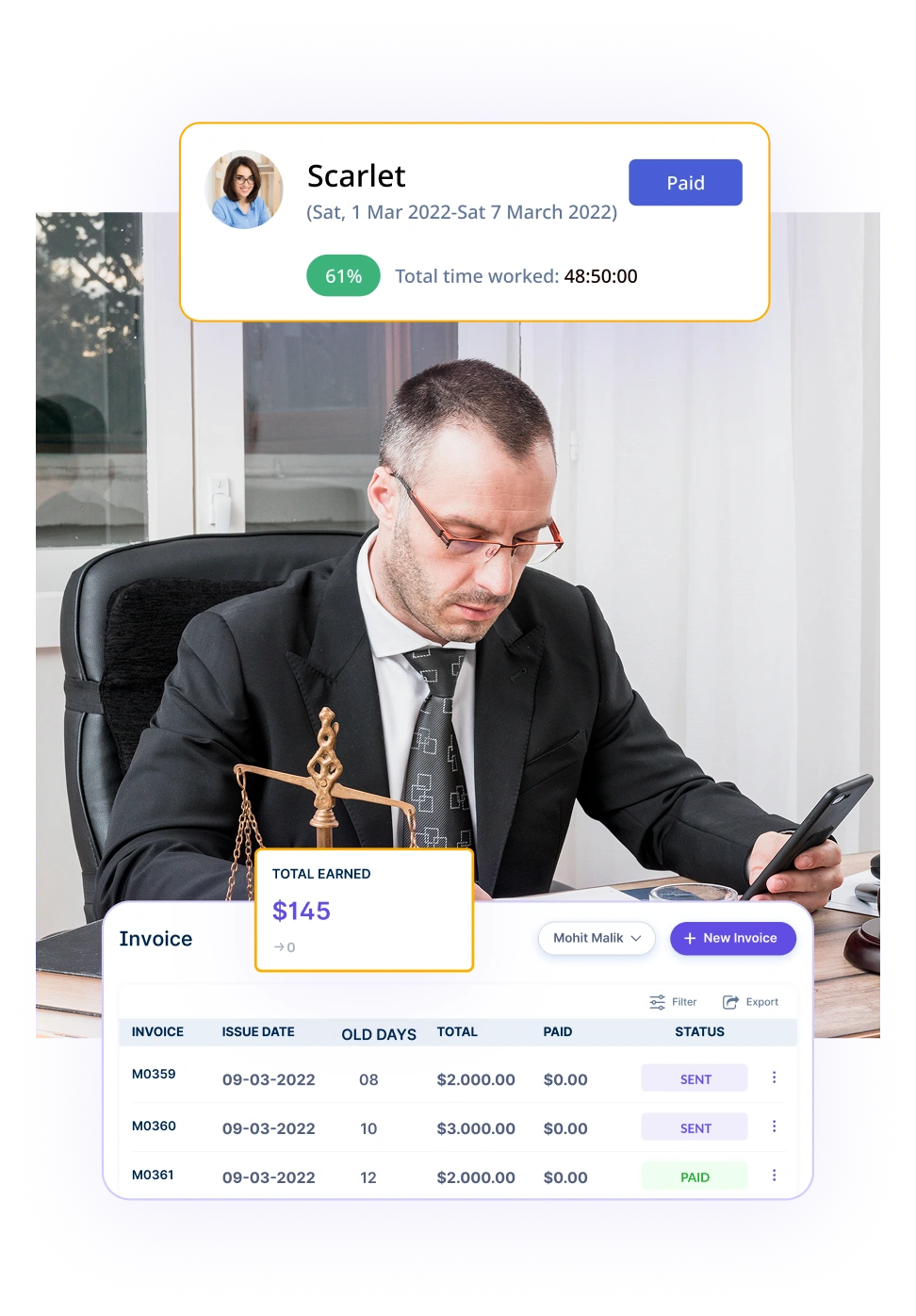
Generate invoices directly from approved timesheets and billable entries.
Check invoice status and follow up on pending payments easily.
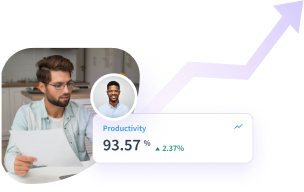

A multi-national marketing firm, boosted overall efficiency.
Increase Your Team Productivity
A Delhi-based startup achieved 30%+ increased ROI with Workstatus.
Enhance Your Business ROIAttorney time data helps firms understand workload distribution and capacity across legal teams and case assignments.
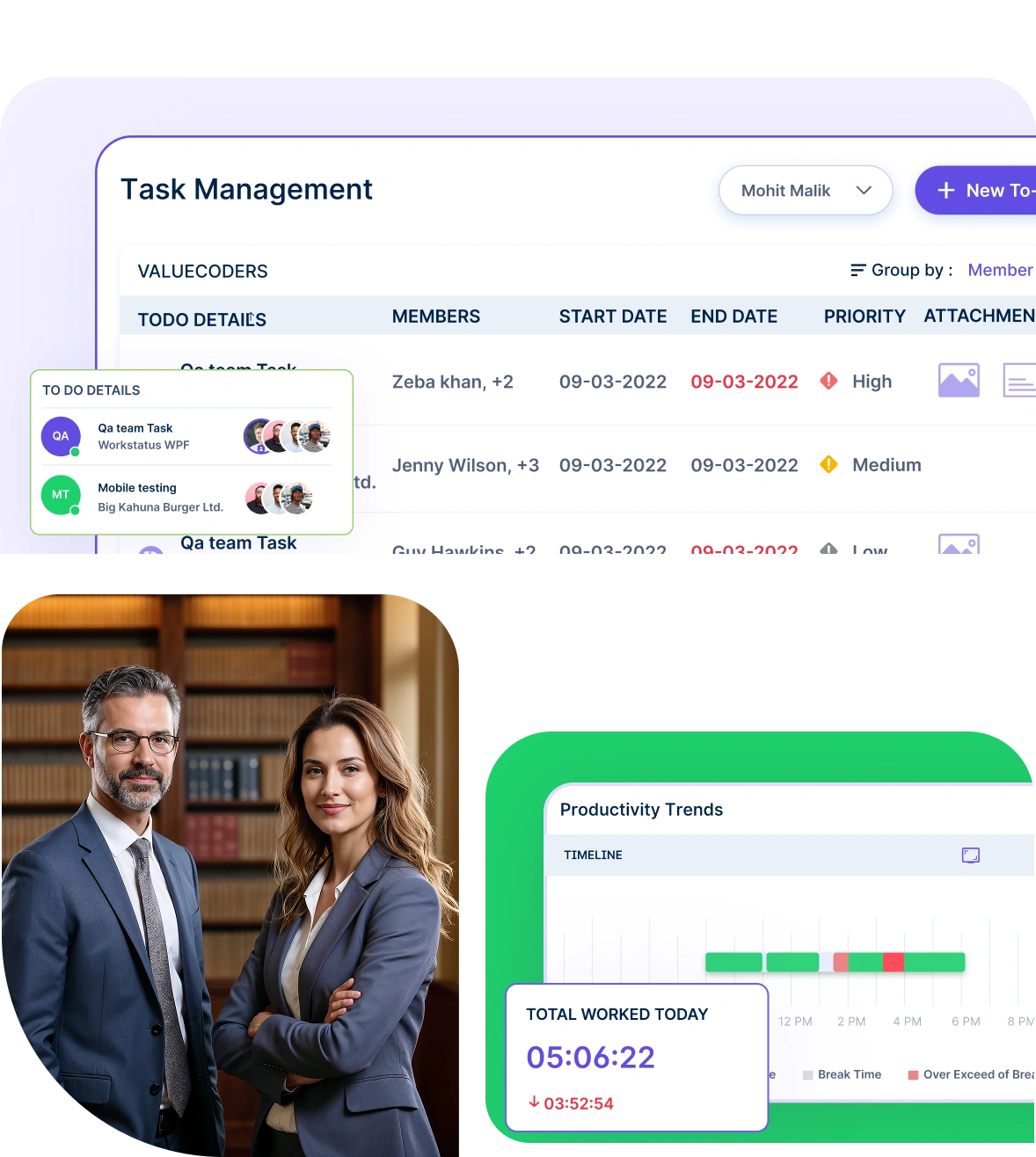
Understand how attorney time is distributed across cases, client engagements, and legal responsibilities.
Identify overloaded attorneys or underutilized resources and adjust case assignments accordingly.
Workstatus is designed to help teams deliver consistently, with clear visibility into work, time, and progress.
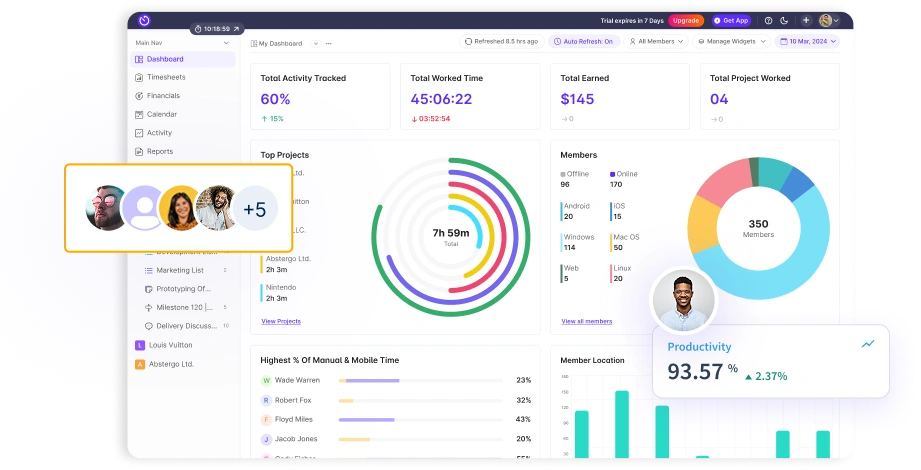
Quick setup, smooth move
One platform to manage productivity, projects, and workforce operations across any industry.


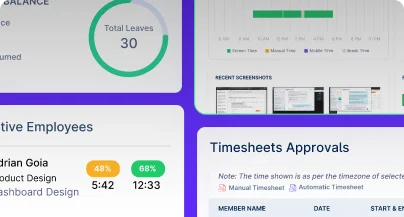
We provide clarity, no matter the industry, with
Analyze and assess tools side by side to choose the best fit for your team’s needs and goals.
From time tracking to advanced analytics, Workstatus has everything your business needs to elevate operations.
Workstatus fits seamlessly into your existing tools, connecting time, tasks, and insights without changing how your teams work.
Recording every billable minute matters when clients pay by the hour. Time tracking software for lawyers helps attorneys capture time as they work instead of trying to remember hours at day’s end.
Workstatus lets lawyers start timers with one click when switching between cases. The software records exactly how long you spend on calls, research, document drafting, and client meetings.
When you’re done, the time automatically links to the right client file.
Accurate time tracking means no more lost billable hours and clients who trust your invoices.
Law firms need to show clients exactly what work was done and why it took that long.
Workstatus, the ideal lawyer time tracking app, lets you tag every time entry with specific matter codes and activity types.
You can organize time by categories like client consultation, legal research, document preparation, court appearances, or travel time.
The software keeps everything sorted so billing reports show clear breakdowns. This organization makes it easy to spot which tasks take the most time.
Detailed categorization helps you explain bills to clients and analyze which work is most profitable.
Partners and billing managers need to check timesheets before they become invoices.
Time tracking for lawyers with Workstatus includes approval workflows that catch errors and enforce client billing rules.
Managers can review all time entries in one dashboard, checking descriptions for clarity and rates for accuracy.
The system flags entries that don’t meet client guidelines, like minimum time increments or blocked activity types.
Reviewers approve or send back entries with notes for correction before any bill goes out.
Proper timesheet review protects your firm from billing disputes and maintains client relationships.
Managing attorneys need clear visibility into who’s working on what and how cases are progressing.
Attorney time tracking software like Workstatus generates reports that show both individual performance and overall case health.
You can pull up dashboards showing total hours logged per case, budget versus actual time spent, and which attorneys are approaching their capacity limits.
The reports update in real-time so you always have current information.
This visibility helps you reassign work before deadlines get missed or attorneys get overwhelmed.
Clear reporting helps you manage resources better and keeps cases on track.
Lawyers often forget to log time when they’re busy handling urgent matters.
Legal time tracking software includes tools that spot gaps and remind attorneys to record missing hours.
The system compares calendar appointments with time entries to find meetings and court dates that weren’t logged. It also checks for unusual patterns like days with zero entries or weeks with unusually low hours.
Attorneys get gentle reminders to fill in gaps while the work is still fresh in memory.
Finding and recording missed time means higher revenue and more accurate client bills.
When several attorneys work on the same case, their time entries need to follow the same standards.
Time tracking software for lawyers like Workstatus enforces consistency through templates and guided entry forms.
The software provides standard descriptions for common tasks so everyone describes the same work the same way. It sets uniform time increments and rate structures that apply to all team members.
Consistent entries make your bills look professional and reduce client questions about charges.
Timesheet software like Workstatus designed specifically for legal work makes time tracking simpler for everyone in your firm.
It captures billable hours automatically while you work instead of requiring manual entry at day’s end.
Look for systems with online time reporting that lets attorneys track time from anywhere and automatically organizes entries by client and matter. The software should integrate with your practice management system and accounting software to eliminate duplicate data entry.
Cloud-based solutions mean your team can access timesheets from court, client offices, or home without installing anything.
The right time tracking system helps your firm capture every billable hour and build client trust through transparent, accurate invoices.
Workstatus automatically records time spent on tasks, allowing attorneys to log billable hours precisely.
This ensures clients are billed correctly and reduces missed hours.
Yes, Workstatus lets lawyers organize time entries by client, matter, or task type.
This helps in detailed reporting and ensures transparency for client billing.
Workstatus lets multiple lawyers track their time on the same case individually while consolidating all entries for accurate billing and reporting. Each lawyer’s hours are recorded separately, ensuring transparency and precise client invoices.
Workstatus generates detailed time reports that can be directly used for invoices.
This saves time, reduces errors, and ensures timely client billing.
With detailed analytics and time reports, Workstatus identifies areas where time is spent inefficiently.
Lawyers can focus on high-value tasks, boosting overall productivity.
Managing your workforce, projects, and reports gets simple & effective.
“Workstatus simplified our workforce management and HR operations, allowing us to track attendance seamlessly and accurately.”

“Workstatus is incredibly easy-to-use. It allows us to track time accurately for each project and task.”

“We started using Workstatus sometime back. It gives a clarity on project progress, and we are able to track the time spent on each task.”

“So far, I am happy with Workstatus. The client support is awesome. There've been some tweaks here & there, but I recommend this application.”

“Workstatus doesn't just track time, it helps us understand how the team is performing. It always boosts team morale.”

“Time management is crucial for us, and Workstatus keeps away the distractions. We can focus more on project and deliver best outcomes to users.”

“Workstatus helped us identify top performers, reduce distractions, and improve overall team productivity. It's a no-brainer for any business.”

“Hi, I'm Ritesh, Founder of Insightstap. Workstatus has simplified our attendance, task management, and productivity tracking in one platform. It's affordable, easy to use, and backed by excellent customer support. ”

Managing your workforce, projects, and reports gets simple & effective.

Workstatus is highly rated on G2 for ease of use, productivity insights, and workforce visibility.
Explore More
Workstatus is highly rated on Trustpilot for reliability, ease of use, and workforce visibility.
Explore MoreTracking time is not enough. Identify up to 20–25% revenue leakage, improve utilization by 15%, and prevent costly overruns.


Get a 7-day free FULL FEATURE trial of Workstatus now. Boost efficiency, accountability, and results – anytime, anywhere.



