



Experience the Power of Productivity
Make your team 40% more efficient. Set up your account in just 2 minutes!

Bring real-time work intelligence into Zoho Projects to track time, check task progress, and manage workloads with greater accuracy and control.
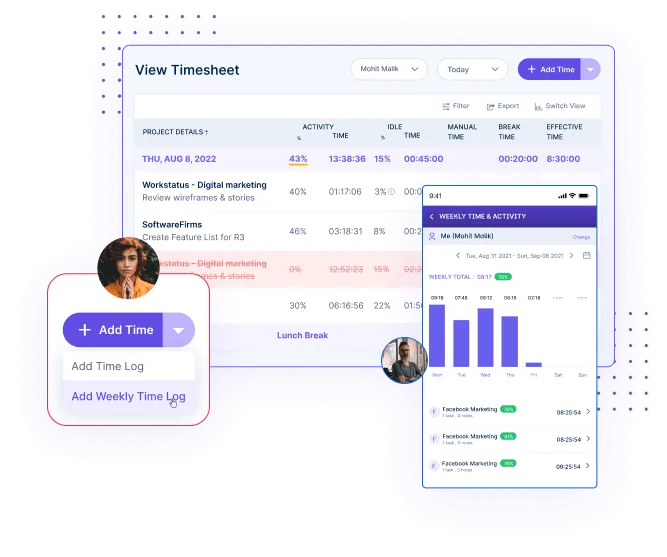
Integrate Zoho Projects to capture precise task time automatically, improving visibility, accountability, and overall project control.
Set up Zoho in three easy steps for real-time project and task syncing, time tracking, and smoother workflows.
Login to Workstatus then go to integrations from sidebar and select Zoho Projects.
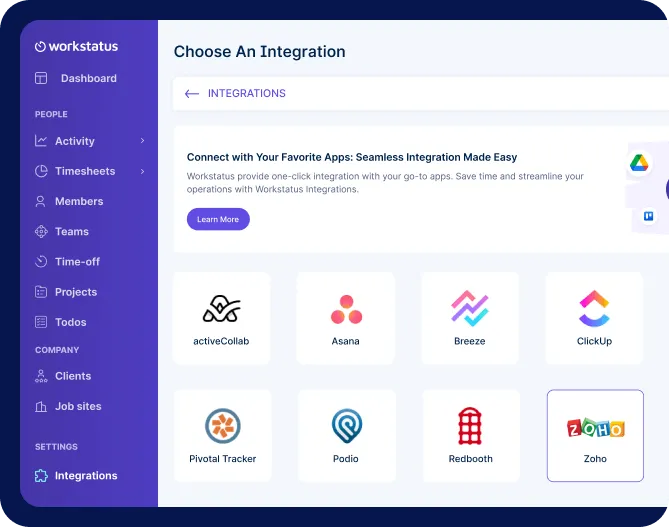
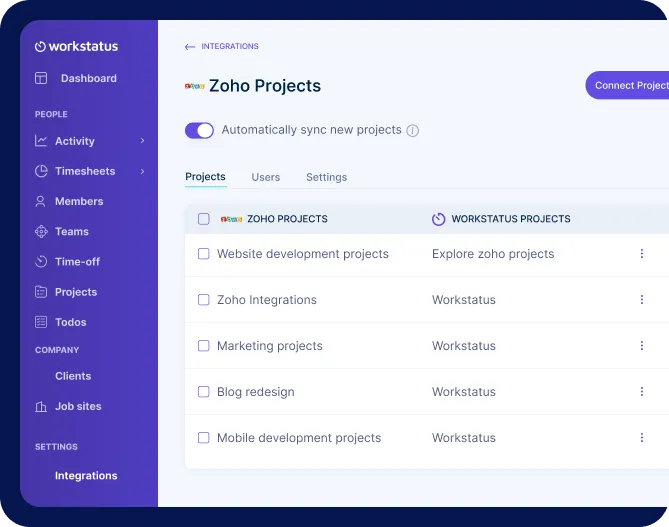
Pick your Zoho projects. Workstatus will auto-sync everything- new tasks and existing ones too.
Choose a project in Workstatus and click the timer button to start tracking hours. Get accurate and valuable insights for better productivity.
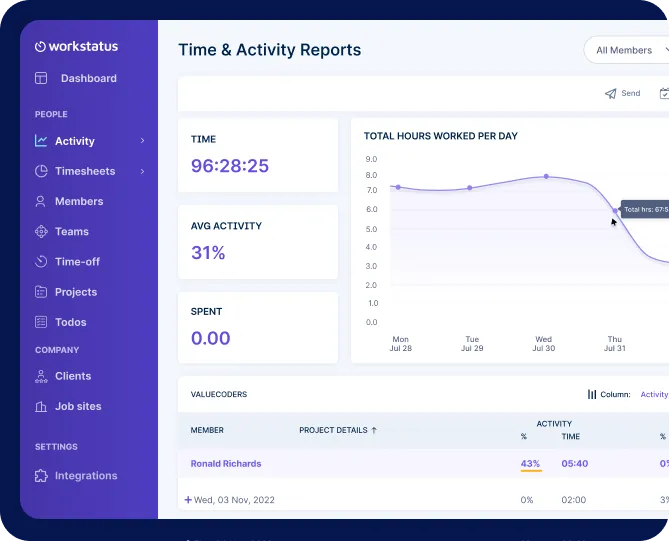
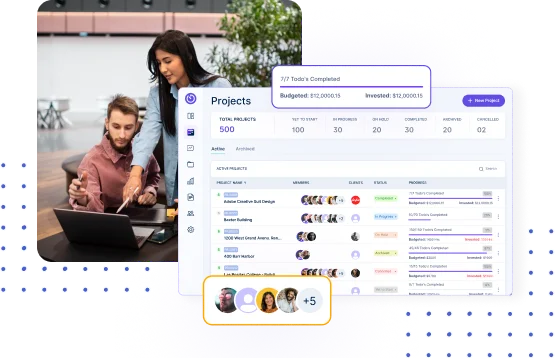
Create a smooth, unified workflow that gives teams clear visibility into tasks, progress, and responsibilities across every project. You can also sync key details like name, description, and comments related to projects.
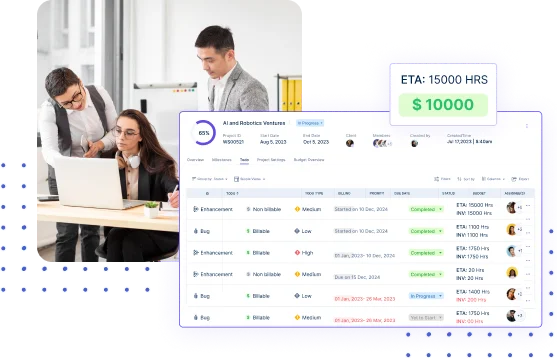
Improve billing precision with reliable time and task data, ensuring clients are billed fairly while reducing manual errors.
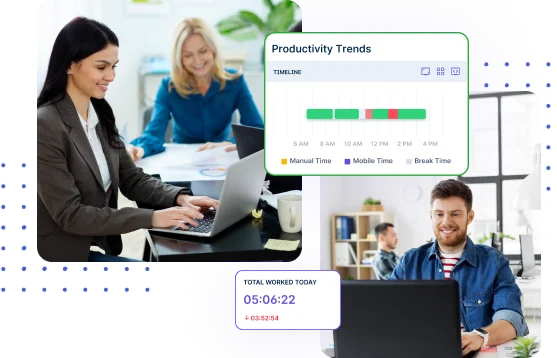
Accelerate delivery timelines by enabling smarter task prioritization and better planning, keeping projects consistently on track.

Manage projects with task clarity, budget tracking, and reliable client billing.

Get app & URL insights tied to Zoho tasks for clearer time usage.

Capture billable and non-billable hours for clearer client reporting and planning.

Get periodic screenshots for real-time visibility into ongoing tasks.

Track shifts and locations with GPS and geofencing for detailed workforce insights.

Simplify payroll & invoicing with verified work hours and accurate calculations.

It syncs your Zoho Projects tasks with Workstatus so you can track time directly on each task. This keeps work organized and ensures all project activity is captured accurately.
Workstatus adds real-time work and time insights to Zoho, helping managers understand effort, progress, and capacity clearly.
Yes, relevant work and time data sync seamlessly, reducing manual updates and duplicate entries.
It’s ideal for teams using Zoho who want better work intelligence, clearer visibility, and improved delivery outcomes.
Yes, accurate time and work data from Workstatus helps create reliable reports and supports precise billing.
Track time and productivity effortlessly.
Customized Solutions for Maximum Productivity


Get a 7-day free FULL FEATURE trial of Workstatus now. Boost efficiency, accountability, and results – anytime, anywhere.



