



Experience the Power of Productivity
Make your team 40% more efficient. Set up your account in just 2 minutes!
Workstatus connects work hours, projects, attendance, and performance data into one intelligence layer. Get structured visibility that supports delivery control and margin protection.

Collect work hours, project activity, attendance, and location data across teams and devices.

Organize and structure workforce data into clear, decision-ready insights.

Access unified dashboards for utilization, delivery health, and team performance.
| App/Client | Time Tracking | Screenshots | App and URL Tracking | Activity rates | Idle time detection | Start timer reminder | Location tracking |
|---|---|---|---|---|---|---|---|

Windows desktop app |
|||||||

Mac desktop app |
|||||||

iOS mobile app |
|||||||

Android mobile app |
|||||||

Linux Desktop App |
|||||||

Chrome Extension |
|||||||

Chromebook App |
Stay Ahead with Workstatus Powerkit, helping you work smarter and achieve more.
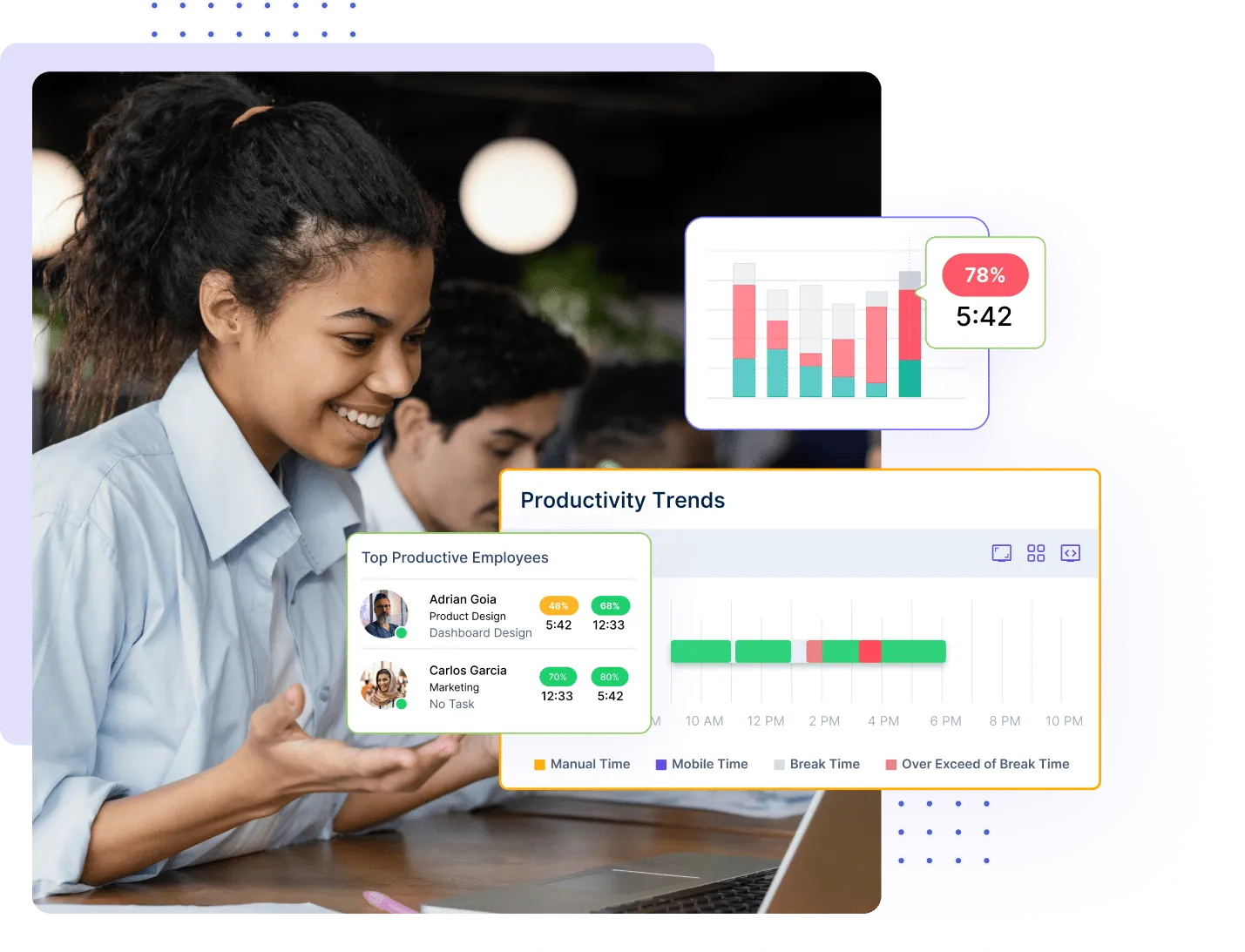
Get real-time insights into how your teams are working. It helps you make better decisions by showing you how you are spending your time, your busiest days, and where your time is most productive.
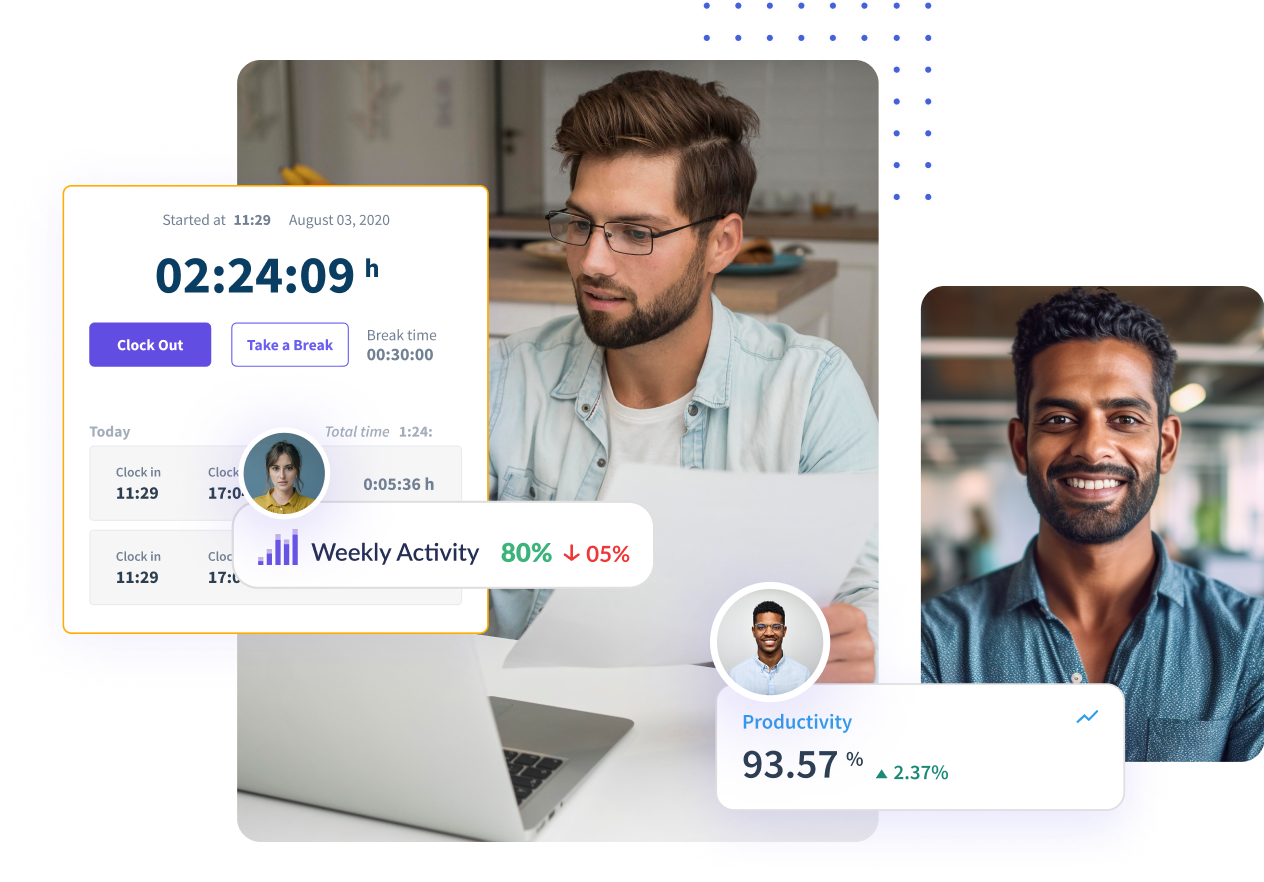
Employees can check in and out of work sites based on defined virtual locations. It eliminates the need for employees to check in and out manually or for employers to track employee hours.

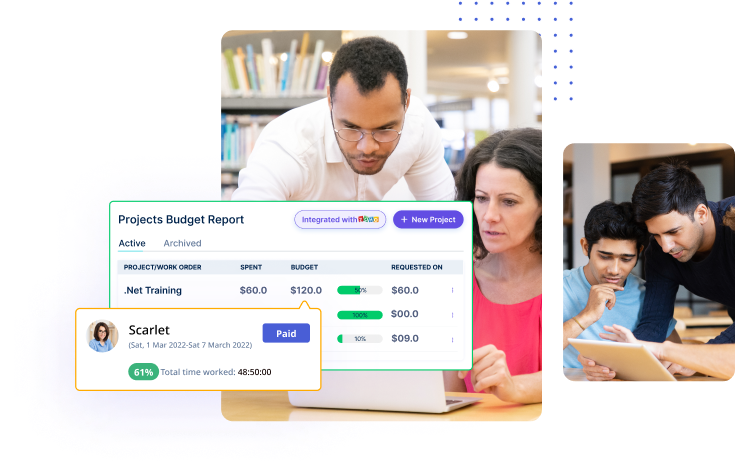
Create, manage, and send invoices automatically. With our software, you can rest assured that your invoices will be professional and accurate.
Download the app, connect your teams, and configure projects and roles. Start with structured visibility across your organization.
Collect real-time work hours, project activity, and attendance records across teams and locations.
See billable split, workload patterns, and overrun risks before they impact delivery.
Use clear dashboards and reports to rebalance capacity, protect margins, and improve outcomes.
Our lightweight app allows you and your team to track time, no matter where you are. With GPS tracking and geofencing, anyone can clock in automatically when they enter a job site or get reminders based on location.





Workstatus account required to use apps
Yes, you will get a notification of each screenshot captured.
A big NO! Workstatus never captures anything other than your screen. And it also notifies you for every screenshot captured.
No! It only tracks if you’re using the keyboard or not.
Your manager and owner can have access to your reports other than you.
Track time and productivity effortlessly.
Customized Solutions for Maximum Productivity


Get a 7-day free FULL FEATURE trial of Workstatus now. Boost efficiency, accountability, and results – anytime, anywhere.



