
Table of Contents
Are you juggling 3- 6 tools just to get through the workday?
- One tool to track time
- Another way to manage projects
- One more for productivity
- Then attendance
- Then payroll
By the end of the day, you’re not tired from work; you’re tired from switching tools.
Here’s what that really looks like:
- 10–15 hours lost weekly fixing time data
- 20–30% hours misbilled (billable vs non-billable)
- Up to 30% project overruns are found too late
- 2–3 days/month spent fixing payroll and invoices
- Busy teams, unclear progress
Work feels busy, but progress feels slow. Now pause for a second.
What if all of this lived in one place? Time, tasks, attendance, productivity; together.
No hopping. No guessing. No late-night spreadsheets.
Sounds too simple? Here’s your quick breakthrough:
Service teams are already doing this and saving 10+ hours every week because of it.
Want to know how? Let’s go.
How 3–6 Tools Quietly Slow Service Teams Down
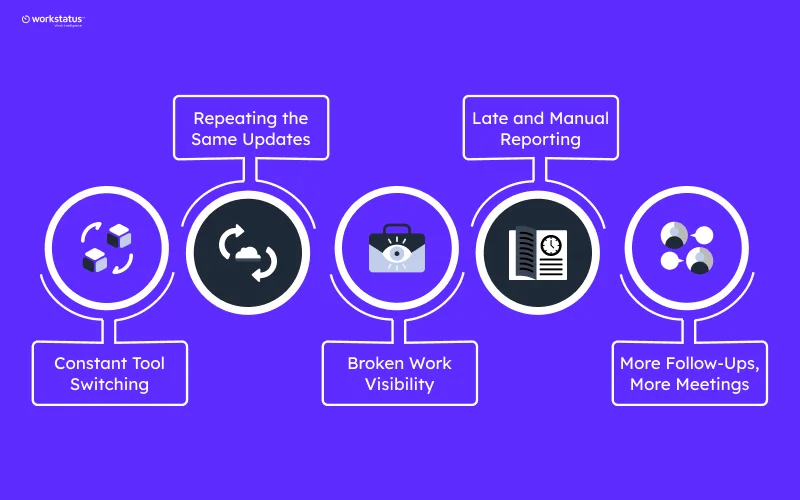
Service teams don’t slow down because of poor effort or weak planning. They slow down because work is spread across too many tools.
Here’s why tool consolidation for service businesses matters, and how 3–6 tools quietly hold teams back every day:
Constant Tool Switching
- Jumping between apps all day
- Losing focus every time
- Work takes longer than needed
Repeating the Same Updates
- Time entered in one tool
- Tasks updated in another
- Attendance logged somewhere else
Broken Work Visibility
- No single view of work
- Data never fully matches
- Managers guess instead of seeing
Late and Manual Reporting
- Reports built after work ends
- Spreadsheets fill the gaps
- Problems seen too late
More Follow-Ups, More Meetings
- Status checks replace real work
- Extra meetings for clarity
- Less time for delivery
Each issue may seem small on its own. Together, they create constant friction.
That’s how multiple tools quietly slow service teams down, without anyone noticing at first.
Where do the 10+ Hours a Week Actually Go?
Service teams don’t lose time because people aren’t working hard. They lose it because their daily work lives in too many places.
Here’s where the 10+ hours/week actually go:
- 3–4 hrs/week reconciling time, attendance, and cost data
- 2–3 hrs/week correcting timesheets before payroll & billing
- 1–2 hrs/week validating billable vs non-billable hours
- 1–2 hrs/week preparing utilization, margin, and variance reports
- 1 hr/week resolving billing disputes and internal mismatches
Impact: Delayed invoices, margin leakage, and unreliable cost visibility.
Each step adds a small delay. Every day, those delays stack up.
That’s how service teams lose 10+ hours a week, without clear visibility or employee productivity tracking.
Tool Overload vs. Work Clarity
Most teams don’t lack tools. They lack clarity.
When work is spread across many systems, things feel busy but unclear. When work is connected, everything starts to make sense.
Here’s the difference.
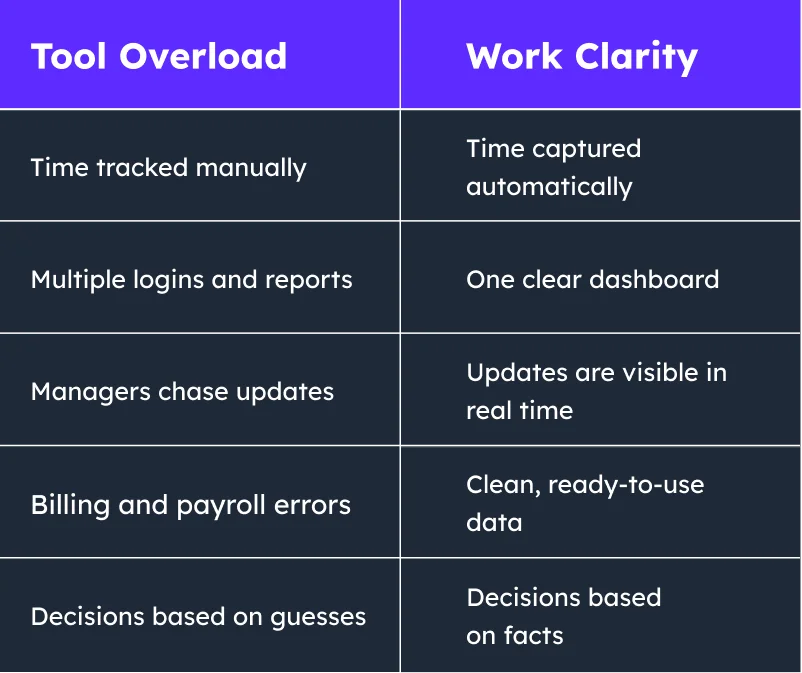
With fewer tools, teams don’t lose control; instead, they gain it. Work clarity comes from one connected system, not more software.
The Shift Towards Unified Work Intelligence

Work has changed. But most tools haven’t kept up.
Teams don’t struggle because people aren’t working hard. They struggle because work data is spread across too many tools.
That’s why teams are moving toward a unified work intelligence platform.
What this shift looks like:
- Time, tasks, and activity in one place
- Real-time visibility, not delayed reports
- Clear links between effort and outcomes
- Fewer tools, less manual work
- Decisions based on data, not assumptions
Instead of guessing what’s happening, leaders can finally see work as it happens.
Unified work intelligence isn’t about control. It’s about clarity; so teams work smarter, faster, and with confidence.
What an All-in-One Work Platform Really Replaces
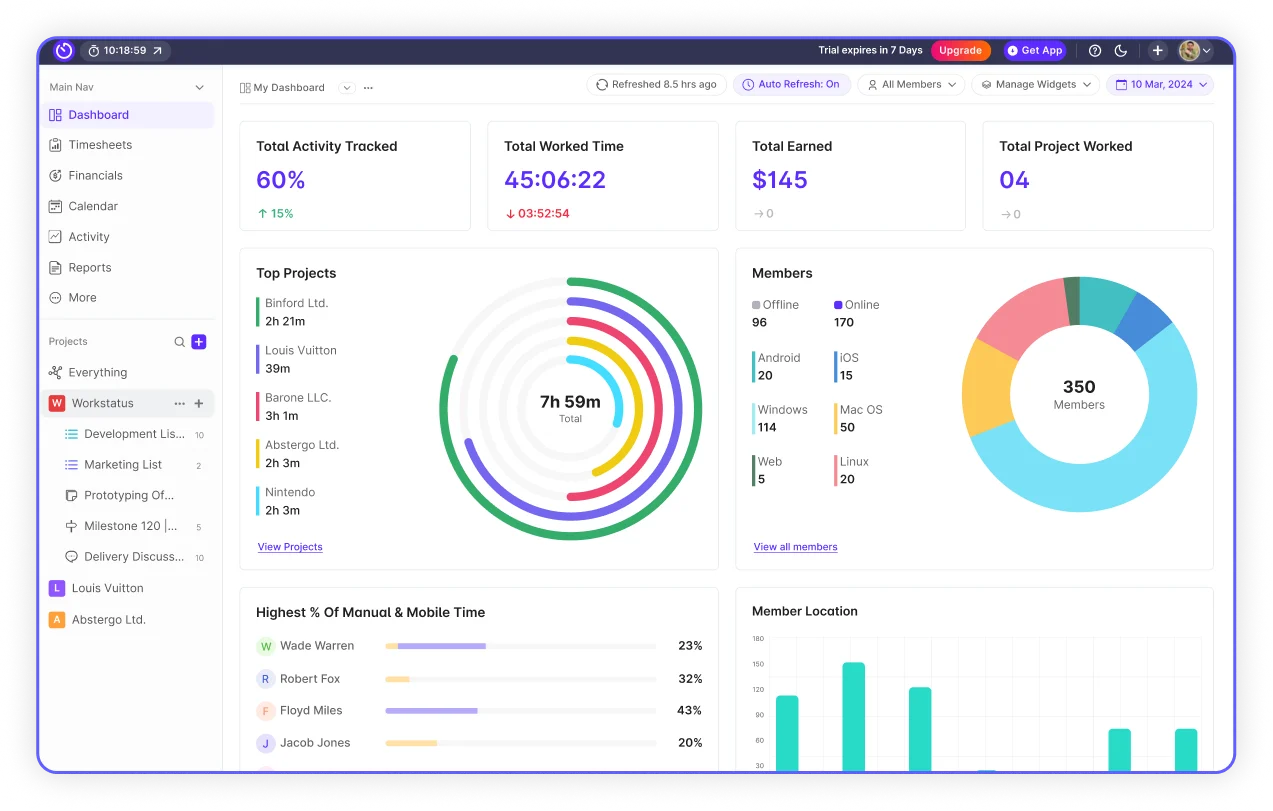
Most teams don’t realize how many tools they’re managing until they try to remove them.
An all-in-one work platform doesn’t just add convenience; it quietly replaces entire systems you rely on every day.
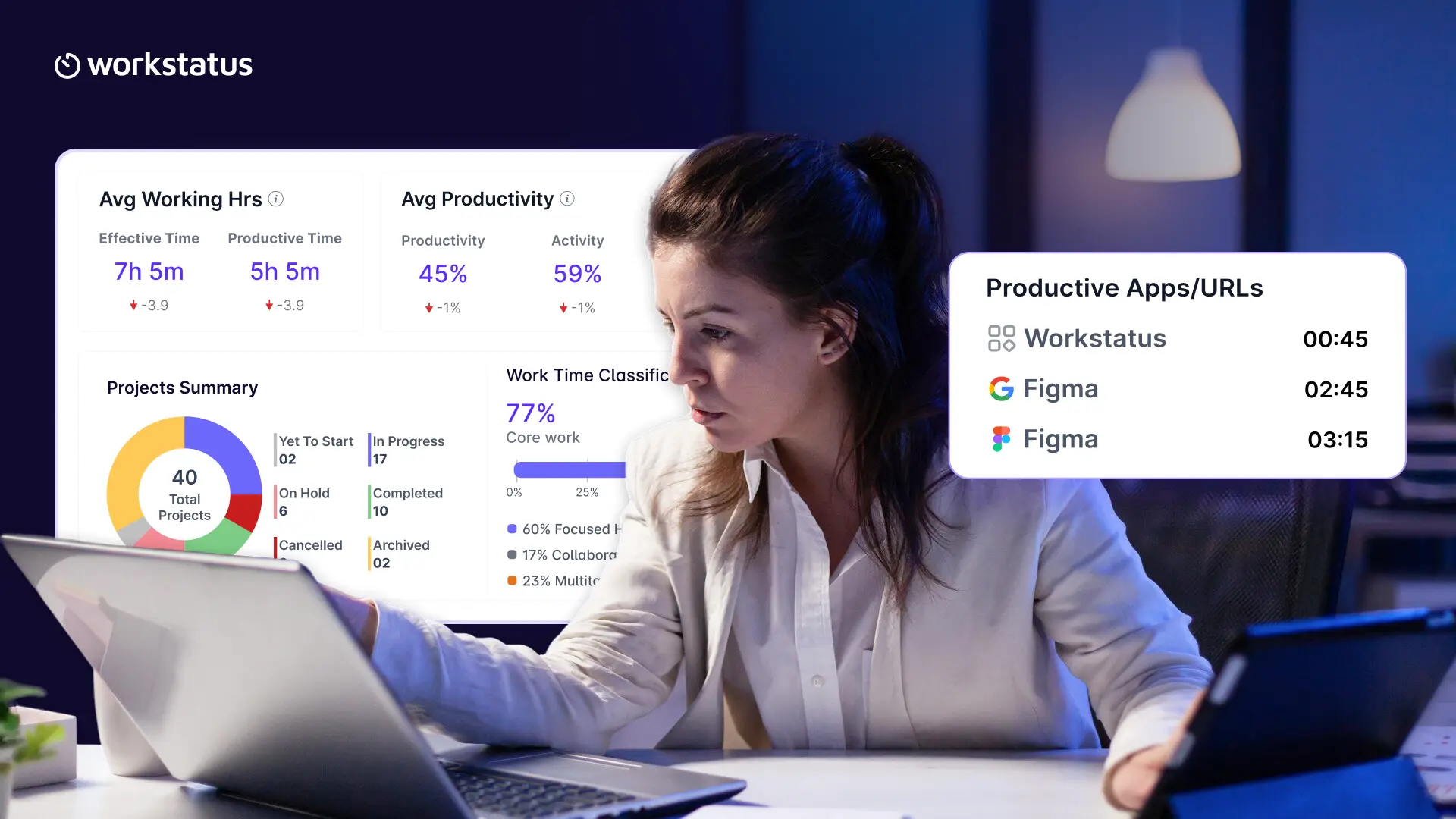
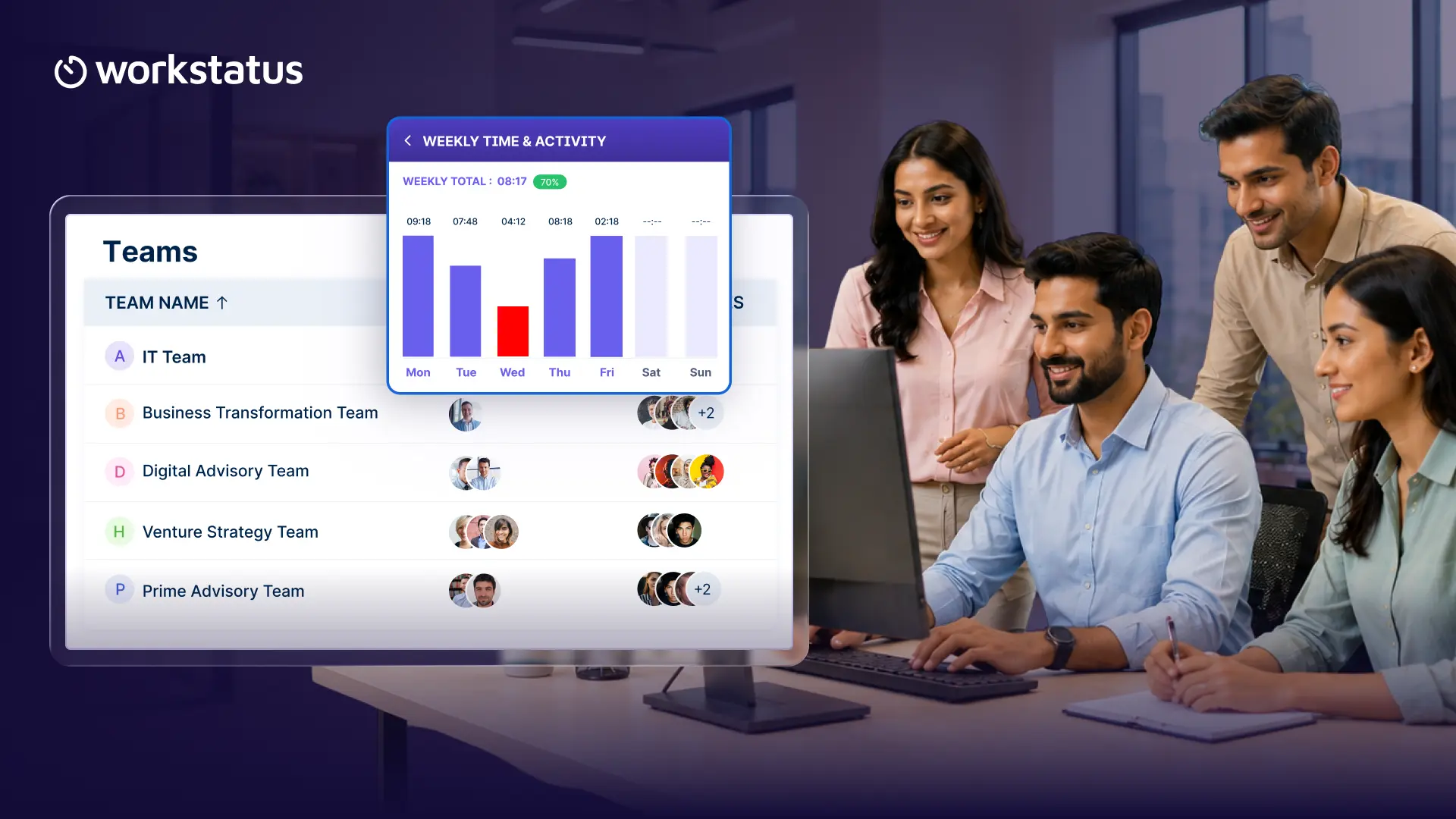
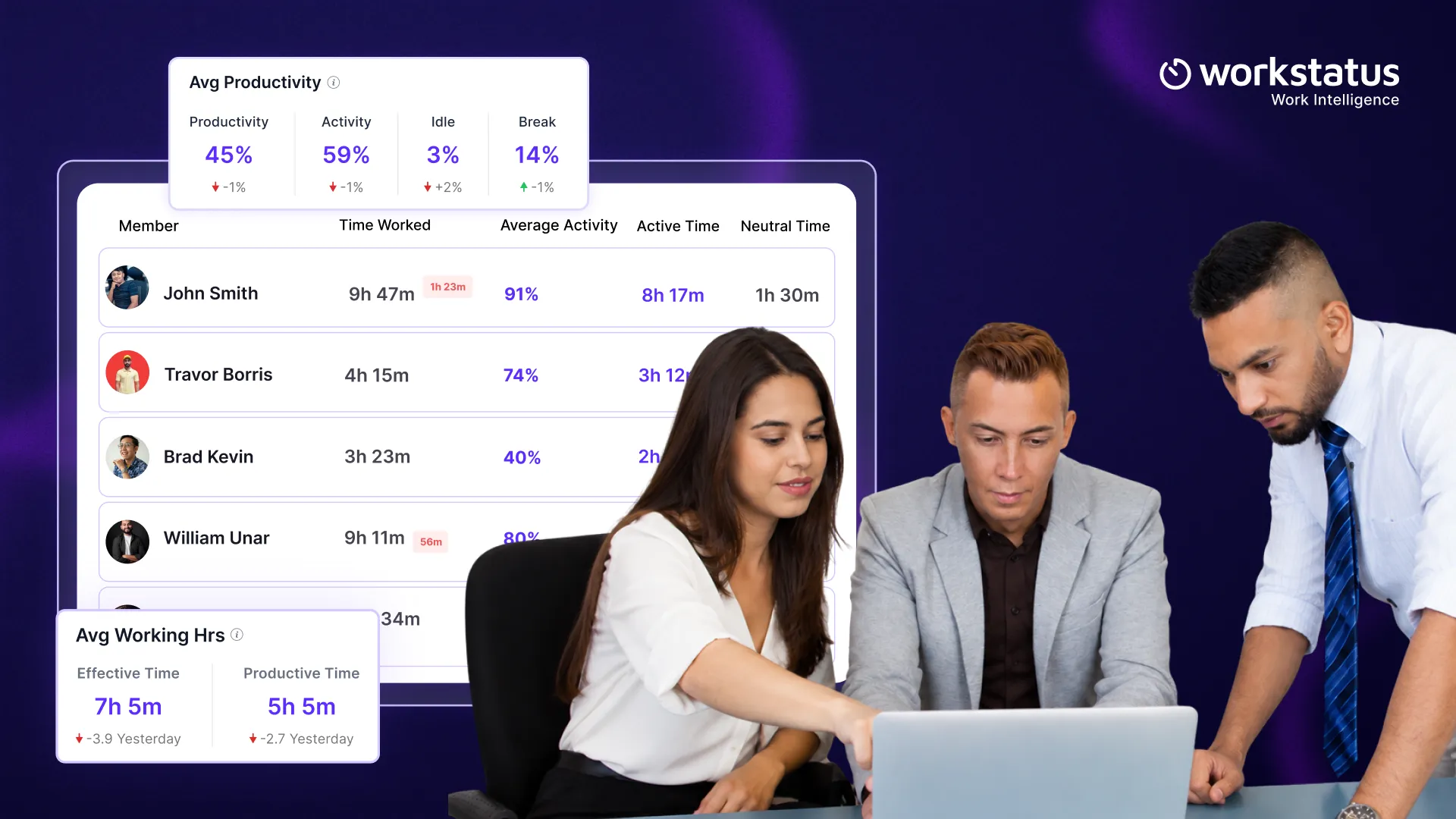
Workstatus brings all work data into one simple work intelligence platform, so teams see what’s happening faster and more clearly.
Here’s what that looks like with Workstatus, an all-in-one platform for service teams.
Time Intelligence for Clear Time Visibility
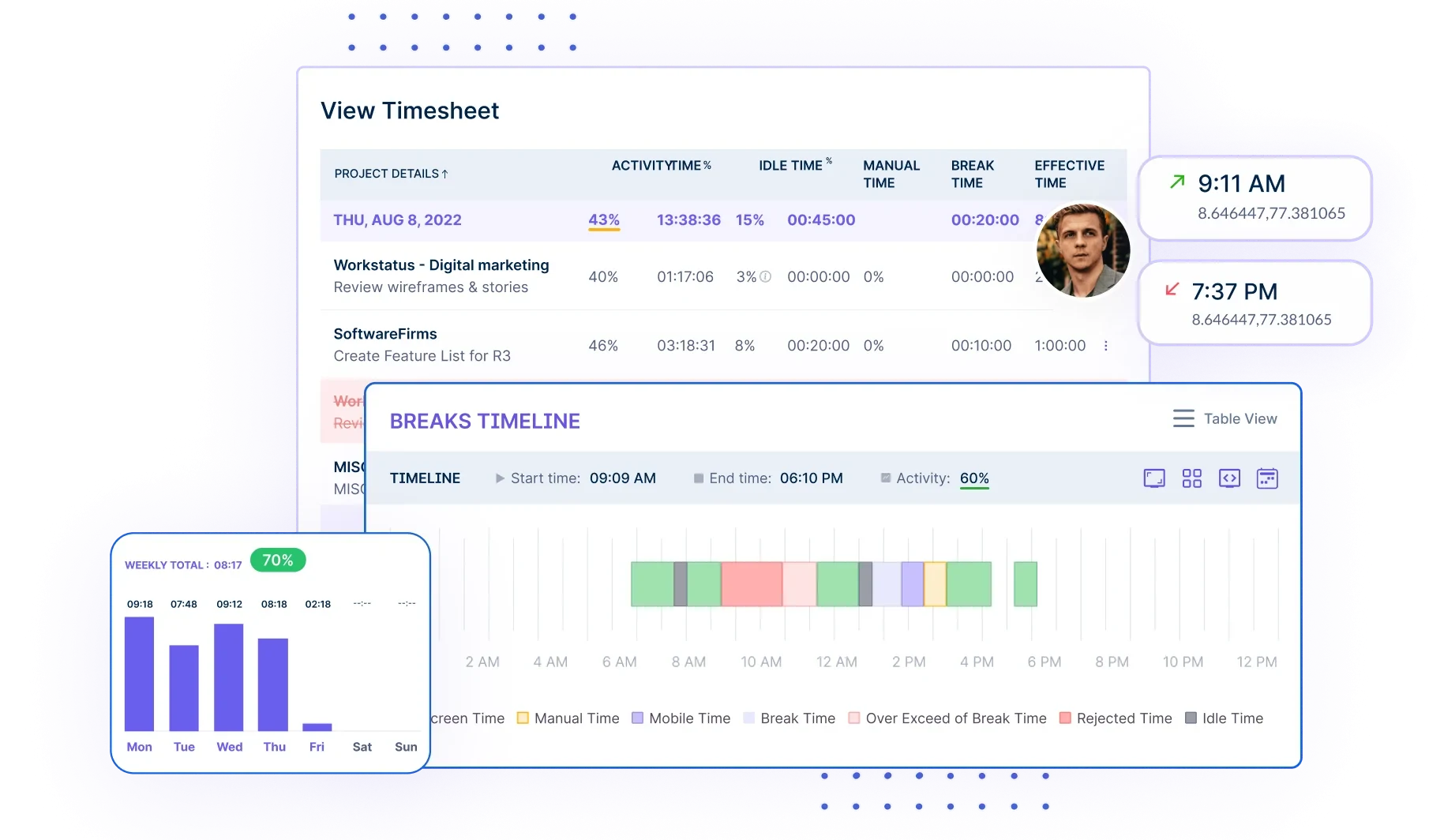
- Automatic time capture, no manual logs
- Accurate work hours tied to real activity
- No chasing timesheets at week’s end
- Clear view of effort across tasks and projects
- Reliable data for billing and payroll
Productivity Management with Real Productivity Insights
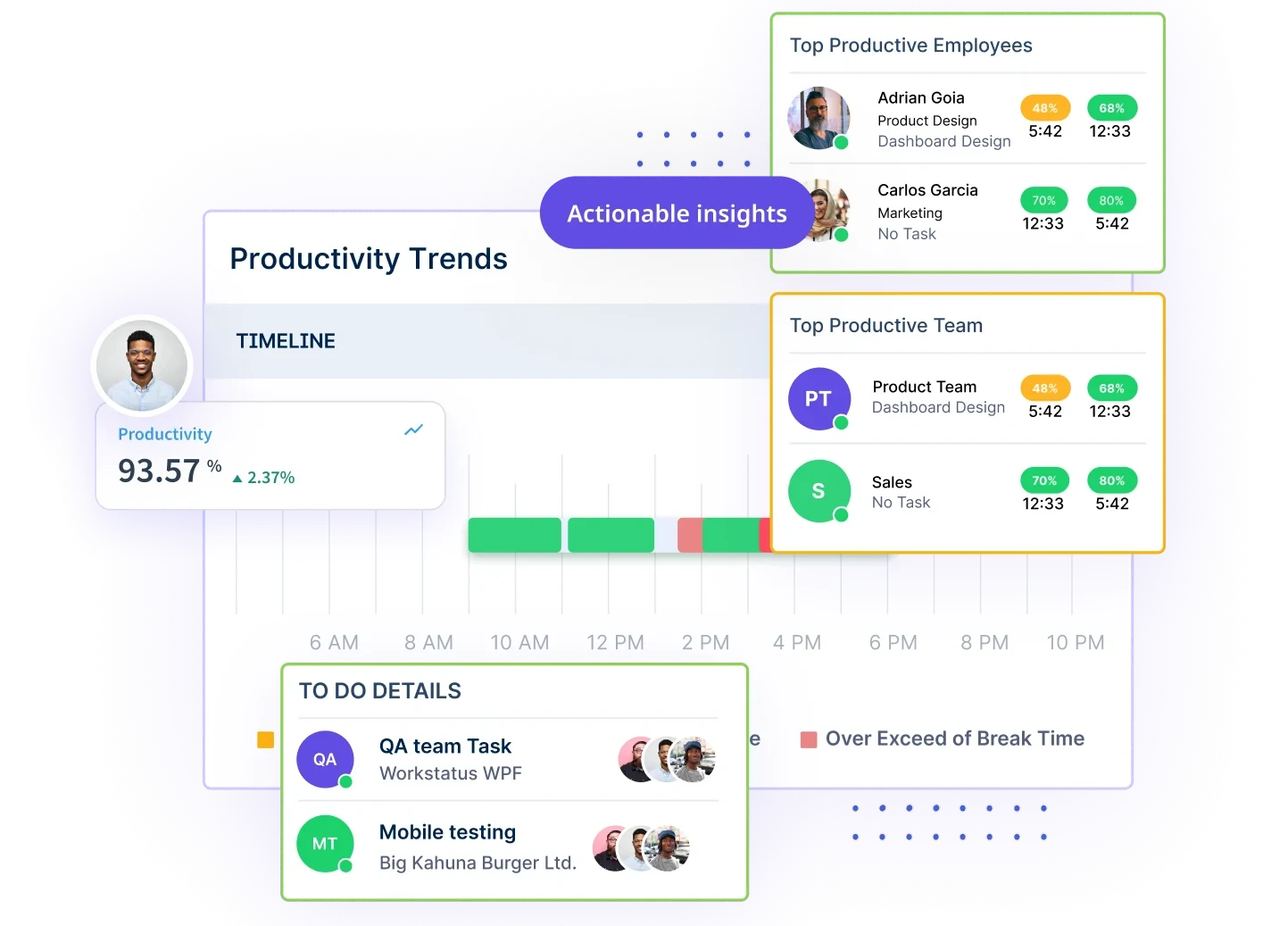
- See work patterns, not just hours
- Identify focus time vs distractions
- Spot idle time early, without micromanaging
- Understand how work actually flows
- Move from assumptions to real insights
Project Intelligence for Early Overrun Signals
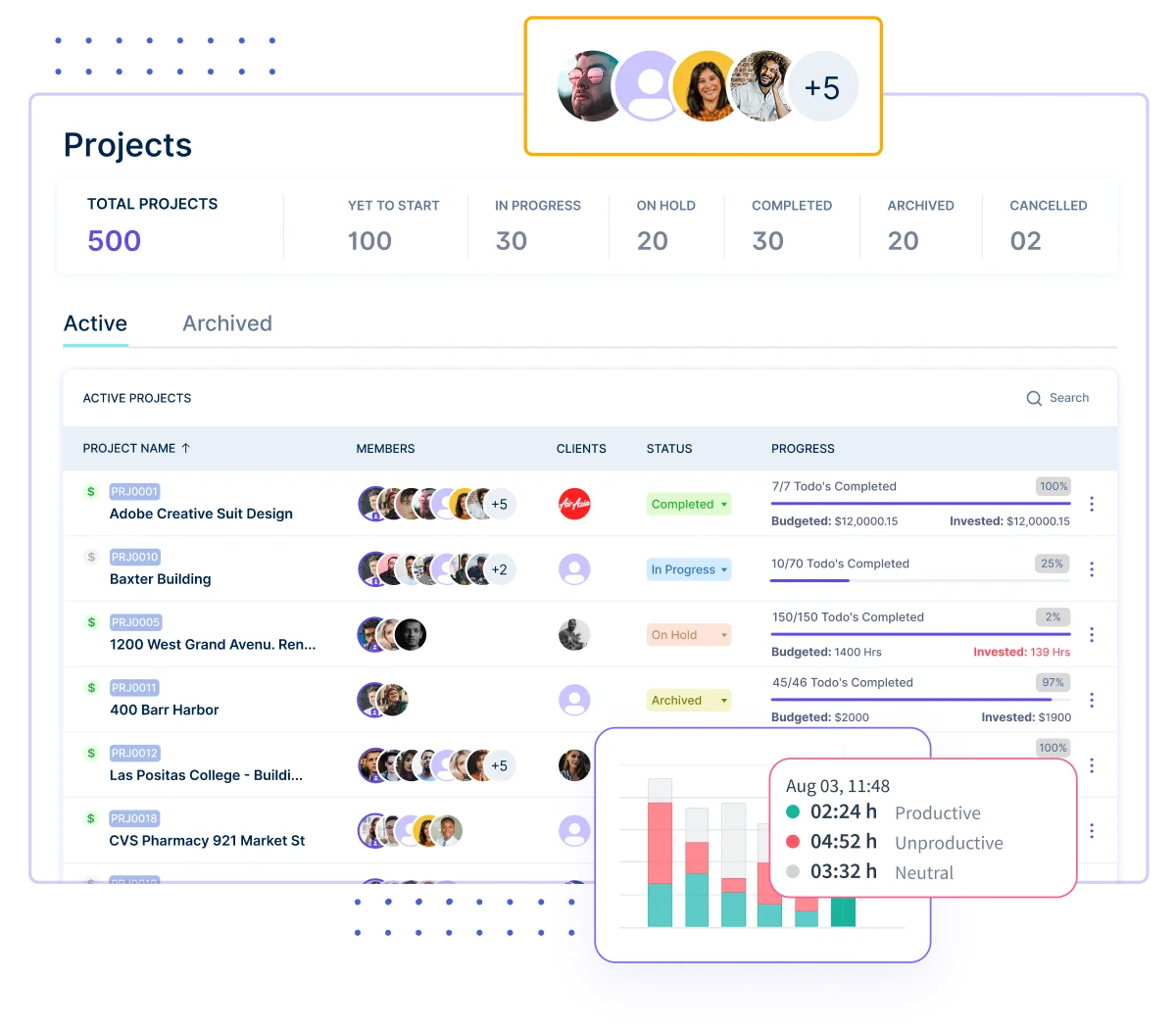
- Tasks, time, and progress connected
- Real-time visibility into delivery status
- Early signals when work slips
- Less status checking, fewer follow-ups
- Managers plan, not chase
Attendance & Payroll with Accurate Pay Cycles
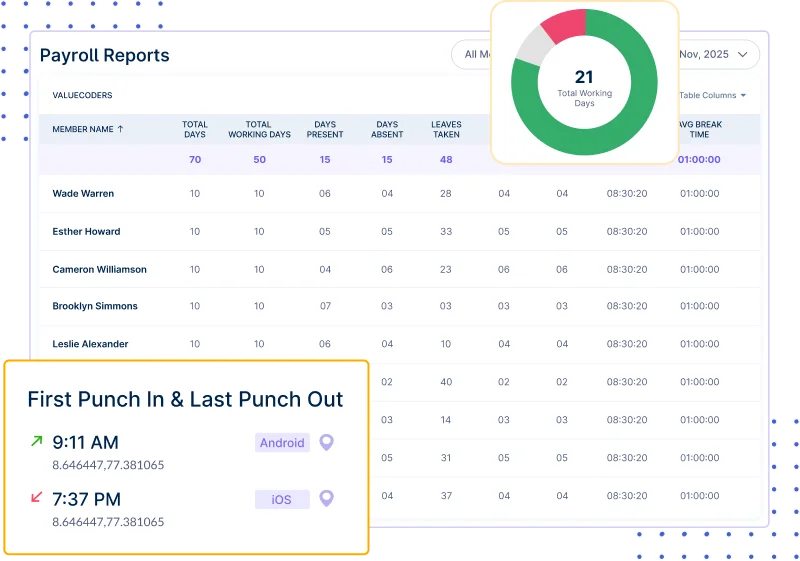
- Automated attendance tracking
- Accurate workdays, breaks, and shifts
- Fewer payroll corrections
- Clean data ready for payroll runs
- No separate attendance tools needed
Instead of managing four different systems, teams get one clear view of work. As AI in the workplace becomes more common, many teams are adopting an all in one AI platform to access AI tools, agents, and automation from a single workspace instead of managing multiple disconnected solutions.
With Workstatus, it’s not about adding another tool; it’s about finally replacing the ones slowing you down.
Results Teams See After Switching
- 10+ hours saved per week by managers
- 30–40% fewer follow-ups for status updates
- 2× faster reporting with real-time data
- 25% better workload balance across teams
- 1 platform replacing 3–6 tools
Signs Your Team Is Ready to Replace Multiple Tools
When work feels harder than it should, tools are often the reason. Not because you don’t have enough of them, but because you have too many.
Here are the signs your current setup is holding you back:
- Managers spend more time chasing updates than planning
- Time, tasks, and reports never fully match
- Too many subscriptions just to get basic visibility
- Payroll and billing need frequent corrections
- Teams feel busy, but real progress is unclear
When these problems show up, it’s rarely about people. It’s about disconnected tools and the need to replace 3–6 tools with one system.
Conclusion
Service teams don’t need more tools; they need work they can clearly see.
When time, tasks, and productivity come together, work moves faster with fewer delays.
That’s the clarity Workstatus delivers as a software for productivity management. So, if clarity matters, it’s time to make the switch.
FAQs
Ques: Will teams still need their task tool?
Ans: Yes. Workstatus works with tools like ClickUp to add time, activity, and proof of work.
Ques: Is Workstatus hard to set up?
Ans: No. Most teams connect their tools and start tracking within a day.
Ques: Does it work for remote and office teams?
Ans: Yes. Workstatus supports remote, hybrid, and in-office work.
Ques: How does this help managers day to day?
Ans: Managers spend less time chasing updates and more time planning with real data.