
Table of Contents
A ten-person team can log the same 400 hours every week. One month, they ship two client projects early. The next month, they barely close one. Same hours. Different outcomes.
The difference is not effort. It’s where the hours go: deep work or busy work.
This isn’t a productivity problem. It’s a margin problem.
As per Gallup’s latest global workplace data, employee engagement fell to just 20% in 2025, the lowest in five years. That drop alone cost the world economy close to $10 trillion in lost productivity.
For a team lead, engineering manager, operations manager, or agency owner, that number isn’t abstract. It shows up as missed deadlines, slipping margins, and clients who start asking questions.
Here’s what deep work and busy work actually look like in a business, why the gap between them costs you money, and how to close it.
What is Deep Work?
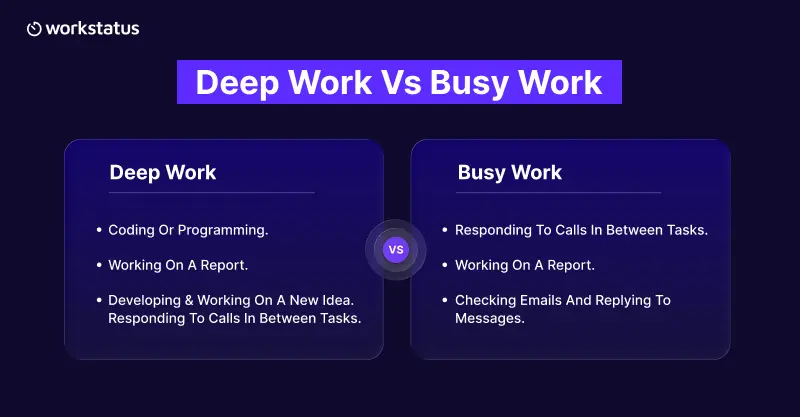
Deep work refers to focused, uninterrupted effort on a task that moves a real result forward. It is a kind of high-impact work that actually changes an outcome.
In a business, productive work looks like:
- A developer clearing the one blocked ticket holding up a client release.
- An operation led to redesigning a workflow that’s been causing errors for weeks.
- An account manager building the proposal that wins a renewal.
In every case, it involves one person, one problem, and no interruptions until it’s done.
What is Busy Work?
Busy work fills the day but doesn’t move a result forward. It looks productive. It isn’t.
In a business, it looks like:
- Status updates that repeat what everyone already knows.
- Back-to-back check-in calls that produce no decisions.
- Reports that get written, filed, and never opened again.
A team can run entirely on this and still look “busy” on paper. The work just doesn’t ship.
Why This Gap Decides Business Outcomes
Busy work isn’t a minor inefficiency. It’s a direct cost, and it shows up fast.
Every notification, ping, and “quick call” pulls someone out of what they were actually doing. Getting back into that work takes longer than the interruption itself.
Multiply that across a ten-person team, all day, every day, and you’re looking at hours lost before any real project work even starts.
That’s not a focus problem. That’s a delivery problem, a margin problem, and eventually a client-retention problem.
Signs Your Team is Running on Busy Work
You don’t need a survey. Here are some signs you should consider:
- Meetings that could have been a two-line message.
- People who are always “on a call” but can’t say what shipped this week.
- Reports written on schedule, read by no one.
- Long hours with no finished deliverable behind them.
- Deadlines that keep slipping while the calendar stays full.
If more than two of these are true, the problem isn’t your team’s effort. It’s where their hours are going.
How to Shift the Balance
Small, consistent changes move this number. Start here:
- Set a team-wide no-meeting block. Two hours a day, no meetings, no pings. Protect it the same way you’d protect a client deadline.
- Batch the team’s check-ins into one. Five short status pings a day cost more in context-switching than the updates are worth.
- Make meetings earn a slot. Before booking one, ask if a written update would do the job instead.
- Separate reactive work from planned work. Give urgent requests a fixed window, and protect the rest of the team’s schedule for delivery.
- Measure the split. This is where software does the heavy lifting, not a spreadsheet.
These are the productive work habits that make room for more deep work, without asking anyone to work longer hours.
How the Right Software Closes This Gap
Most managers already know this matters. What they don’t have is the time to dig through calendars and status updates to prove it. This is exactly where employee productivity management software earns its place in a team’s stack, answering the one question a manual check never quite gets to: Where is the time actually going, and is it moving the business forward or just filling the day?
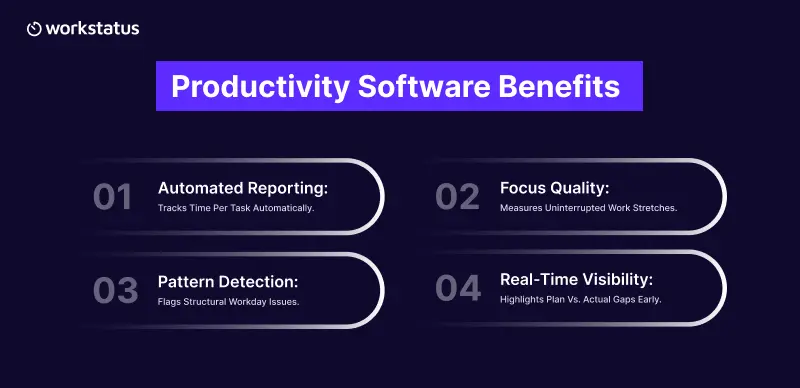
Productivity software solves this problem in a few direct ways:
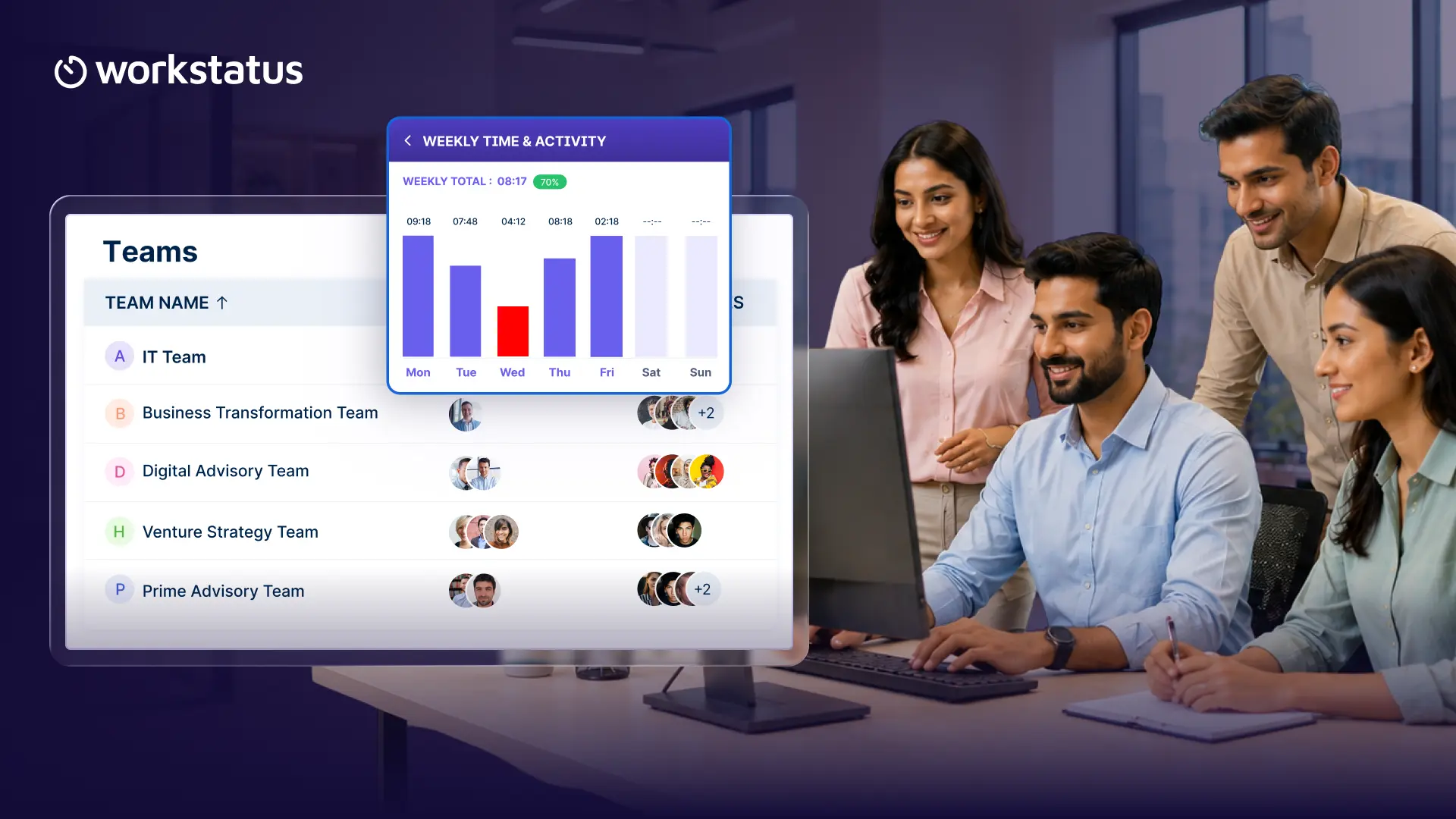
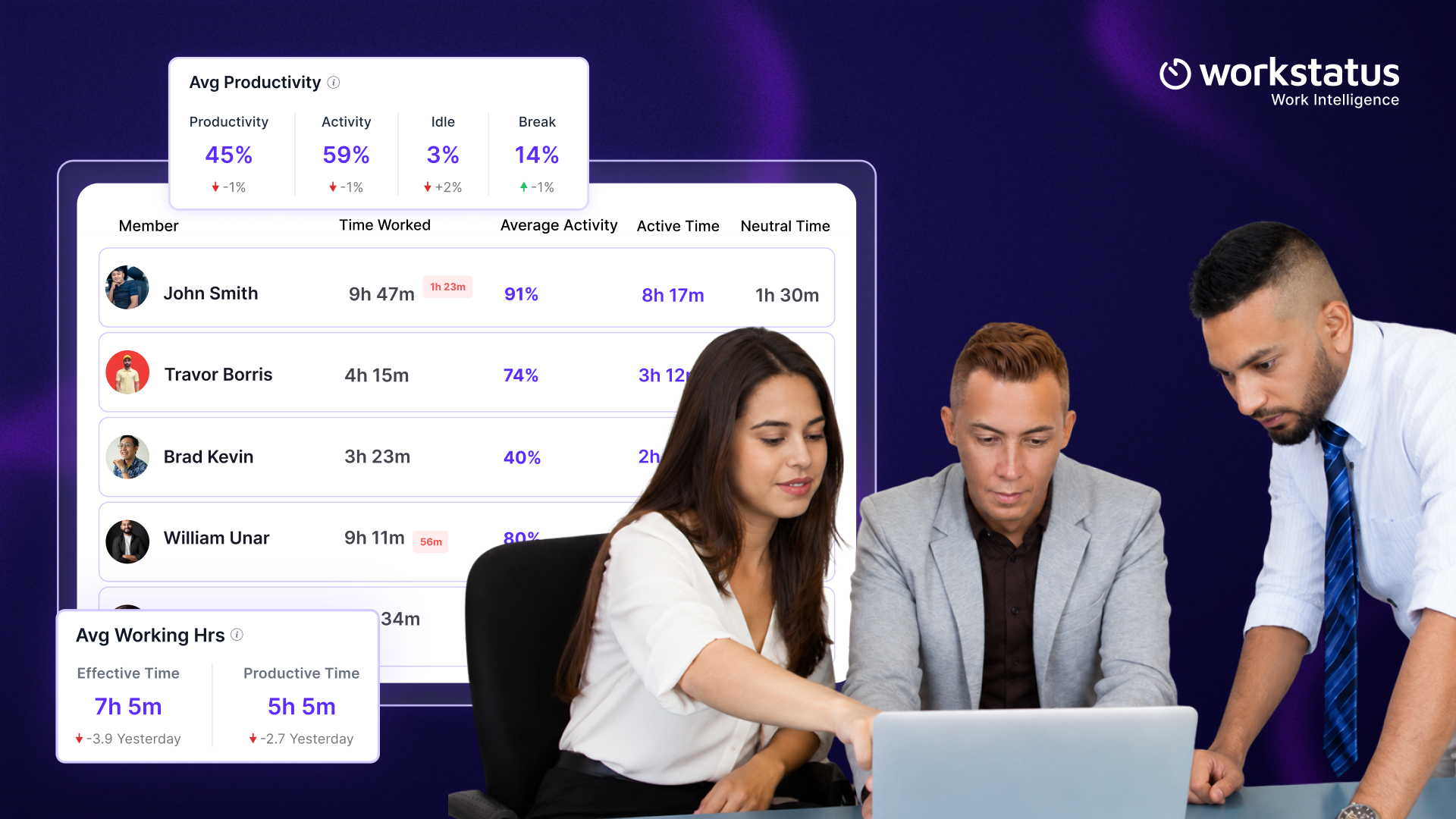
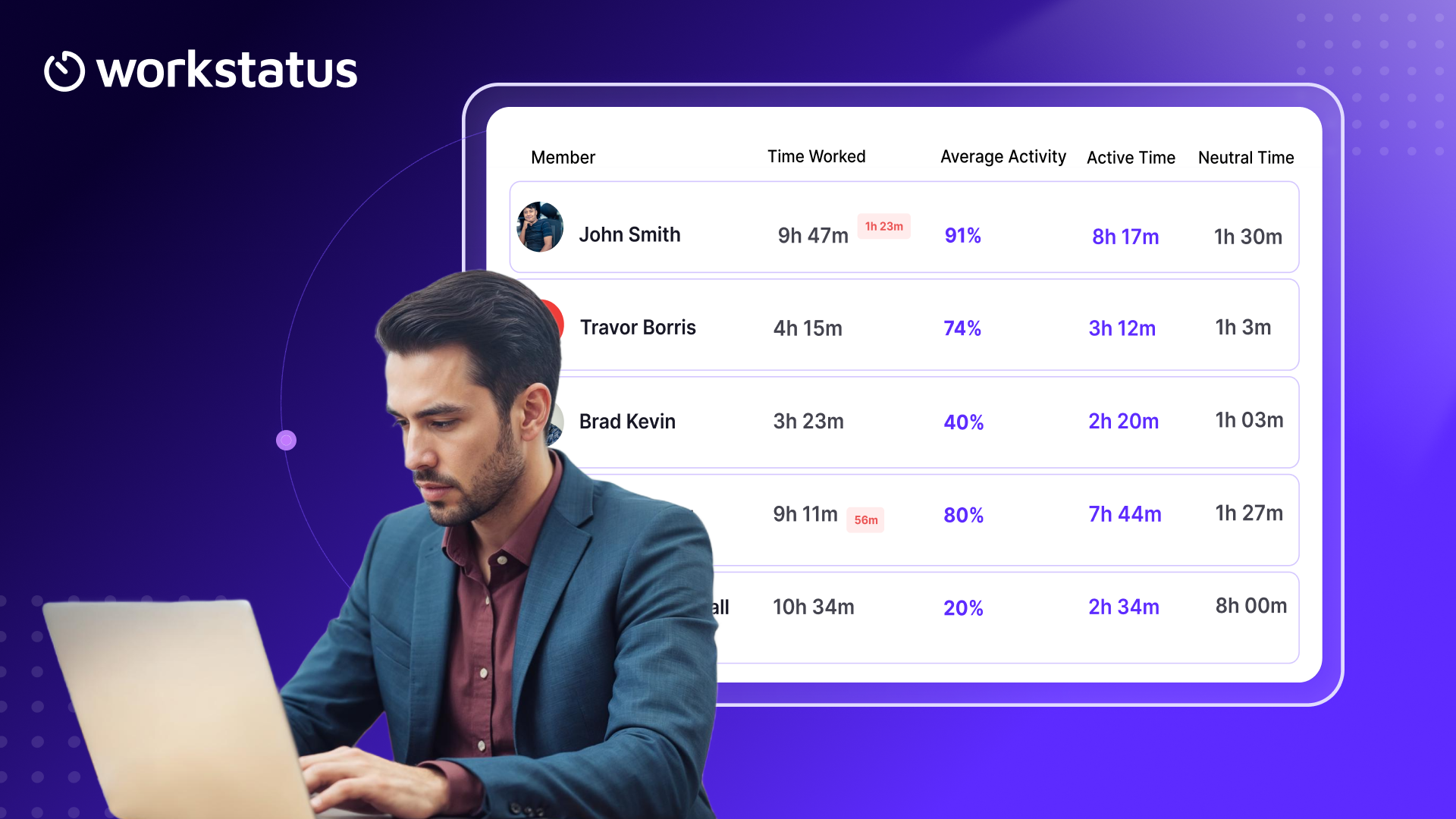
- Turns hours into a report, not a chore. Time gets tracked against projects, tasks, and clients as work happens, so the deep-work-versus-busy-work split is something you open, not something someone has to update.
- Shows focus quality, not just focus quantity. It tracks how long uninterrupted stretches actually run, so a day full of “real work” hours doesn’t hide 20-minute fragments between interruptions.
- Flags when deep work is actually happening. If real focus only shows up before 9 am or after hours, the report surfaces, pointing to a workday structure problem instead of an individual one.
- Removes the lag. A gap between planned and real work shows up in the report before it turns into a missed deadline, not after.
Here’s what that shift looks like over a month for a ten-person delivery team once it’s visible in a report:
In week one, 60% of logged hours sat in meetings and status work. By week four, after batching check-ins and protecting focus blocks, that dropped to 40%. Same team, same hours. Just redirected toward the work that actually moves the business forward.
For teams split across offices, home setups, and time zones, this same visibility supports both remote work management and hybrid work management, since the report reads the same way no matter where someone is working from.
Workstatus: From Manual Log to Automatic Report
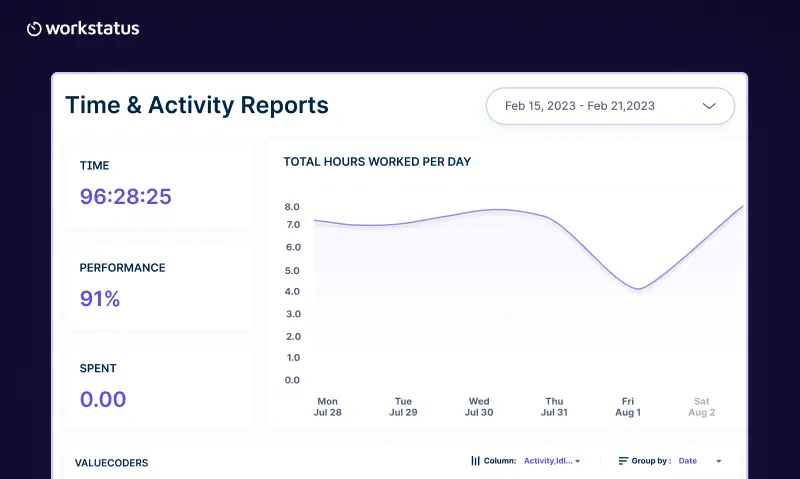
Growing a distributed team gets harder without visibility, not because people aren’t working, but because no one can see where the hours are actually going. Workstatus closes that gap by equipping managers with productivity intelligence and clients with a straight answer on where the hours went.
What you get with Workstatus:
- See where every hour goes without chasing anyone for a status update, a simple form of IT productivity tracking for delivery teams.
- Spot an overloaded team member before it turns into a missed deadline, backed by idle time detection, not just a guess.
- Bill clients with confidence, with proof of work behind every invoice instead of an estimate.
- Use it as remote work productivity software that keeps remote, hybrid, and in-office teams on one consistent report.
- Add optional work productivity monitoring software features, like screen monitoring software for screenshots and activity levels
- Give your team their own self-view of their time by default, so that tracking supports focus rather than feeling like surveillance.
- Connect directly to Jira, Asana, ClickUp, and Trello, so the time data lines up with the delivery work already happening there.
Keep in mind that productivity software calculates deep/productive work and also provides insights so you can take the right actions to improve it. Blocking focus time and cutting dead meetings still does the real work. Workstatus just tells you if it’s working and where to fix it next.
The Takeaway
Busy work fills a calendar. Deep work fills a business. Track which one is filling yours. Run it as a one-day test with one team. Block two hours, remove every interruption you can, and compare what ships against a normal day. That gap is your business case.
FAQs
1. What is the difference between deep work and busy work?
Ans. Deep work is focused and uninterrupted effort that produces a desired outcome. Busy work fills the day; think repeated status updates or back-to-back calls with no decisions, no outcome moving forward.
2. Why does busy work reduce employee productivity?
Ans. Busy or shallow work breaks concentration. Every interruption or low-value task pulls attention off real work, and it can take over 20 minutes to refocus afterward. Across a team, it adds up to hours of lost output every day.
3. How can managers identify busy work in their teams?
Ans. Managers can identify busywork by tracking metrics that reveal effort without meaningful progress, such as
- Time spent in meetings
- Time spent on administrative tasks
- Context-switching frequency
- Time spent on billable or project work
- Project progress versus hours worked
4: What are examples of deep work in the workplace?
Ans. A developer clearing a blocked ticket without interruptions, an ops lead redesigning a broken workflow, or an account manager building a proposal with no calls breaking their focus are some examples of deep work.
5. What is the best way to track productive work hours?
Ans. The best way to track productive work hours is by using work productivity monitoring software that measures time alongside actual work outcomes. It helps compare hours logged against project progress while tracking time spent on focused work, meetings, and administrative tasks.