
Table of Contents
Agencies, consulting firms, and dev teams all run on the same currency: billable time. But most teams lose a chunk of that time before it ever reaches an invoice.
Time and expense tracking software fixes this. It captures hours and costs as work happens, ties them to the right client, and turns that record straight into an invoice.
Whether you already use a project time and expense tracking software or you’re still stitching this together in spreadsheets, the cost of getting it wrong shows up in every invoice you send.
Here’s where that gap comes from, why it costs more than it looks like, and how to close it for good.
1. The problem: You’re not billing for all the work you do
Ask yourself one question: how many hours did your team log this week, and how many actually made it onto an invoice?
For most service firms, these two numbers don’t match.
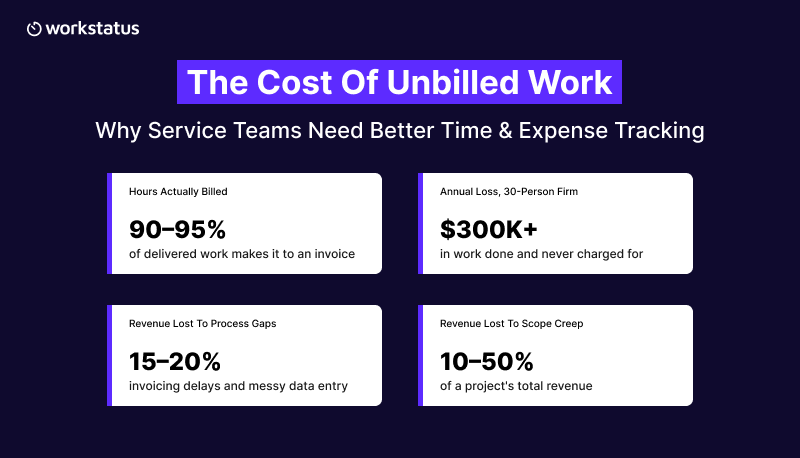
- Service firms bill only 90-95% of the hours their teams deliver. The rest gets done and never invoiced, according to SPI Research.
- A 30-person consulting firm billing $175 an hour can lose over $300,000 a year this way.
- McKinsey found firms lose 15-20% of revenue to process gaps like invoicing delays and messy data entry. Scope creep alone can cost agencies 10-50% of a project’s total revenue, per DEV Community.
This pattern is common across agencies, consulting firms, dev teams, and even teams evaluating time tracking software for accountants.
None of this lost revenue comes from bad clients. It’s billable hours you can recover if your time tracking software captures them at the source.
2. Why it happens: hours get logged from memory, not from record
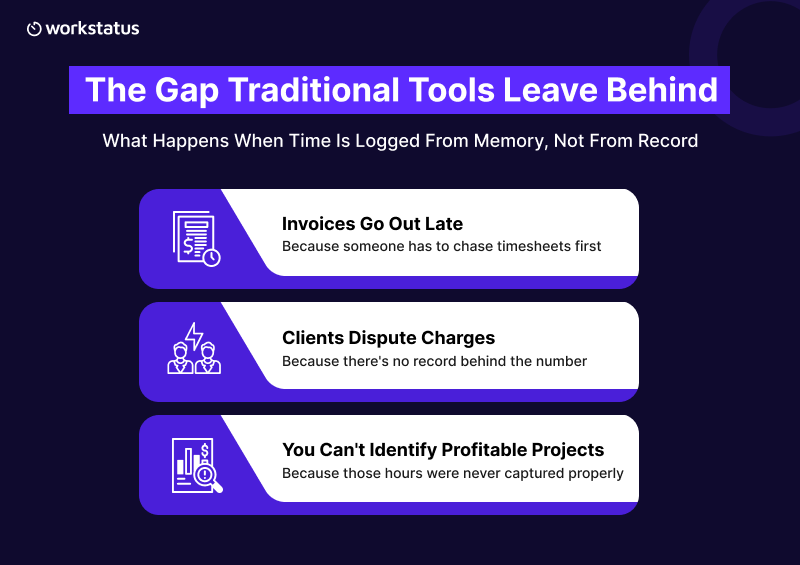
Most teams log time at the end of the week, not as they work. So they try to reconstruct five days from memory, often using spreadsheets to estimate billable hours. That process creates inaccuracies that affect billing, reporting, and project visibility.
A Harvard Business Review study found that delaying a time entry by even one day drops accuracy by 25-40%. Wait until Friday, and you’re guessing.
Guessing leads to three problems downstream:
- Invoices go out late because someone has to chase timesheets first.
- Clients dispute charges because there’s no record behind the number.
- You can’t tell which projects are profitable, because the hours behind them were never captured properly.
So the real issue isn’t effort. It’s a system that depends on memory instead of a live record.
3. The fix: capture time and cost at the source, not after the fact
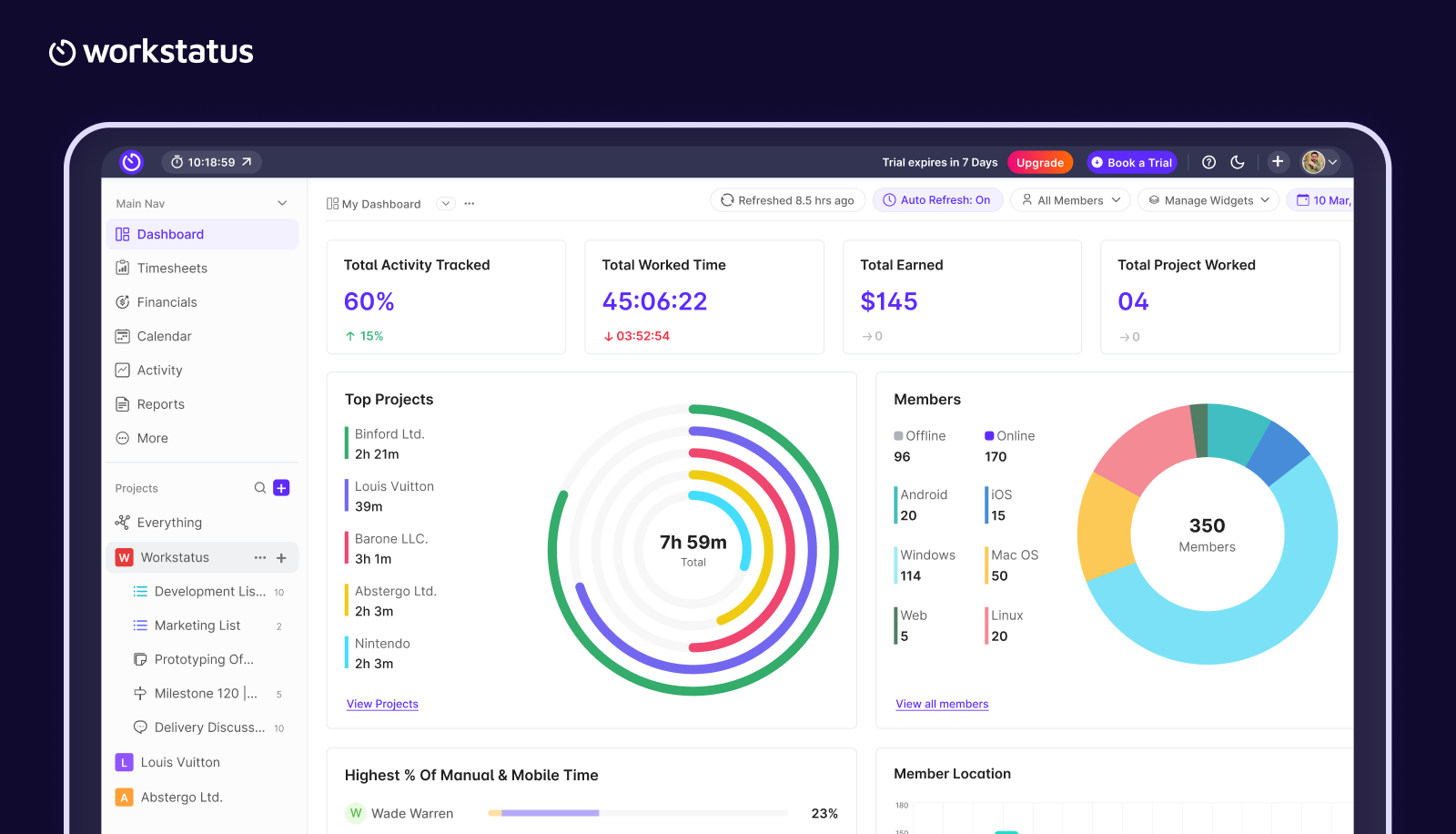
To eliminate guessing, time and expense data must be captured as the work happens, not reconstructed days later from memory.
When you compare the best time and expense tracking software, look for one thing above all else: it captures data automatically, instead of relying on someone to remember it later.
To close this gap, three things need to happen automatically.
- Time gets captured as work happens, not rebuilt later.
- Every hour and expense gets tied to the right client and project from the start.
- Invoicing pulls straight from that record, so there’s nothing left to chase.
This is what a time intelligence platform does.
It turns raw logged hours into clear answers: which client took up your week, which project is profitable, and which one is quietly bleeding hours.
You can’t get those answers from a spreadsheet. You get them when time and expense tracking is organized by client and project automatically.
WorkStatus is built around this idea for agencies, consulting firms, dev shops, and IT services teams alike, including anyone searching for IT time tracking software built for multiple concurrent client projects. Here’s how it plays out.
4. How Workstatus improves billing and visibility
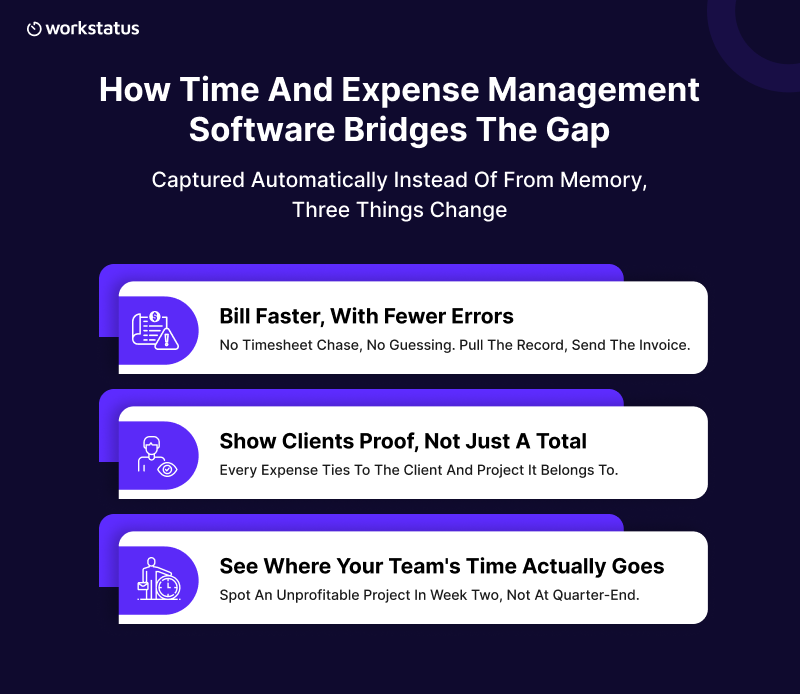
Once time and expenses are captured automatically, the benefits show up in three places: how fast you invoice, how well you can back up what you bill, and how clearly you see your own numbers. Here’s what changes in each.
Bill faster, with fewer errors
When time is already sorted by client and project, invoicing is no longer a monthly scramble.
There’s no timesheet chase, no rebuilding last week from memory, and no line item you have to guess at. You pull the record, generate the invoice, and send it.
What used to take days now takes minutes, and every number on it matches the work that happened. This is exactly what the right time and expense software is built to fix.
Show clients proof, not just a total
A number on an invoice is easy to question. A record behind that number is not.
When expenses are logged with receipts and tied to the project they belong to, using expense tracking software instead of a shared drive full of screenshots, you’re not asking clients to trust your total. You’re showing them the work.
Basic expense tracker software that only totals receipts won’t do this. You need one that ties every expense to the client and project it belongs to.
See where your team’s time actually goes
It helps you get a real picture of your business, not a guess. You can see which clients take more hours than they pay for, which projects run over time, and which work is actually profitable.
That’s the core task of time and expense management software: catching a problem in week two, instead of discovering it at quarter-end.
Final Thoughts
Billable time is the one asset every agency, consulting firm, and dev team has to protect. If it is left to memory and spreadsheets, it leaks out quietly: a late timesheet here, an unlogged call there, and an expense nobody wrote down.
Time and expense tracking closes that gap. It captures hours as they happen, ties them to the right client, and gives you a record you can invoice from and defend without a second thought.
Workstatus is built to be that record, so nothing you bill for goes unproven, and nothing you’ve earned goes unbilled.
FAQs
1. What is time and expense tracking software for client work?
Ans: It’s a tool that captures the hours your team works and the costs they incur, then ties both to the right client and project. It helps you get one record you can invoice from directly, rather than piecing together timesheets and receipts manually. Some teams start with free expense tracking software to test this before adding full-time tracking on top.
2. How do you combine time tracking and expense tracking?
Ans: You log both against the same client and project in the same system. That way, hours worked and expenses incurred sit side by side when you invoice, backed by one record instead of two separate files. Good time and expense management software does this automatically, so nothing needs manual matching later.
3. How does time and expense tracking improve client billing?
Ans: It removes the guesswork. Every hour and expense already sits under the right client and project, so you can generate an accurate invoice in minutes instead of chasing timesheets and receipts. It’s one of the fastest ways to recover billable hours that would otherwise go unbilled.
4. Does time and expense tracking software support expense reimbursement?
Ans: Yes. Your team logs expenses with receipts as they spend, and then those expenses route for approval before reimbursement. That gives you a clear, auditable record for every dollar paid back, not just a total on a spreadsheet.
5. What is expense management software?
Ans: Expense management software is a tool that tracks, approves, and reports on what your team is spending on behalf of the business or a client. When paired with time tracking, it becomes part of a full-time and expense tracking setup that covers both hours and spend in one place.