
Table of Contents
Let’s be clear: IT teams aren’t slow because of missing skills. They’re slowed down by manual work that shouldn’t exist anymore.
Status updates, follow-ups, reports, and approvals quietly eat up hours. They pull engineers away from real work and delay delivery.
But here’s the good news.
You don’t need bigger budgets or heavy changes to fix this. With the right approach, IT teams can cut 30% of manual work in just 60 days and deliver faster with the same team.
Here’s what this blueprint helps eliminate:
- Constant tool-hopping
- Repetitive status updates
- Slow approvals
- Manual reporting
- Hidden delays
And here’s what you get instead:
- Auto-time tracking
- Automatic task updates
- Built-in approvals
- Real-time work visibility
- Zero-click reporting
This guide shows you exactly how to make that shift, simply and quickly. Let’s dive in!!
The Hidden Cost of Manual Work in IT
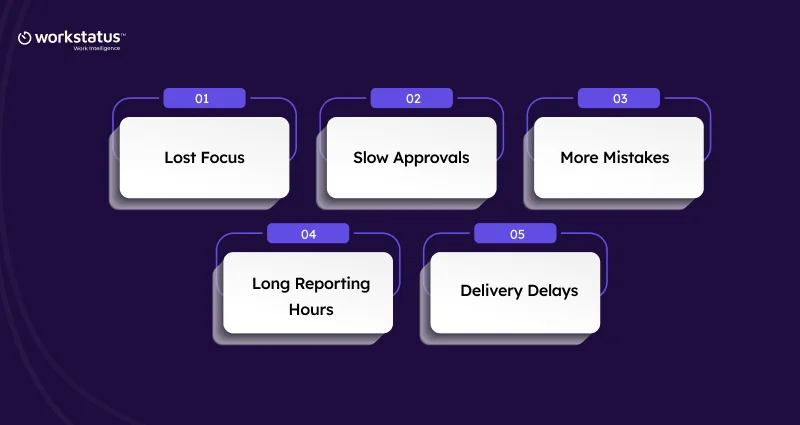
Manual work feels harmless… until it starts slowing everything down. Here’s why IT teams lose more than they realize.
1. Lost Focus
- Too many tiny updates
- Jumping between tools
- Hard to stay in deep work
2. Slow Approvals
- Work waits for someone’s “yes.”
- Tasks get stuck halfway
- Deadlines move without warning
3. More Mistakes
- Manual entries slip
- Steps get missed
- Small errors become big issues
4. Long Reporting Hours
- Data comes from everywhere
- Reports built by hand
- Managers lose hours every week
5. Delivery Delays
- No real-time view
- Problems show up late
- Teams rush at the end
Manual work doesn’t look scary, but it quietly slows down every project. Fixing it gives IT teams instant speed and clarity.
Calculate Your Cost of Tool Fragmentation.
What IT Teams Usually Try (And Why It Fails)
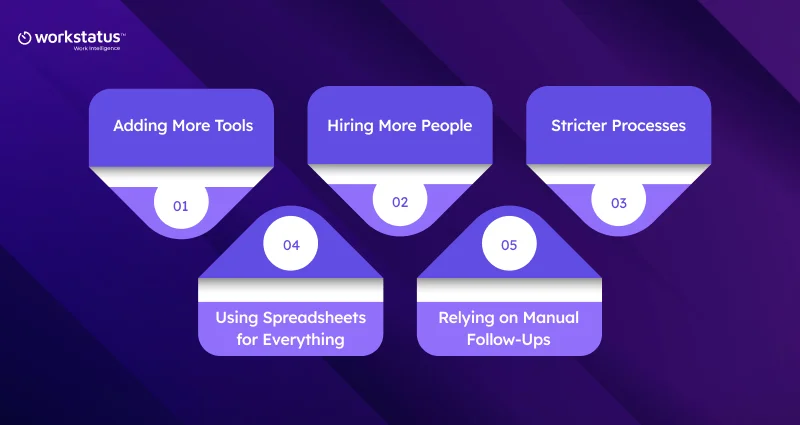
Most IT teams try to fix manual work by working harder, adding tools, or tightening rules. But these “fixes” don’t really fix the root problem. Here’s why they fall short.
1. Adding More Tools
- Creates more switching
- Makes work harder, not easier
- Data sits in too many places
2. Hiring More People
- More people → more coordination
- Manual work still stays manual
- Costs rise without real speed
3. Stricter Processes
- Makes teams feel slowed down
- Adds extra steps
- Hard to follow in fast-moving projects
4. Using Spreadsheets for Everything
- Easy to start, messy later
- Hard to keep updated
- Mistakes spread quickly
5. Relying on Manual Follow-Ups
- Managers spend hours chasing updates
- Teams forget tasks
- Delays become normal
These fixes look helpful at first, but they only cover the cracks. Real change happens when the work itself becomes automatic.
IT Automation Blueprint: 60 Days to Cut 30% Manual Work
Removing manual work doesn’t need a massive system overhaul. With the right steps, IT teams can move faster, work cleaner, and save hours every week.
This 60-day blueprint breaks everything down into small wins that create big change.
Phase 1: Map the Chaos (Days 1–10)
Before you fix anything, you need to see what’s slowing you down.
- Identify repeated tasks
- Spot workflow gaps
- Find approval bottlenecks
- List tools causing double entry
Output: A simple, clear automation plan you can follow.
Phase 2: Automate the Daily Grind (Days 11–30)
This is where the real time-saving begins.
- Auto-time tracking
- Auto-task updates
- Auto-approvals for routine work
- Auto-reminders & follow-ups
- Auto-sync with existing tools
These small automations remove the boring parts of everyone’s day.
Phase 3: Fix Delivery Blind Spots (Days 31–45)
Now make the work visible so nothing gets delayed quietly.
- Real-time work visibility
- Estimate vs actual tracking
- Auto-alerts for delays
- Manager dashboards
This helps teams catch issues before they turn into late nights.
Phase 4: Make Reporting Zero-Click (Days 46–60)
Reporting shouldn’t feel like a weekly punishment.
- Auto-generated project reports
- Billing, timesheets, client summaries
- Zero spreadsheets required
Reports build themselves, and managers finally get their time back.
This 60-day blueprint doesn’t just cut manual work; it adds productivity intelligence so teams can focus on real engineering, make better decisions, and deliver smoothly.
Where Workstatus Fits This Blueprint Perfectly
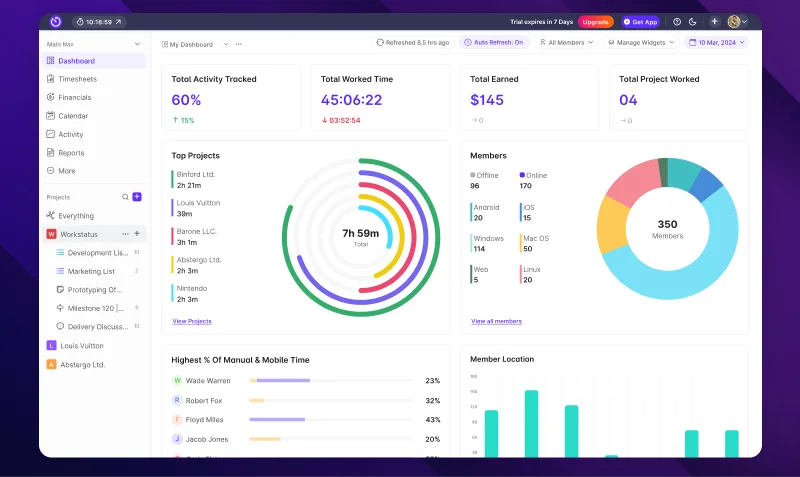
This 60-day plan works best when one system quietly connects everything.
Workstatus removes manual steps during work and adds clear work intelligence that leaders can act on. Here’s how:
1. Automated Time Tracking
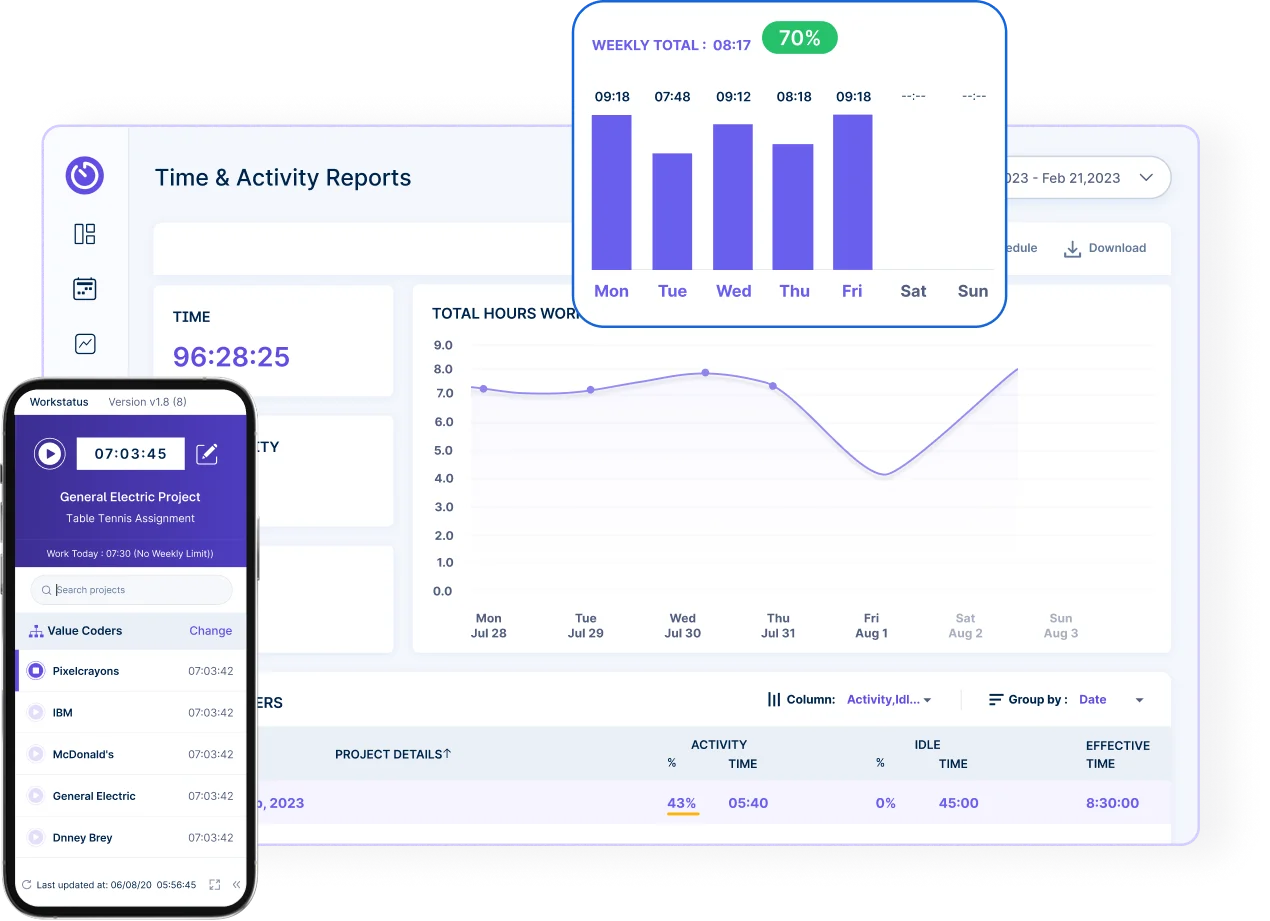
- Tracks work automatically
- No manual timesheets
- Accurate work hours
2. Smart Task & Project Tracking
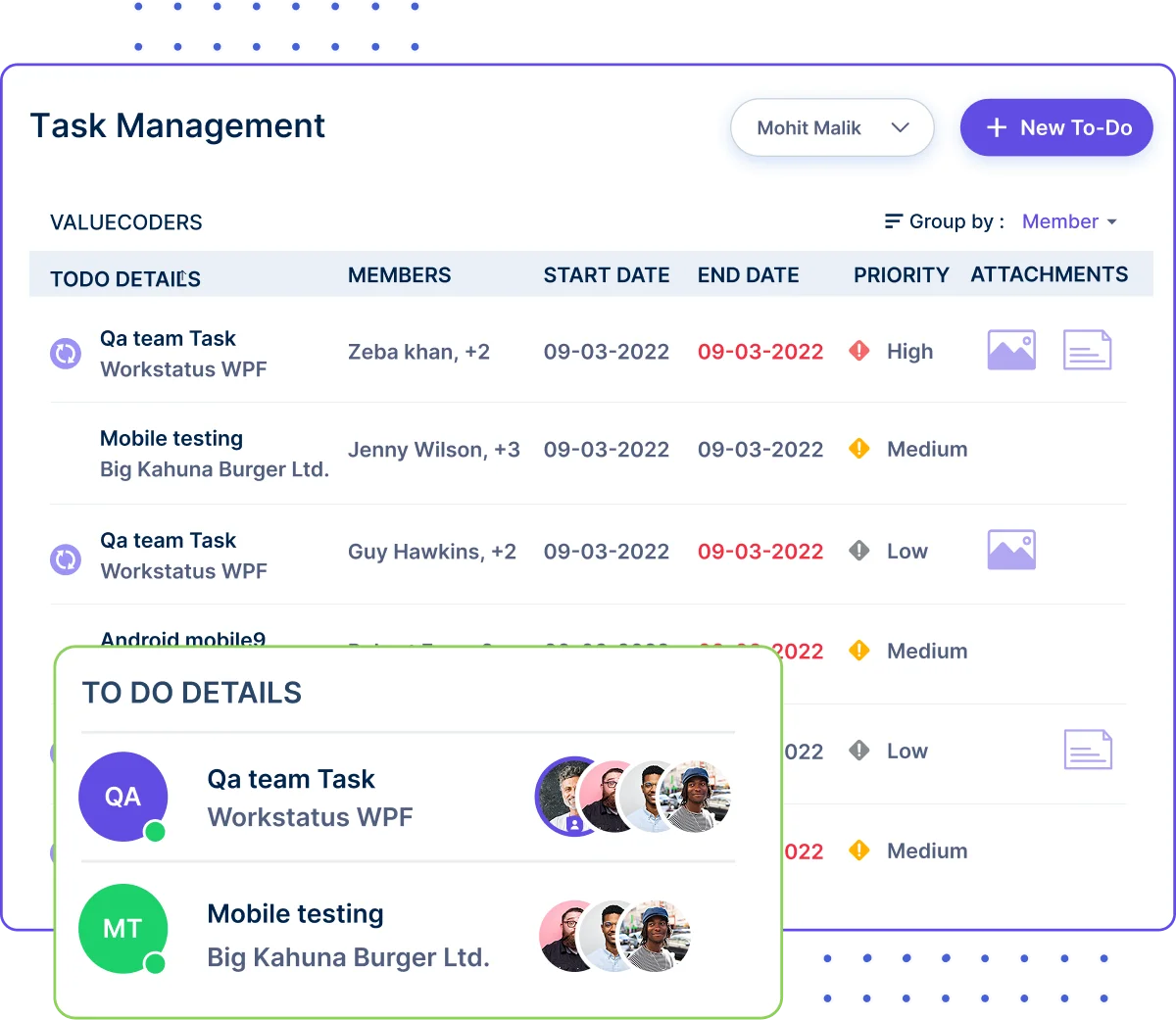
- Clear task ownership
- Live task updates
- No work confusion
3. Productivity Insights
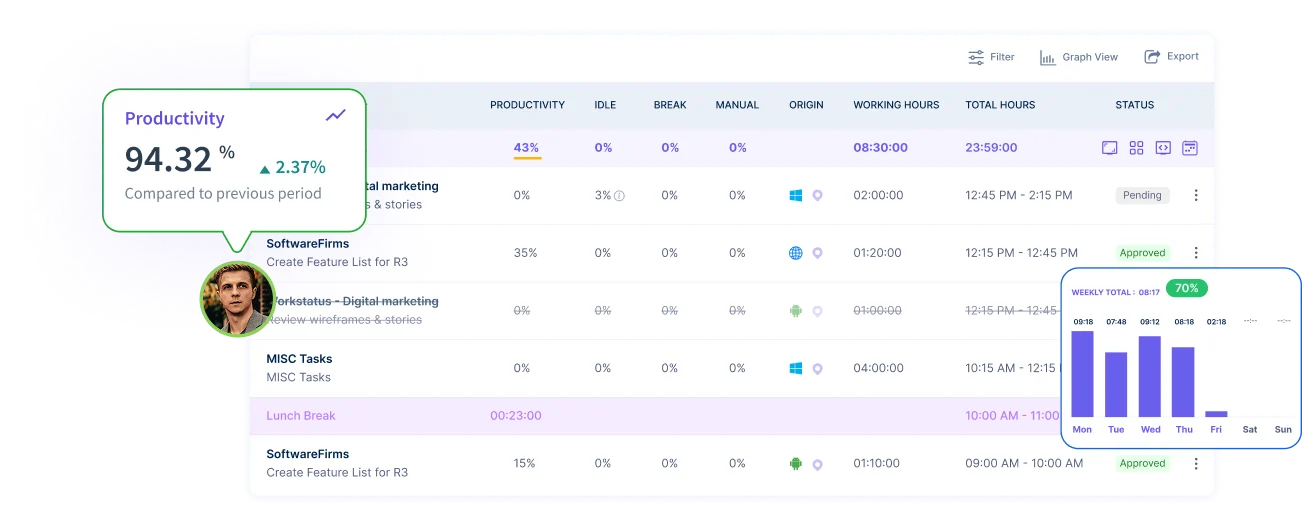
- See real work patterns
- Spot focus loss early
- Improve daily output
4. Project & Budget Control
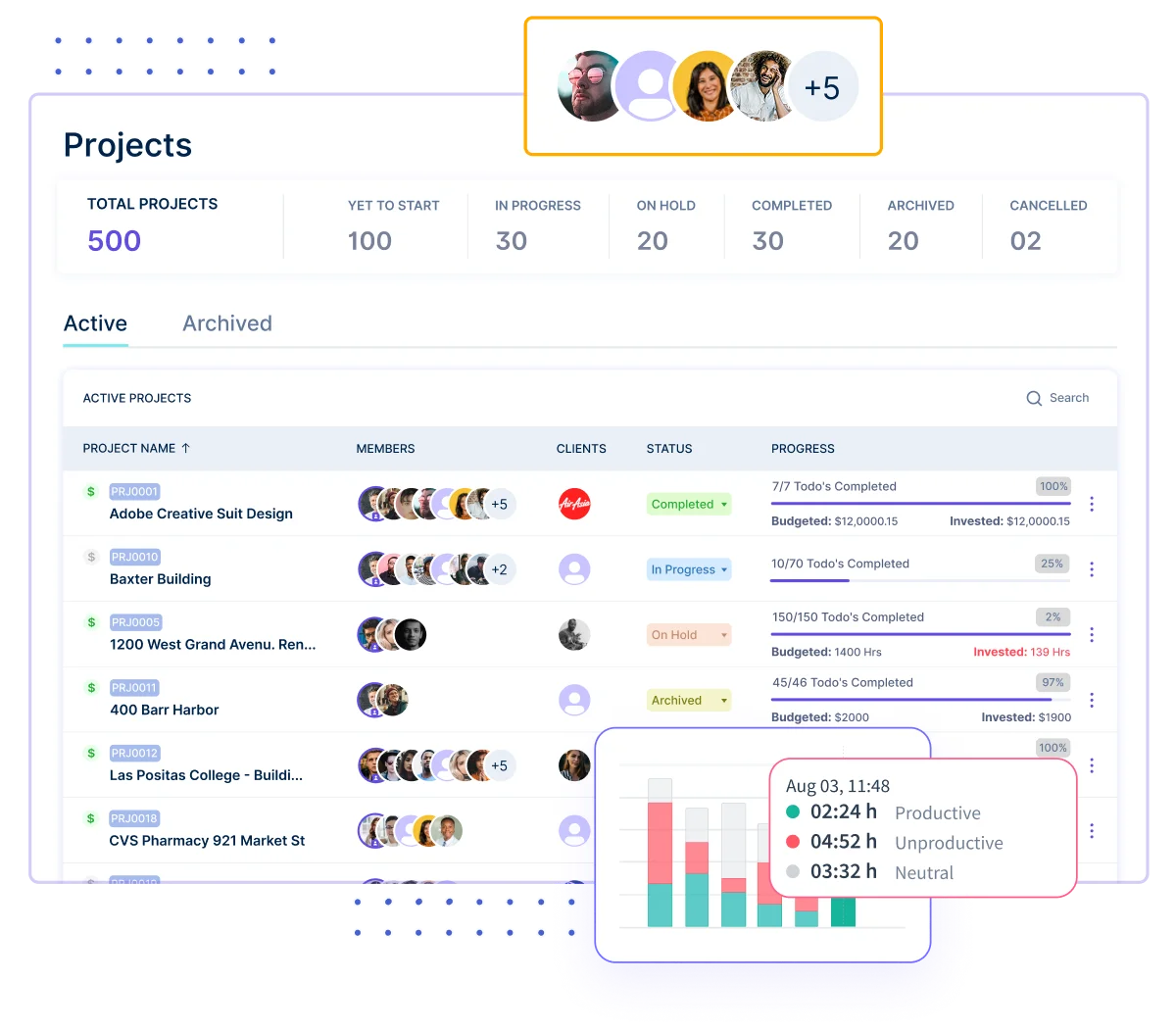
- Track cost with work
- Live budget visibility
- Fewer overruns
5. Attendance & Shift Automation
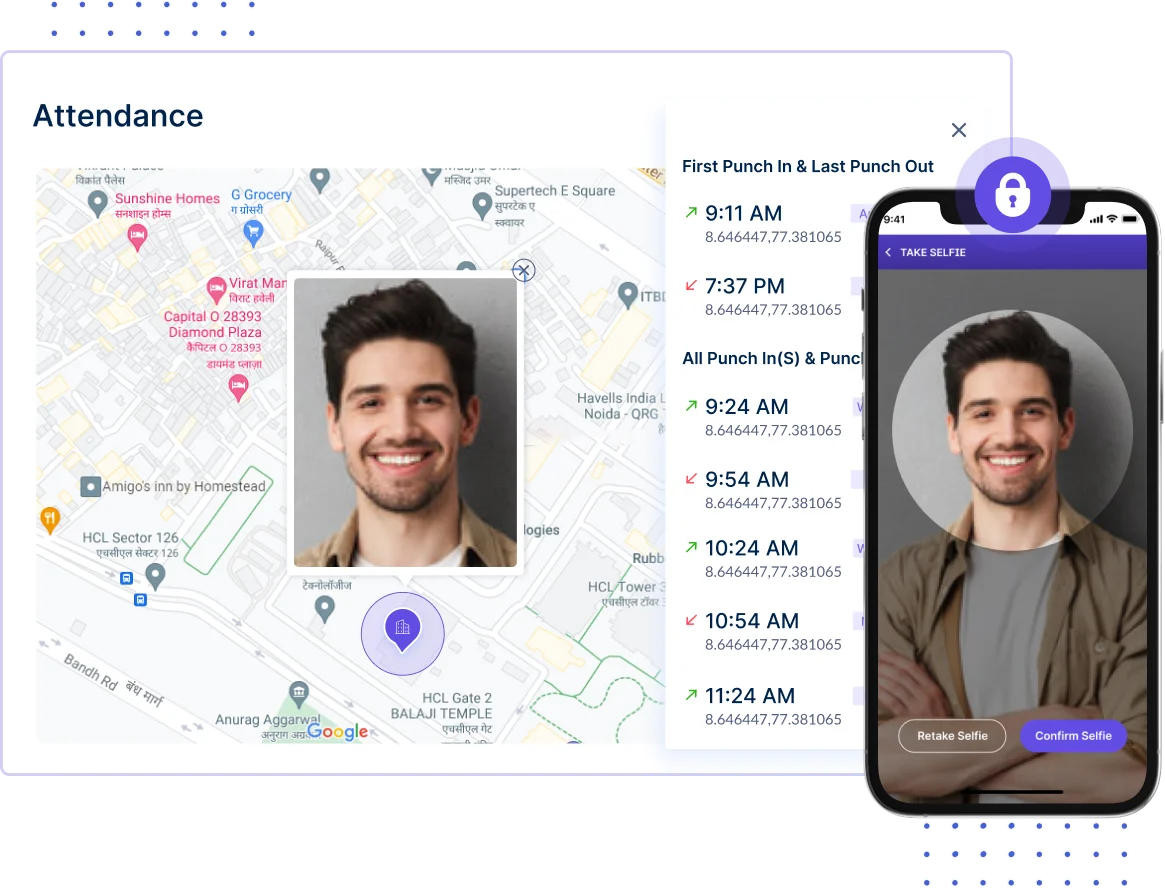
- Automatic attendance logs
- Shift rules stay clear
- No manual tracking
6. Invoicing & Billing Automation
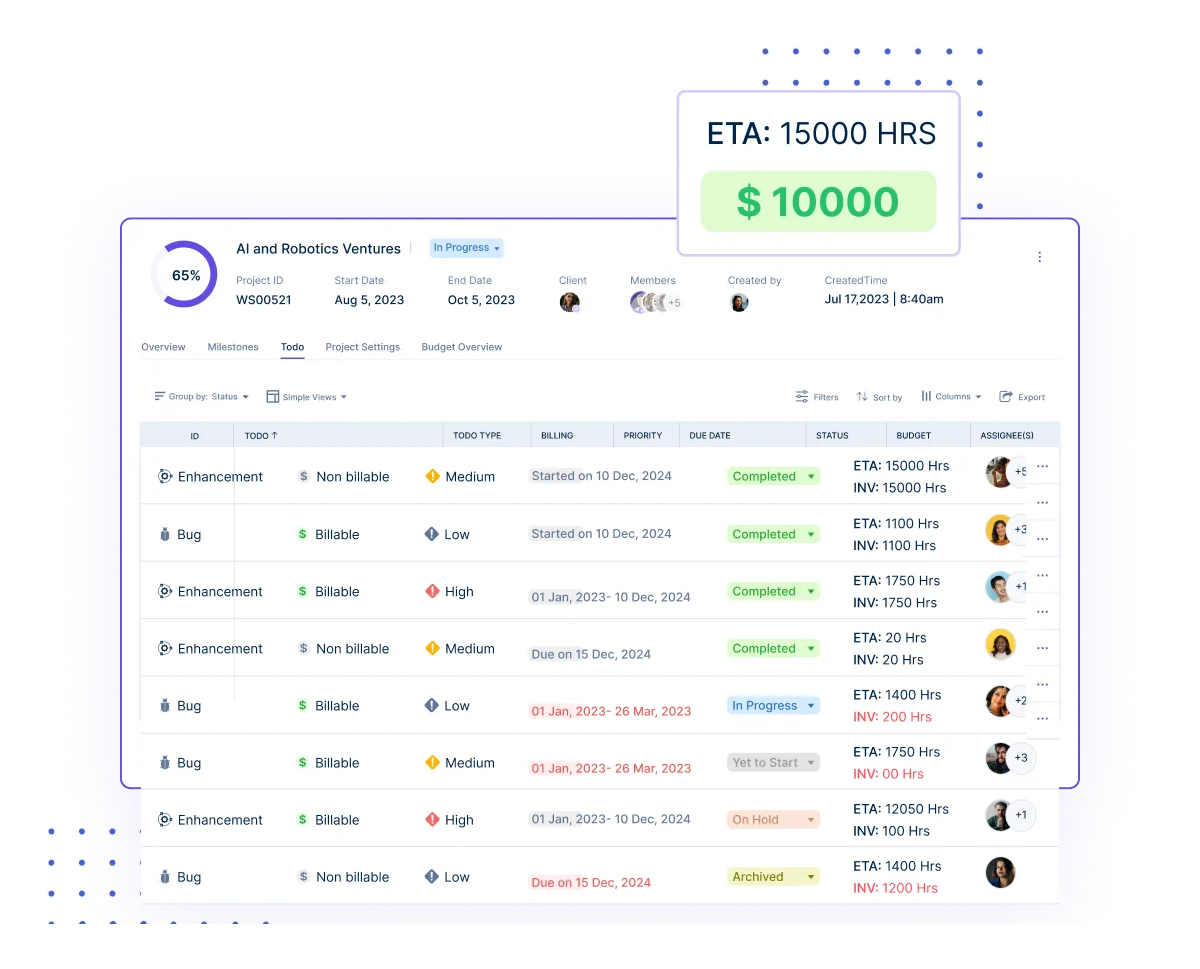
- Bills from real work
- Faster client invoicing
- Fewer billing errors
7. Centralized Reporting
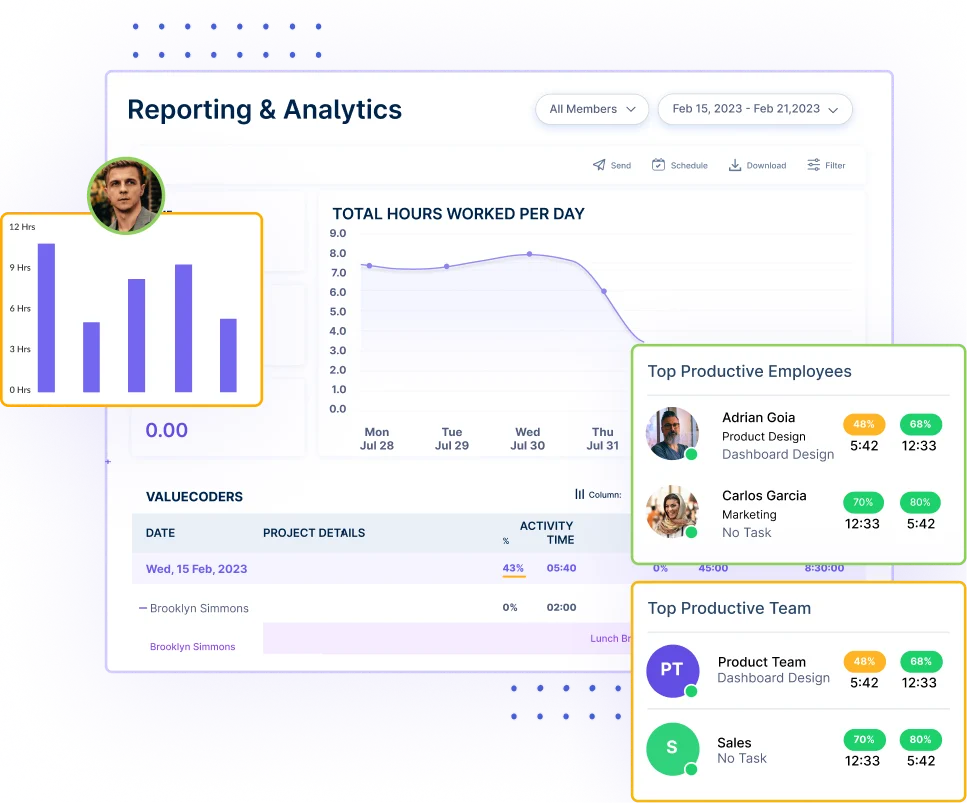
- Reports build themselves
- No spreadsheets needed
- Always ready data
8. Integrations
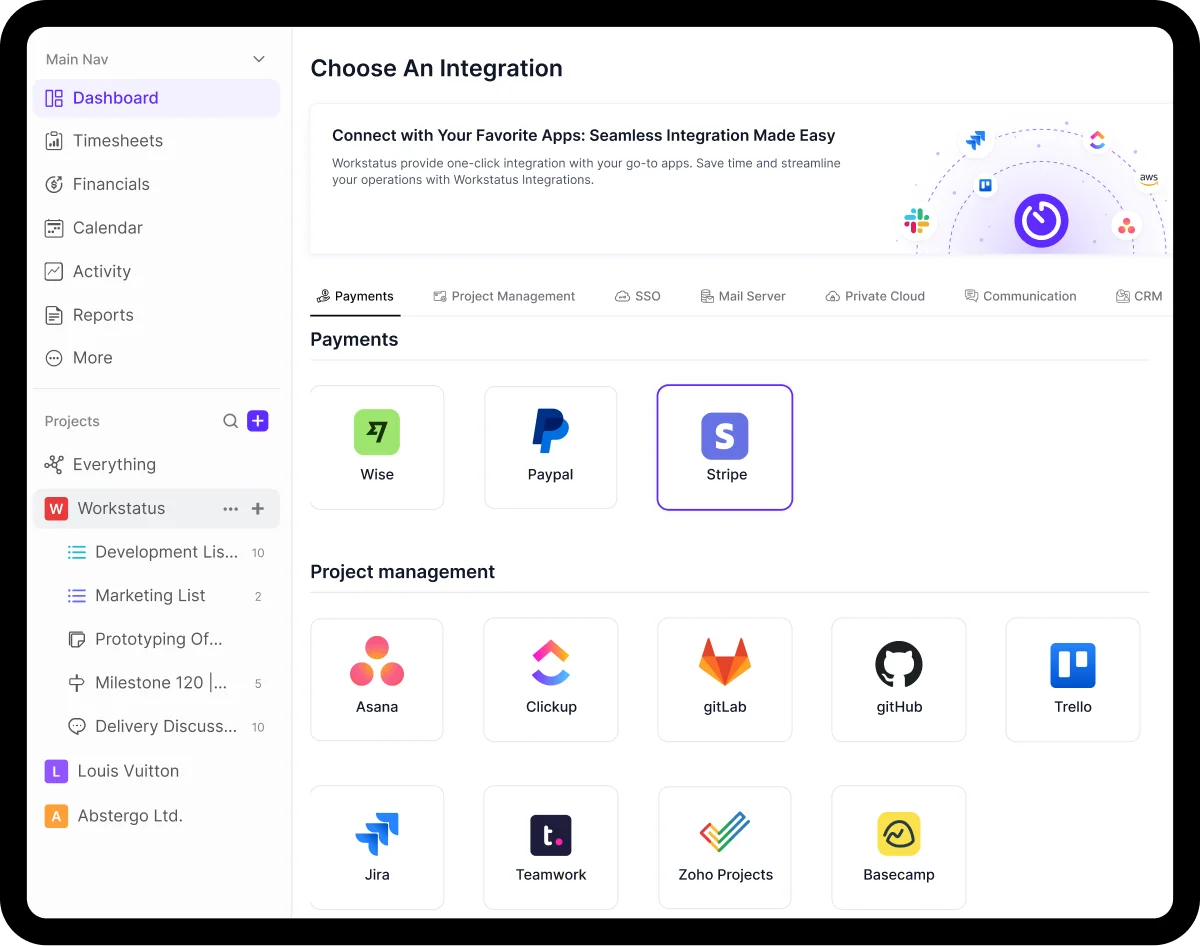
- Works with your tools
- No system change
- Faster setup
The Result?
Less manual work. Fewer delays. Clear visibility. Your IT team gets time back for real engineering, not busy work.
What Automation Looks Like Inside an IT Team
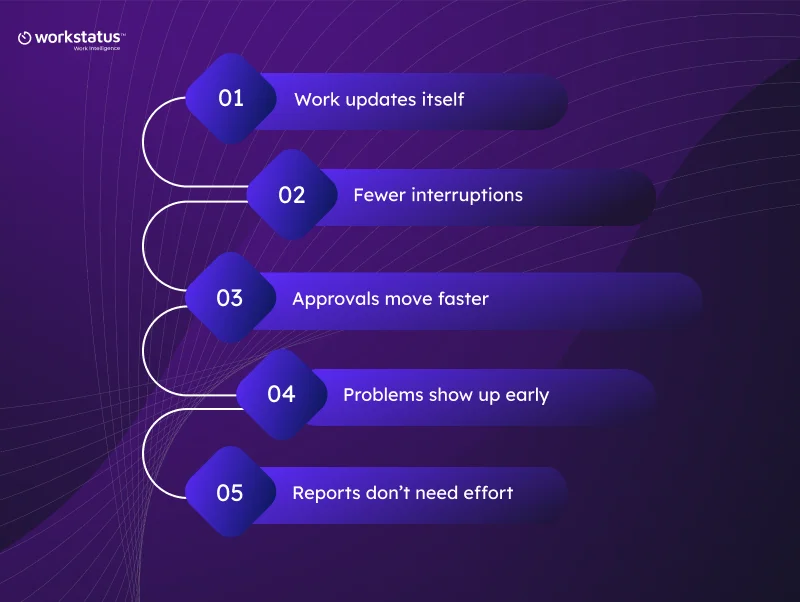
Automation isn’t about robots or big system changes. It’s about removing small manual steps that slow teams down every day.
Here’s what actually changes:
Work updates itself
- Time, tasks, and progress update automatically as work happens
Fewer interruptions
- No constant pings for status updates or follow-ups
Approvals move faster
- Routine approvals happen without waiting or reminders
Problems show up early
- Delays and overload are visible before deadlines slip
Reports don’t need effort
- Data is ready when managers need it; no spreadsheets
Teams spend less time managing work and more time actually delivering it. That’s what automation looks like inside a modern IT team.
Real Results You Can Expect in 60 Days
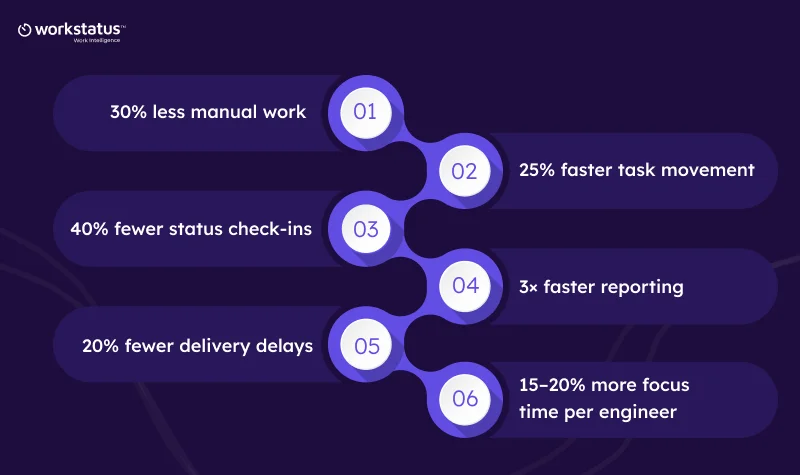
When manual work is removed step by step through IT operations automation, the impact is immediate. Here’s what IT teams typically experience within the first 60 days:
30% less manual work
- Fewer updates, follow-ups, and repeat tasks.
25% faster task movement
- Work moves forward without waiting for approvals.
40% fewer status check-ins
- Real-time visibility replaces meetings and constant pings.
3× faster reporting
- Project, time, and performance reports are always ready.
20% fewer delivery delays
- Issues surface early instead of at the deadline.
15–20% more focus time per engineer
- Less admin work, more deep engineering.
These aren’t long-term promises; they’re real, measurable improvements teams see within just 60 days.
This is what predictable delivery looks like when a work automation framework takes manual work out of everyday operations.
Final Takeaway
Manual work doesn’t feel like a big problem at first. But day by day, it slows delivery, breaks focus, and creates avoidable delays.
This 60-day automation blueprint shows that cutting manual work doesn’t need heavy tools or long change cycles.
With a work automation framework like Workstatus, IT teams can remove friction while work is happening, not after.
FAQs
Ques: What is IT automation in simple terms?
Ans: IT automation means letting tools handle repetitive tasks like updates, tracking, approvals, and reports, so teams don’t have to do them manually.
Ques: How does this blueprint help reduce manual work?
Ans: It shows step-by-step how to automate daily IT workflows over 60 days, removing busy work like follow-ups, spreadsheets, and manual reporting.
Ques: Do IT teams need to change all their tools to follow this plan?
Ans: No. The blueprint works best when automation fits into existing workflows. Tools like Workstatus connect with what teams already use.
Ques: Is automation only useful for large IT teams?
Ans: Not at all. This approach works for small, mid-sized, and growing IT teams that want better visibility and faster delivery without extra overhead.
Ques: How quickly can teams see results?
Ans: Most IT teams start seeing visible improvements, like fewer updates, faster workflows, and better focus, within the first 30–60 days.