
Table of Contents
Time Tracking sounds simple:
- Start the timer
- Stop the timer
- Log the hours
But in reality, every IT service team tracks time differently based on how their teams work.
A small agency tracks time differently from a large enterprise. A field team works differently from a remote software team. But every business is trying to answer the same question:
Where does the time go? And how does it affect productivity, delivery & profits?
To better understand this, we have analysed work patterns & time tracking trends using data from 84M+ hours logged by 25k+ concurrent users across 10k+ organizations across Workstatus.
Let’s go and see how IT teams track time.
Why IT Services Teams Track Time?
Time tracking used to answer one question: How long did this take?
Today, IT services leaders use it to answer far more important ones: Where are we losing efficiency? Who’s overloaded? Which projects are at risk?
The value of time tracking depends on how companies use it. The best IT services teams use it to improve operations, spot inefficiencies early, and support healthier workloads.
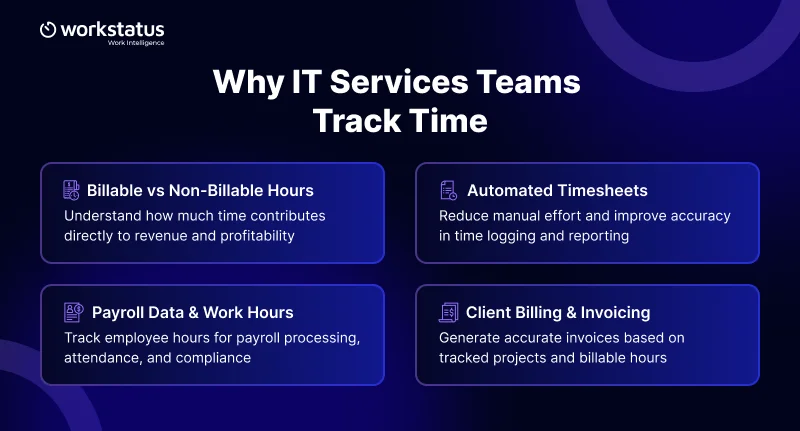
The way IT services companies use time tracking may differ, but the primary reasons behind it are often similar, such as:
Billable vs Non-Billable Hours
- Understand how much time contributes directly to revenue and profitability
Automated Timesheets
- Reduce manual effort and improve accuracy in time logging and reporting
Payroll Data & Work Hours
- Track employee hours for payroll processing, attendance, and compliance
Client Billing & Invoicing
- Generate accurate invoices based on tracked projects and billable hours
Most businesses use time tracking for several reasons at the same time. However, how companies use it often depends on their size, work style, and team structure.
For example, a small remote agency may use time tracking mainly for client billing, while a large company may use it to manage workloads and improve team performance across departments.
In the end, time tracking is not just about tracking hours anymore. It helps businesses improve efficiency, support healthier workloads, and make smarter workforce decisions.
How IT Services Teams Track Time: 4 Common Approaches
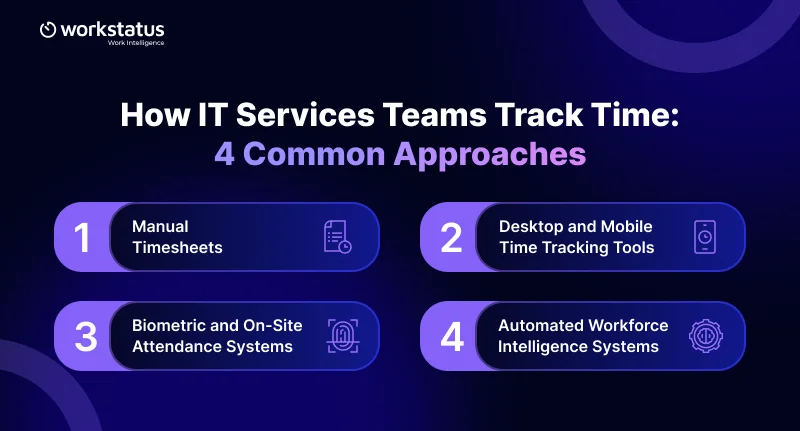
How a business tracks work data often reflects how it operates, manages teams, and measures productivity. Different industries and team structures require different workforce tracking methods.
Today, organizations use several modern ways to collect and analyze workforce data for better visibility and decision-making.
1. Manual Timesheets
Some small businesses still use spreadsheets, paper logs, or manual timesheets to track employee work hours. This method is simple and low-cost but often leads to errors and limited visibility.
Common challenges include:
- Inaccurate time entries
- Difficulty tracking large teams
- No real-time workforce insights
- Delayed reporting and decision-making
While manual tracking still exists, many growing businesses are moving toward automated workforce solutions.
2. Desktop and Mobile Time Tracking Tools
Many remote and hybrid businesses use desktop and mobile workforce tracking software to monitor work hours, productivity, and project progress.
These tools help businesses:
- Track time spent on tasks and projects
- Generate automated timesheets and reports
- Monitor productivity and work patterns
- Improve team visibility across locations
- Support field teams with mobile tracking features
Workstatus helps businesses collect accurate workforce data through desktop and mobile tracking tools, making it easier to manage remote, hybrid, and in-office teams.
3. Biometric and On-Site Attendance Systems
Industries like retail, construction, healthcare, and manufacturing often use on-site attendance systems such as biometric devices, kiosks, and punch clocks.
These systems help organizations:
- Record employee attendance accurately
- Track overtime and shift timings
- Improve workplace accountability
- Manage location-based workforce operations
For businesses with field or site-based employees, these systems provide reliable workforce tracking.
4. Automated Workforce Intelligence Systems
Modern workforce intelligence platforms now offer automated tracking and analytics with minimal manual effort.
These systems can collect data through:
- Productivity monitoring
- App and website usage tracking
- Automated attendance tracking
- Work pattern analysis
- Real-time performance dashboards
Businesses use these insights to understand how work happens, identify inefficiencies, and improve operational performance.
By collecting and analyzing workforce data regularly, organizations can improve productivity, manage resources better, and make smarter business decisions based on real-time insights.
Time Tracking Insights from 84M+ Logged Hours
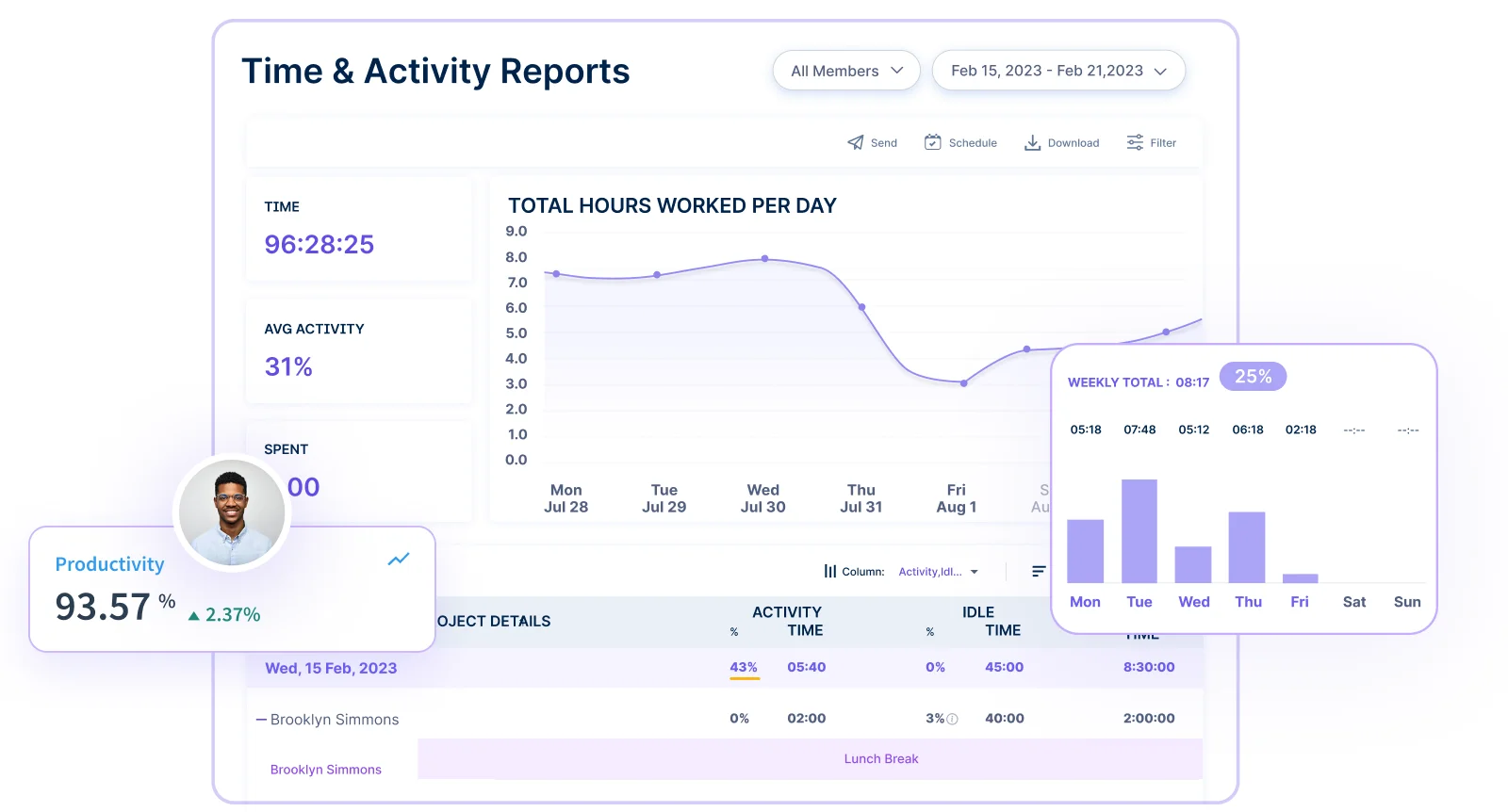
Workstatus data from 10,000+ organizations and 25,000+ concurrent users shows how businesses are using time tracking to manage different types of teams more effectively.
Here’s what the team utilization tracking for IT teams data tells us:
45% of teams work in a hybrid setup
- Many businesses now manage employees working both remotely and from the office.
33% of teams work remotely
- Remote work continues to grow as companies focus on flexibility and productivity.
22% of teams work fully on-site
- Many businesses still rely on in-office teams for daily operations and collaboration.
This data shows that modern businesses need smarter time tracking tools that support remote, hybrid, and on-site teams equally well.
With time intelligence software like Workstatus, businesses can better understand how time is spent, improve productivity, manage workloads, and make smarter business decisions.
How Leading Companies Are Using Time Tracking Smarter in 2026
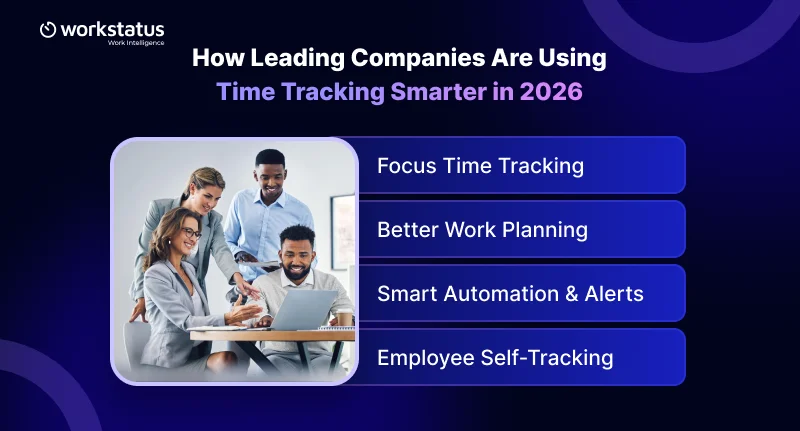
Today, leading companies are using time tracking for more than just counting work hours. They are using it to understand how work happens, improve productivity, and help teams work better.
Instead of only checking if employees are online, businesses now focus on how work gets done and how teams can work more efficiently.
Here’s how companies are using smarter time tracking insights for IT teams with tools like Workstatus:
Focus Time Tracking
- Businesses track how much time employees spend on focused work without distractions or interruptions.
Better Work Planning
- Companies use time data to understand which tasks and projects need more attention and resources.
Smart Automation & Alerts
- Automated reports and alerts help managers quickly spot delays, workload issues, and work gaps.
Employee Self-Tracking
- Employees can also view their own work data to improve productivity and manage time better.
The most successful companies understand that time tracking is not just about hours worked. It is about improving work quality, supporting employees, and helping teams perform better.
How to Improve Your Time Tracking with Workstatus?
Many businesses struggle with time tracking, not because of the tool, but because they are not using it the right way.
Modern time tracking should help teams work better, improve productivity, and support smarter decisions.
Before improving your time tracking process, businesses should ask a few important questions:
- Are you tracking time or work results?
- Does everyone understand productive work the same way?
- Is time tracking part of daily work?
- Can employees view their own work data?
- Are you reviewing work data regularly?
With Workstatus, businesses can track work smarter, improve team productivity, and better understand how work happens across teams and projects.
Conclusion
Time tracking is not just about monitoring employees. It helps businesses understand how teams work, where time is spent, and how productivity can improve.
Based on millions of work hours tracked across thousands of companies, the data shows that smart time tracking helps teams work better, stay organized, and improve performance.
Workstatus helps businesses build better visibility, improve productivity, and support teams with real-time workforce insights, whether employees work remotely, in hybrid setups, or from the office.
FAQs
Ques: What is time tracking for IT services teams?
Ans: Time tracking helps IT teams record work hours, manage projects, and monitor productivity more effectively.
Ques: Why is time tracking important in 2026?
Ans: Modern time tracking helps businesses improve productivity, manage remote teams, and make better business decisions using real-time data.
Ques: How do AI-powered time tracking tools help?
Ans: AI-powered tools automate time tracking, reduce manual work, and provide faster productivity insights.
Ques: Can time tracking support remote and hybrid teams?
Ans: Yes. Time tracking tools help businesses monitor work progress, improve collaboration, and manage distributed teams efficiently.
Ques: How does Workstatus help IT services teams?
Ans: Workstatus helps IT teams track time, monitor productivity, manage projects, and improve workforce visibility through real-time analytics and reporting.