
Table of Contents
Is your IT team working late almost every day? Are overtime costs getting higher even when your team is doing their best?
This happens to many IT teams because of small issues that build up, like:
- Tasks not planned well
- Too many breaks and interruptions
- Switching between many tools
- Wrong time estimates
- Missed updates or unclear instructions
But now, this can change.
With smart time tracking, you can reduce overtime costs by up to 20% just by fixing how work flows.
In this blog, you’ll learn how smart tracking helps reduce overtime and makes your IT team work smoothly.
Let’s get started.
What Causes Unnecessary Overtime in IT Teams?
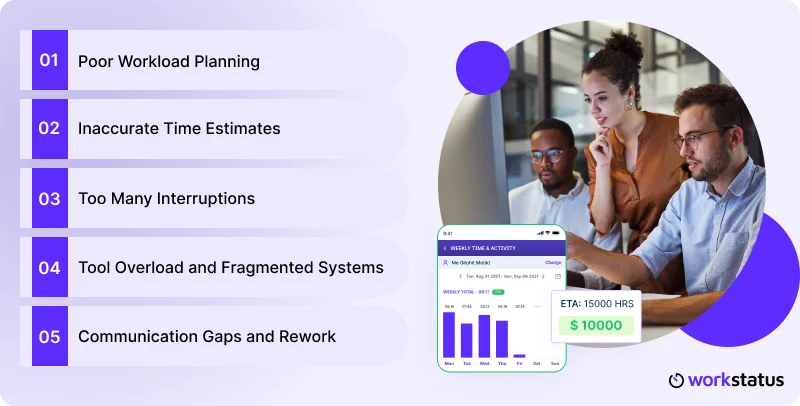
If your IT team is staying late too often, they’re not the problem.
Small workflow issues pile up, and without IT team performance optimization, the day gets longer than it should.
Here’s why overtime keeps happening.
Poor Workload Planning
- Tasks aren’t assigned based on real effort
- Some people get overloaded, while others stay underused
- Projects slow down because work isn’t balanced
Inaccurate Time Estimates
- Tasks take longer than expected
- Teams rely on guesswork instead of data
- Work spills into extra hours when deadlines tighten
Too Many Interruptions
- Constant context switching breaks deep focus
- Meetings cut into productive hours
- Urgent fixes push planned tasks to the end of the day
Tool Overload and Fragmented Systems
- Work is scattered across multiple apps
- Important details get lost or duplicated
- Time is wasted switching between tools
Communication Gaps and Rework
- Instructions are unclear or incomplete
- Teams redo tasks unnecessarily
- Updates don’t reach everyone on time
When these small issues stack up, overtime turns into a daily habit.
But with real-time activity monitoring, you fix the workflow, not the people, and your team gets more hours back in their day.
What Smart Time Tracking Actually Fixes
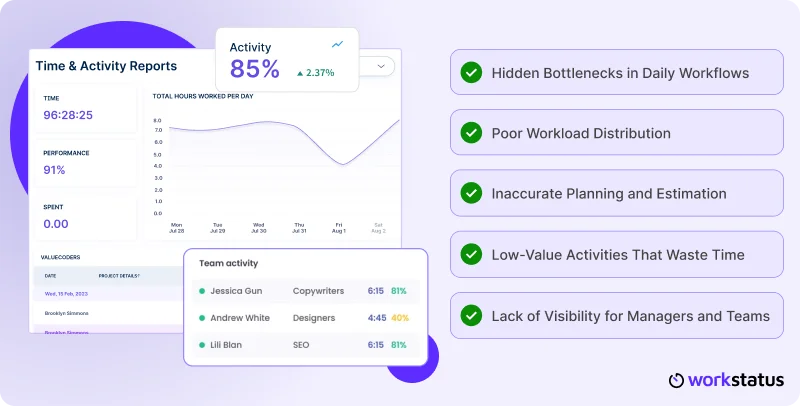
Smart time tracking isn’t just about recording hours. It gives you clarity on how work actually happens. Here’s what it helps you fix instantly.
Hidden Bottlenecks in Daily Workflows
- Shows where tasks slow down
- Highlights repeated delays in processes
- Helps teams remove blockers early
Poor Workload Distribution
- Reveals who’s overloaded and who has capacity
- Supports fair allocation of tasks
- Balances work to avoid the end-of-day rush
Inaccurate Planning and Estimation
- Provides real data on task effort
- Helps managers set realistic deadlines
- Reduces last-minute overtime caused by wrong guesses
Low-Value Activities That Waste Time
- Identifies unproductive meetings
- Shows time lost in context switching
- Helps teams focus on what actually matters
Lack of Visibility for Managers and Teams
- Gives real-time productivity insights into progress
- Makes project status clear for everyone
- Prevents surprises that lead to extra hours
With these gaps fixed, your team stops reacting and starts working with intention. Smart tracking brings the visibility needed to reduce overtime without slowing down productivity.
Also Read: How to calculate Overtime Pay
Workstatus: Work Intelligence That Drives IT Efficiency

Workstatus is a work intelligence platform that helps IT teams work better, faster, and with less stress.
It shows what’s happening in real time so you can control overtime before it happens.
Here’s how:
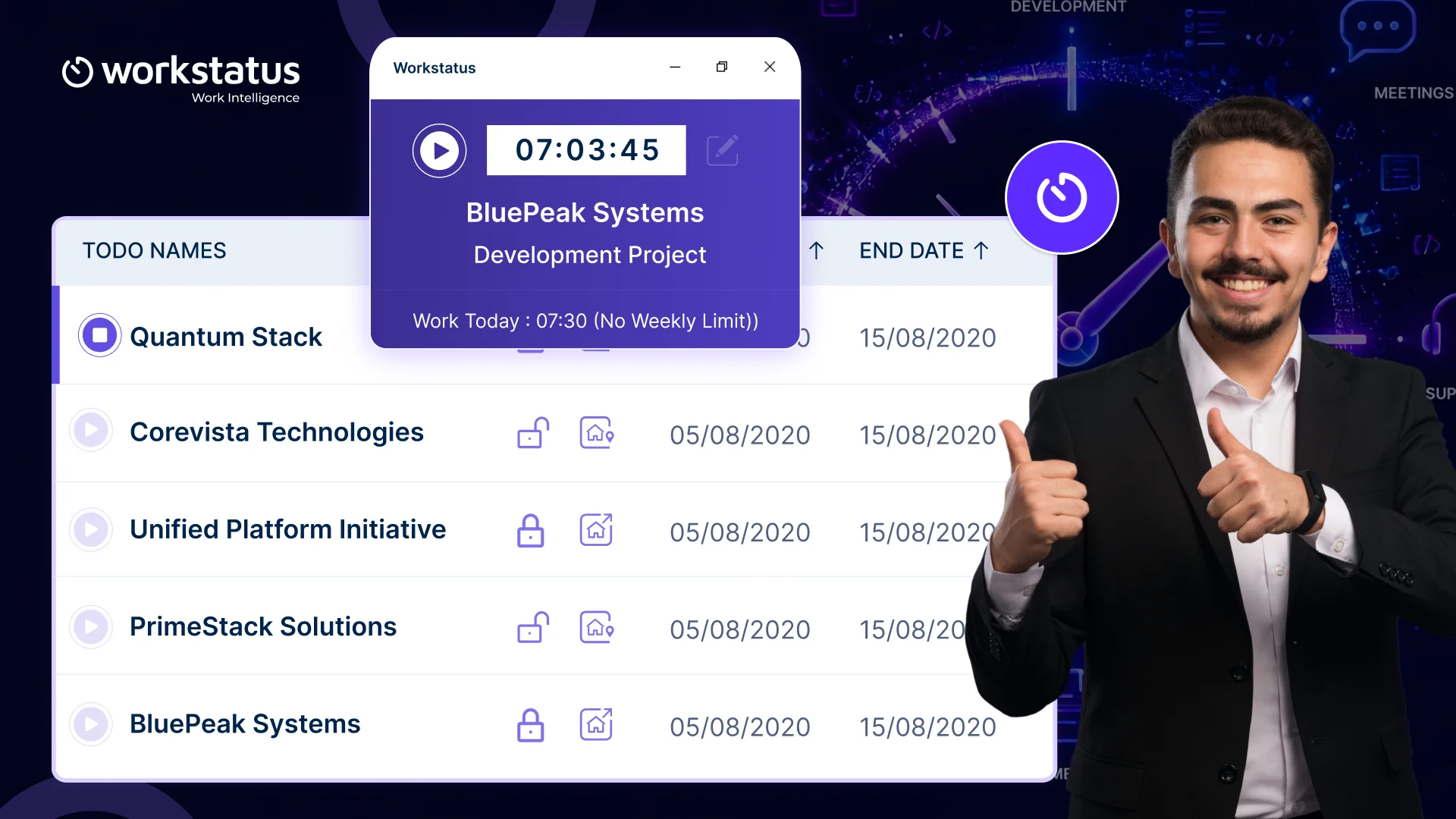
Automated Timesheets
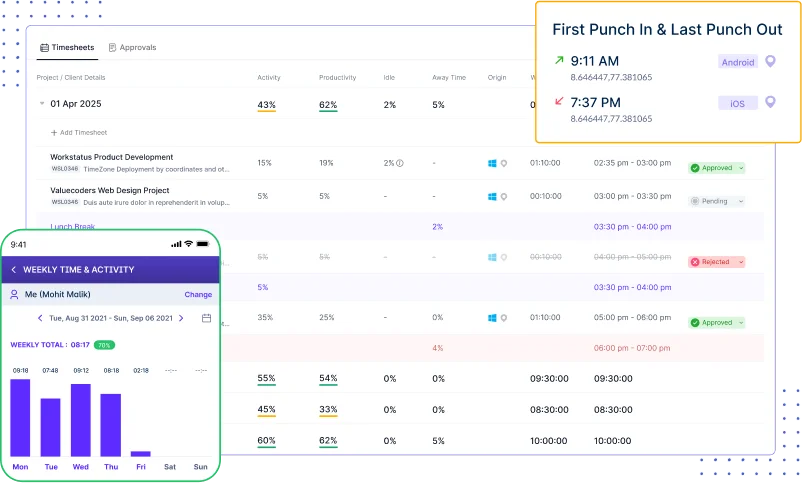
- Tracks hours without manual work
- Saves time by auto-filling daily logs
- Keeps records clean and accurate
Idle Time Management
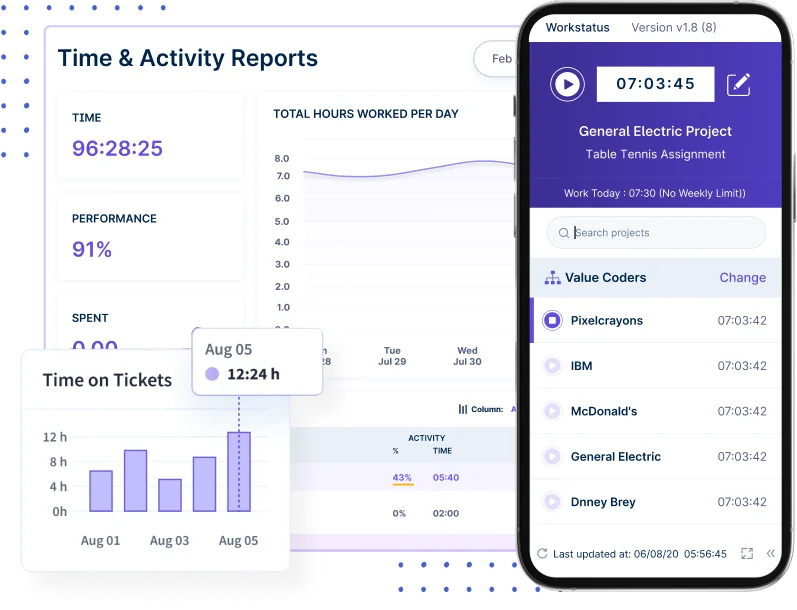
- Shows when work slows down
- Helps teams stay focused
- Cuts wasted time during the day
Overtime Management
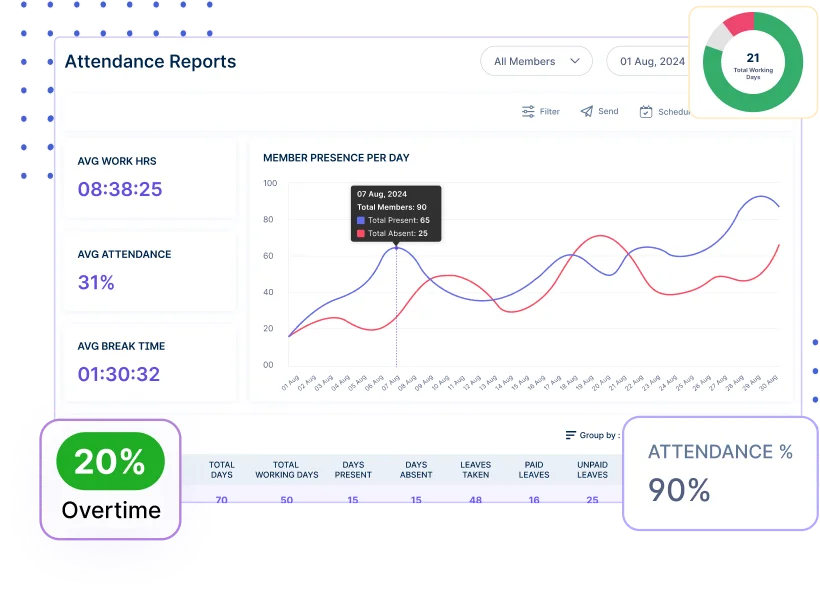
- Alerts you before overtime starts
- Helps balance workloads early
- Keeps daily hours under control
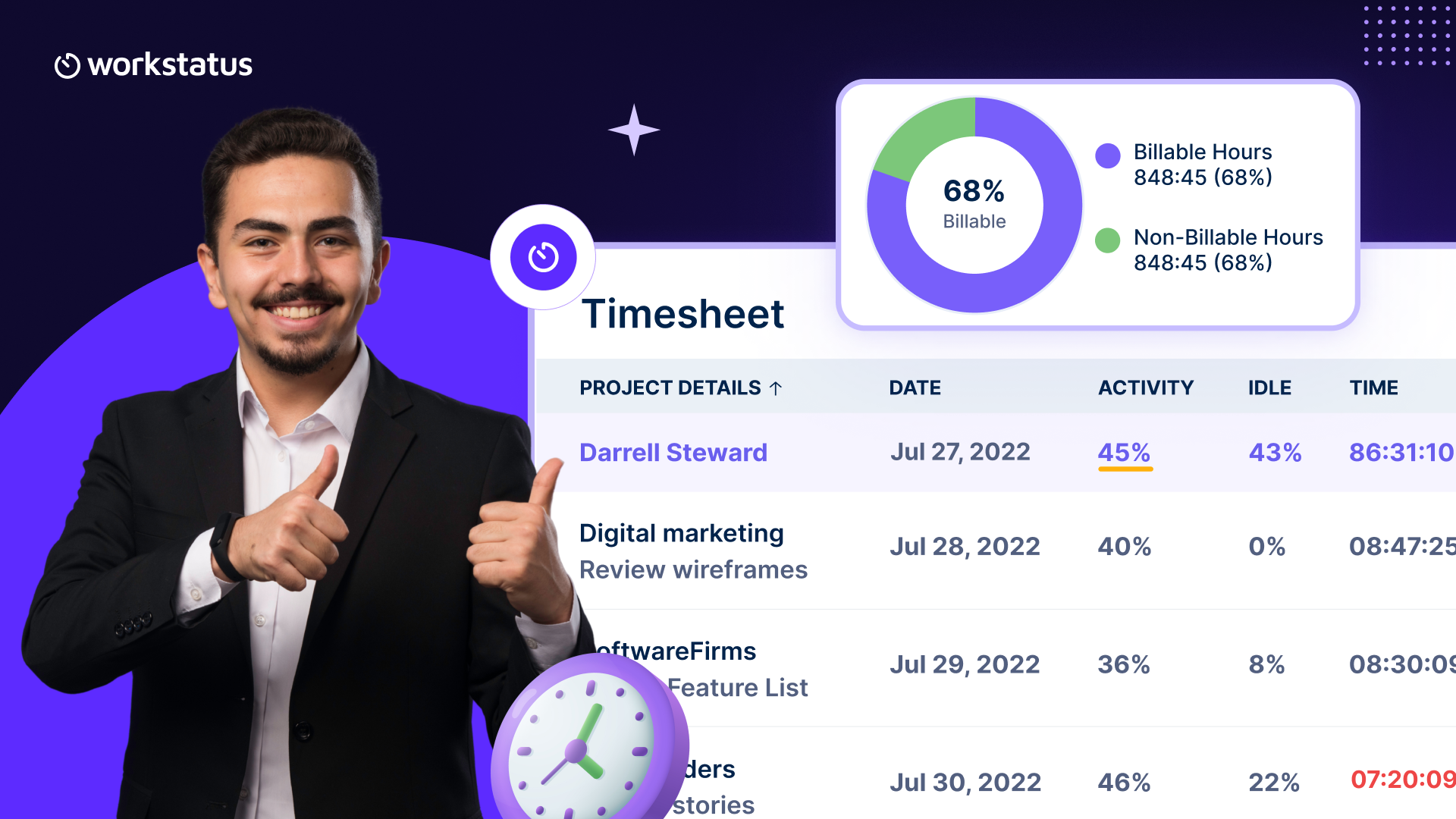
Billable vs Unbillable Hours
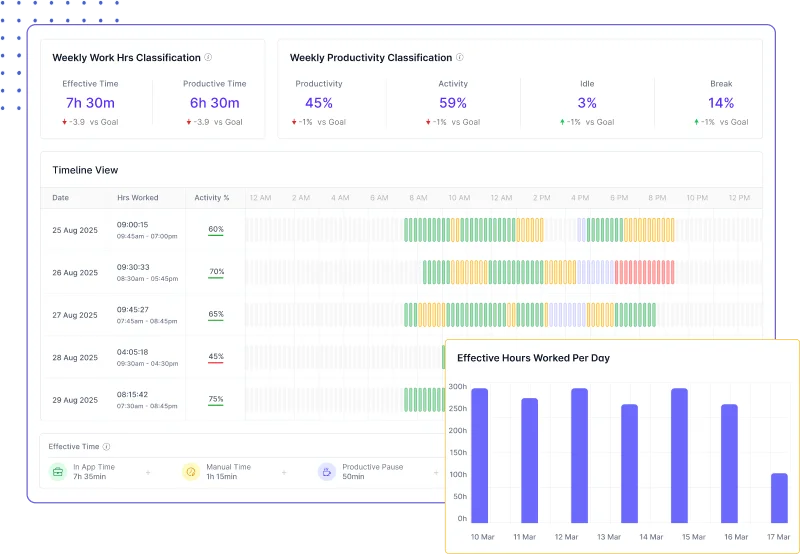
- Shows where paid time is going
- Helps reduce unpaid work
- Makes billing more accurate
Productivity & Attendance Reports
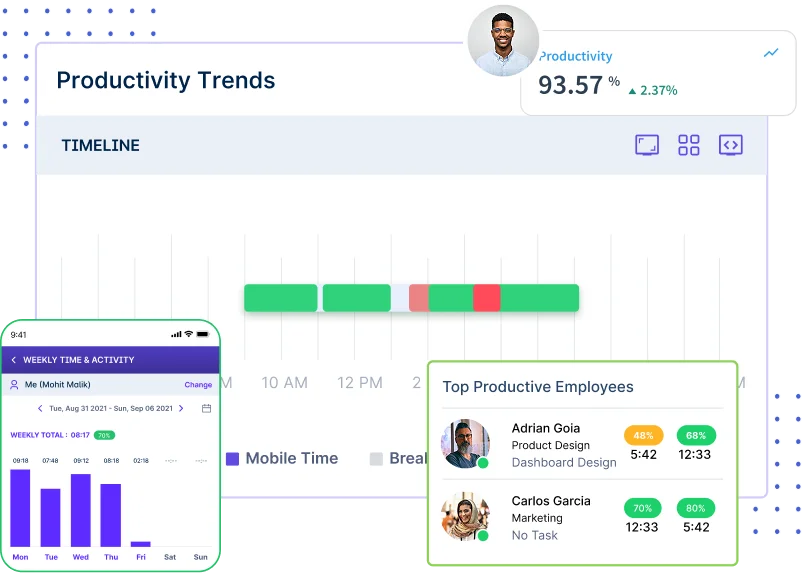
- Gives a clear view of daily work
- Shows who is present and active
- Helps plan tasks with real data
With Workstatus, you get full visibility of your team’s day. Everything becomes clearer, easier, and more in control; so overtime naturally drops.
The ROI You’ll Start Seeing in 30 Days
You don’t have to wait long to see results. With Workstatus and its smart overtime tracker, things start getting better in the first month.
- Work is shared more evenly across the team, giving 20–30% better balance.
- Tasks move faster as problems show up early, making work up to 25% quicker.
- Overtime goes down as focus improves, with up to 40% less overtime.
- Meetings stay short and clear, cutting 15–20% of meeting time.
- Projects stay on track with real-time updates, giving about 30% better delivery.
In just 30 days, your team works smoothly, faster, and with fewer late nights.
Conclusion
Reducing overtime is not about working harder. It’s about giving your IT team the right tools to work smarter.
Workstatus helps you fix everyday problems like:
- Poor planning
- Delays during the day
- Time wasted on small tasks
- Unclear workloads
- Missing updates
When these issues are solved, overtime drops on its own. With Workstatus, your team works and streamlines IT operations smoothly, faster, and finishes their day on time.
FAQs:
Ques: How does smart time tracking reduce overtime?
Ans: It shows where time is being wasted during the day. When you fix those small issues, your team finishes work on time instead of staying late.
Ques: Why should IT teams use Workstatus?
Ans: Workstatus makes it easy to see what everyone is working on. This helps the team stay organized and avoid last-minute delays.
Ques: Is Workstatus easy to set up and use?
Ans: Yes, it’s very simple. Most teams can install it and start using it on the same day without any trouble.
Ques: Can Workstatus help managers share work fairly?
Ans: Yes, it shows who is overloaded and who has free time. This helps managers divide work in a fair and balanced way.
Ques: How fast will we see results with Workstatus?
Ans: Many teams see smoother work and less overtime within the first 30 days. Small fixes quickly add up to big improvements.