
Table of Contents
Ever notice how IT projects start fast… and then suddenly slow down?
- Updates come late
- Blockers stay hidden
- Deadlines slip without warning
It’s not that teams are failing. It’s that managers can’t fix what they can’t see.
That’s why real-time work tracking matters. It shows what’s happening right now; not last week, not yesterday.
With real-time tracking, IT teams can:
- Spot blockers early
- Catch delays before they grow
- See who is overloaded
- Fix ownership gaps
- Give clients clear, honest timelines
In this blog, we’ll break down how real-time tracking helps IT teams cut delays by 30% and how Workstatus makes it easy with one connected view of work, cost, and delivery.
Let’s go!!
Why IT Teams Struggle With Project Timelines Today
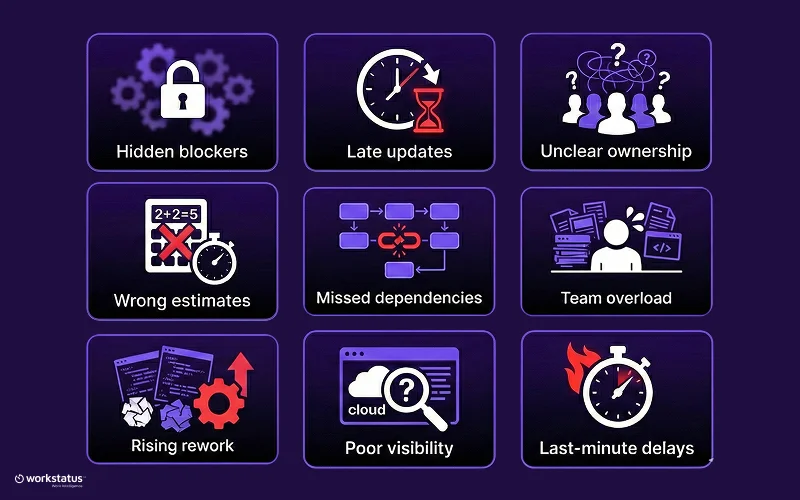
IT projects don’t break in one big moment. They slip slowly, because tiny problems stay hidden until it’s too late.
Here’s what really gets in the way:
- Hidden blockers that no one reports on time
- Slow or missing updates that leave managers guessing
- Unclear ownership where tasks float with “someone.”
- Wrong or outdated estimates that push everything forward
- Dependencies that no one noticed until the work gets stuck
- Teams are overloaded without managers realizing it
- Rework is piling up because changes arrive late
- Poor visibility across tasks, people, and effort
- Random delays that show up only at the end
When these problems add up, timelines slip quietly, and by the time anyone sees the issue, the project is already behind.
Before timelines break, teams need to understand where risk is building up. That’s where a Project Overrun Risk Calculator helps, by showing how close a project is to delay before it actually happens.
Real-time tracking solves this by making the invisible… visible.
What Real-Time Work Tracking Means (Beyond Basic Time Tracking)
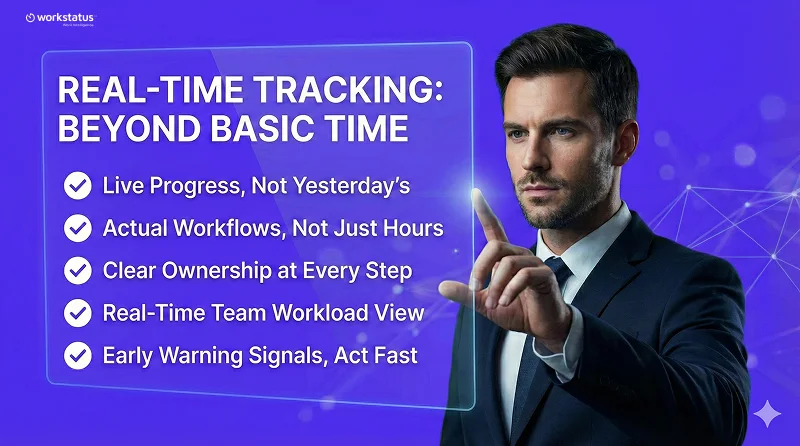
Most people think real-time tracking is just “live time logs,” but it’s much more. It shows how work actually moves every moment, and here’s why that matters:
Live Progress, Not Yesterday’s Updates
- See real progress as it happens
- No waiting for end-of-day updates
- Managers don’t have to guess anymore
Actual Workflows, Not Just Hours Logged
- Tracks how tasks move across stages
- Spots slow down the moment they start
- Shows where work is getting stuck
Clear Ownership at Every Step
- Every task has a visible owner
- No confusion about “who’s doing what.”
- Faster accountability and quicker fixes
Real-Time View of Team Workload
- Instantly see overload or free capacity
- Prevent burnout before it appears
- Balance work before delays begin
Early Warning Signals You Can Act On
- Wrong estimates show up early
- Blockers appear instantly
- Risks surface days before deadlines slip
Real-time tracking turns guesswork into clarity, so IT teams stay ahead of delays instead of reacting to them.
How Real-Time Work Tracking Reduces Delays by 30%
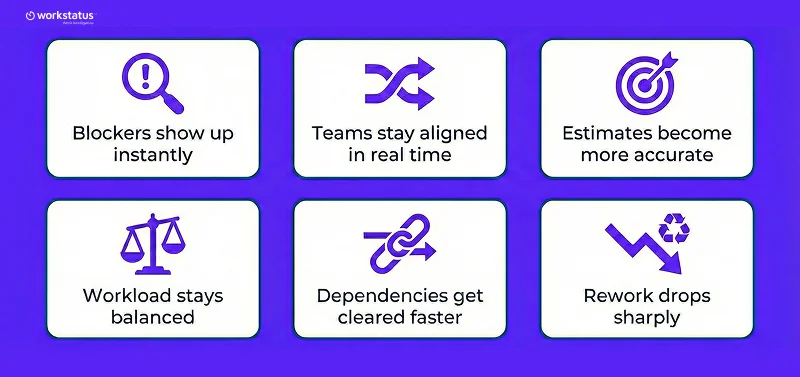
Real-time tracking doesn’t just show work; it helps teams fix problems before they turn into delays.
Here’s how it cuts timeline slips by almost 30%:
Blockers show up instantly
- No more hidden issues; managers can act the moment work stops.
Teams stay aligned in real time
- Everyone sees the same updates, so tasks don’t drift or get forgotten.
Estimates become more accurate
- Live progress reveals early if timelines need adjusting.
Workload stays balanced
- Overload is spotted early, reducing slowdowns and rework.
Dependencies get cleared faster
- When one task holds another, managers see it right away and unblock it.
Rework drops sharply
- Early visibility means fewer late changes and fewer “redo” cycles.
Real-time project visibility is what moves teams from reactive firefighting to proactive delivery, unlocking a 30% reduction in project delays.
How Real-Time Tracking Improves Managerial Decision-Making
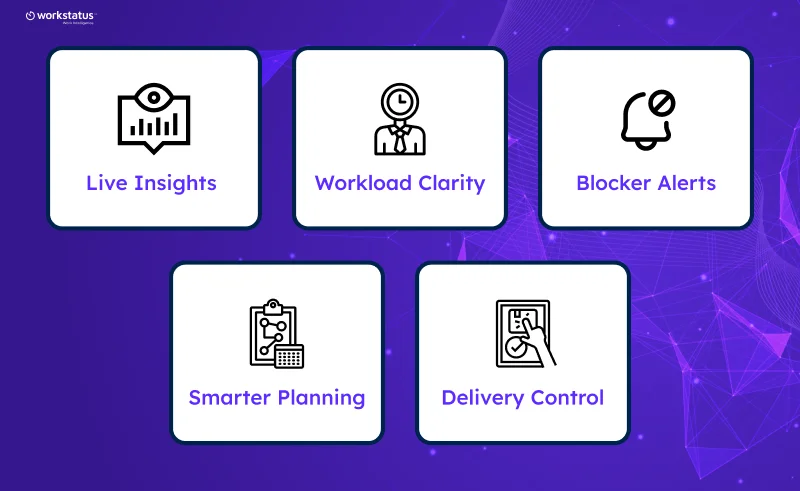
Managers make better choices when they know what’s happening right now, and here’s why real-time tracking helps:
1. Live Insights
- Shows real progress
- Cuts all guessing
- Helps decide faster
2. Workload Clarity
- Shows who is busy
- Shows who is free
- Helps share work fairly
3. Blocker Alerts
- Finds stuck tasks early
- Fixes happen faster
- Work keeps moving
4. Smarter Planning
- Better time estimates
- Early warning on delays
- Fewer last-minute changes
5. Delivery Control
- Tracks every task
- Move people where needed
- Keeps projects on time
Real-time tracking, supported by workforce tracking for IT teams, gives managers clear info at the right time to make the right call.
How Workstatus Cuts Project Delays for IT Teams?
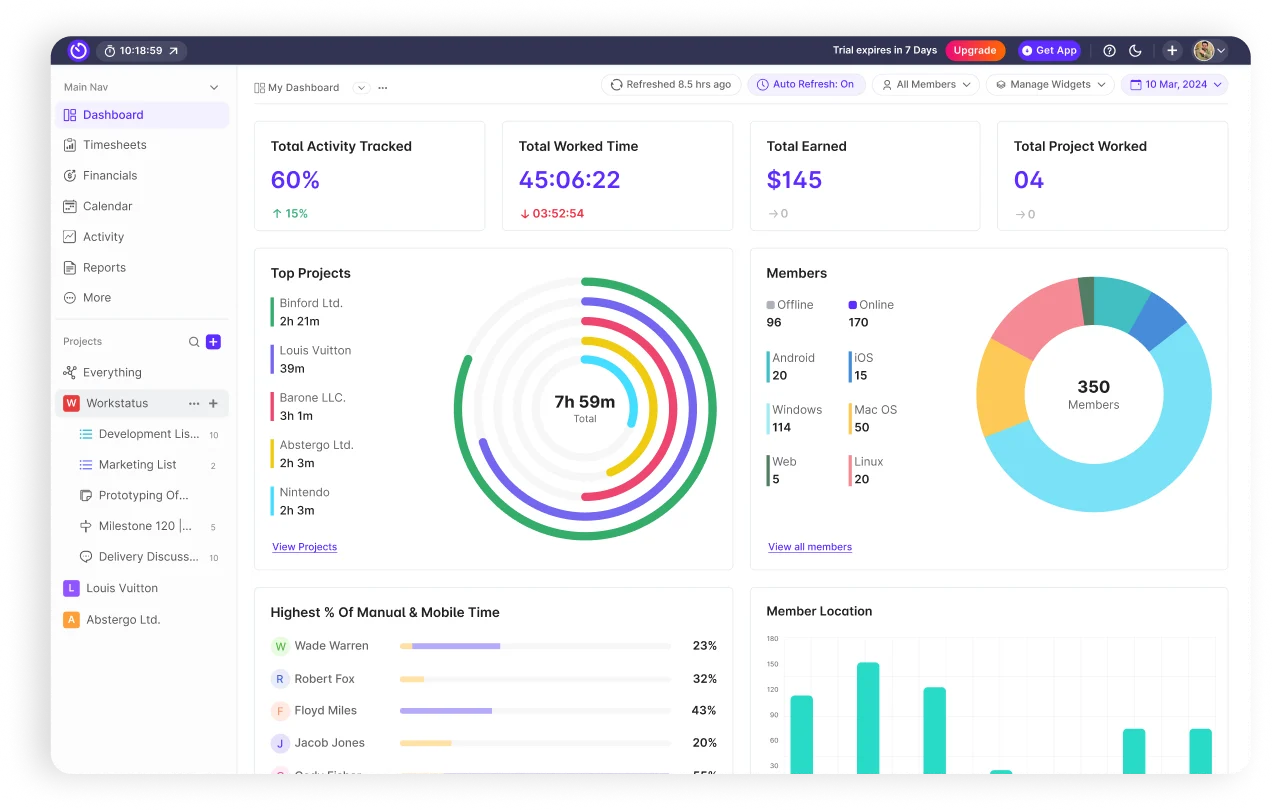
Workstatus is an employee time tracking software that helps IT teams see problems early, move faster, and keep every project on track.
Here’s how it makes delivery smoother and safer:
Unified Project & Delivery Management
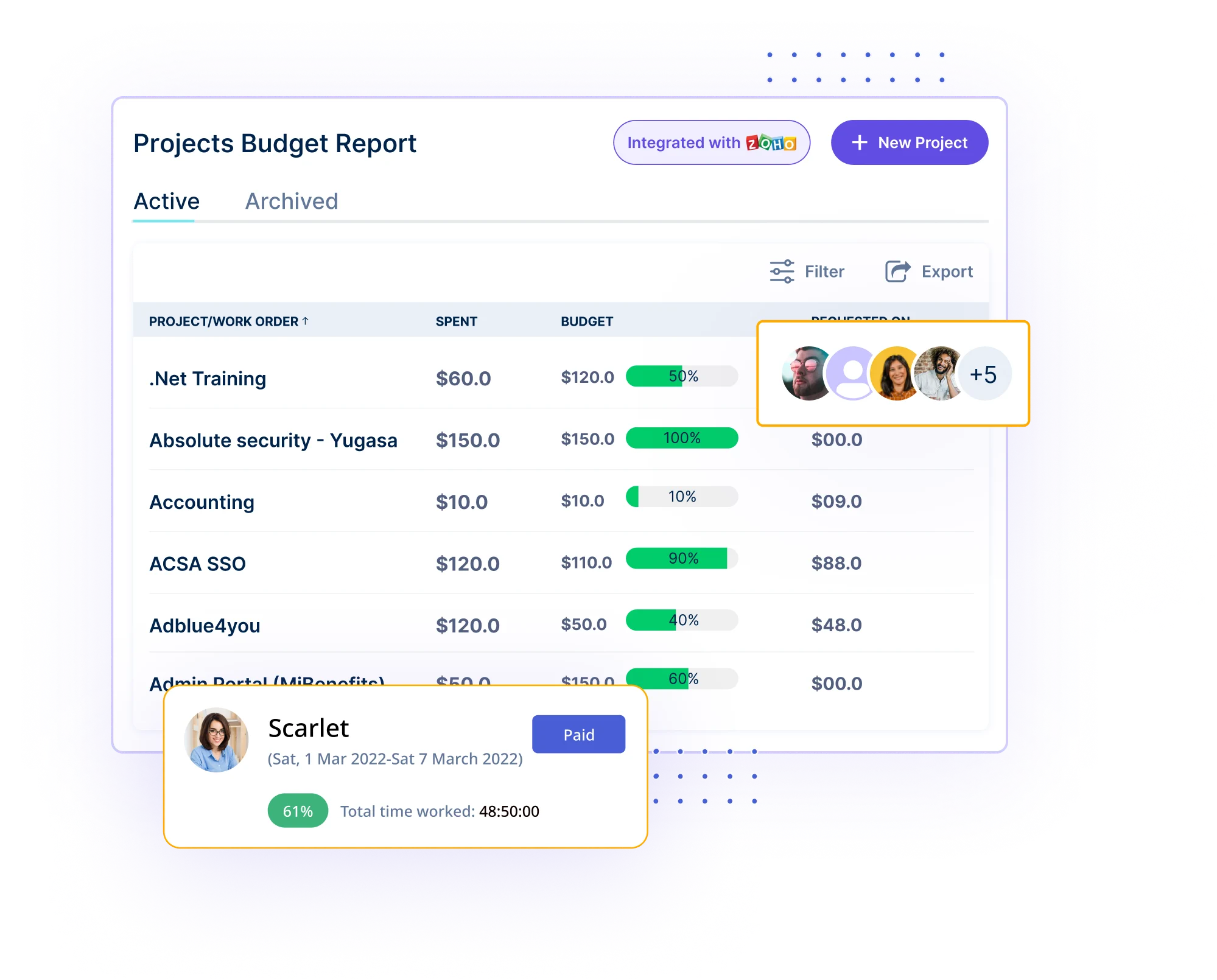
- All tasks, teams, and work in one place
- No switching between tools
- Faster control over project flow
Predictive Planning with Gantt Timelines
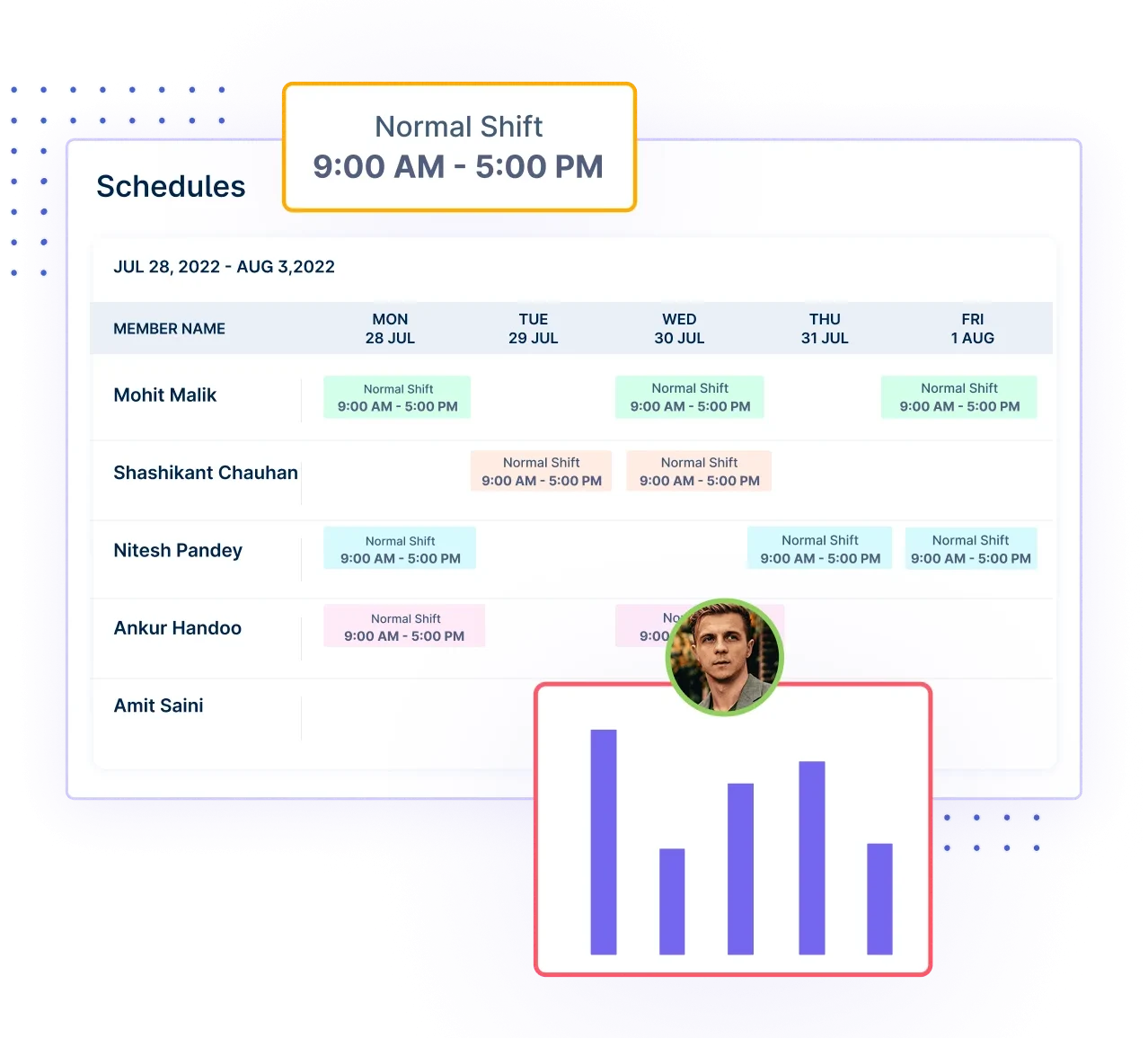
- Shows delays before they happen
- Clear view of task links and deadlines
- Helps plan with confidence
Real-Time Workflow Control with Kanban
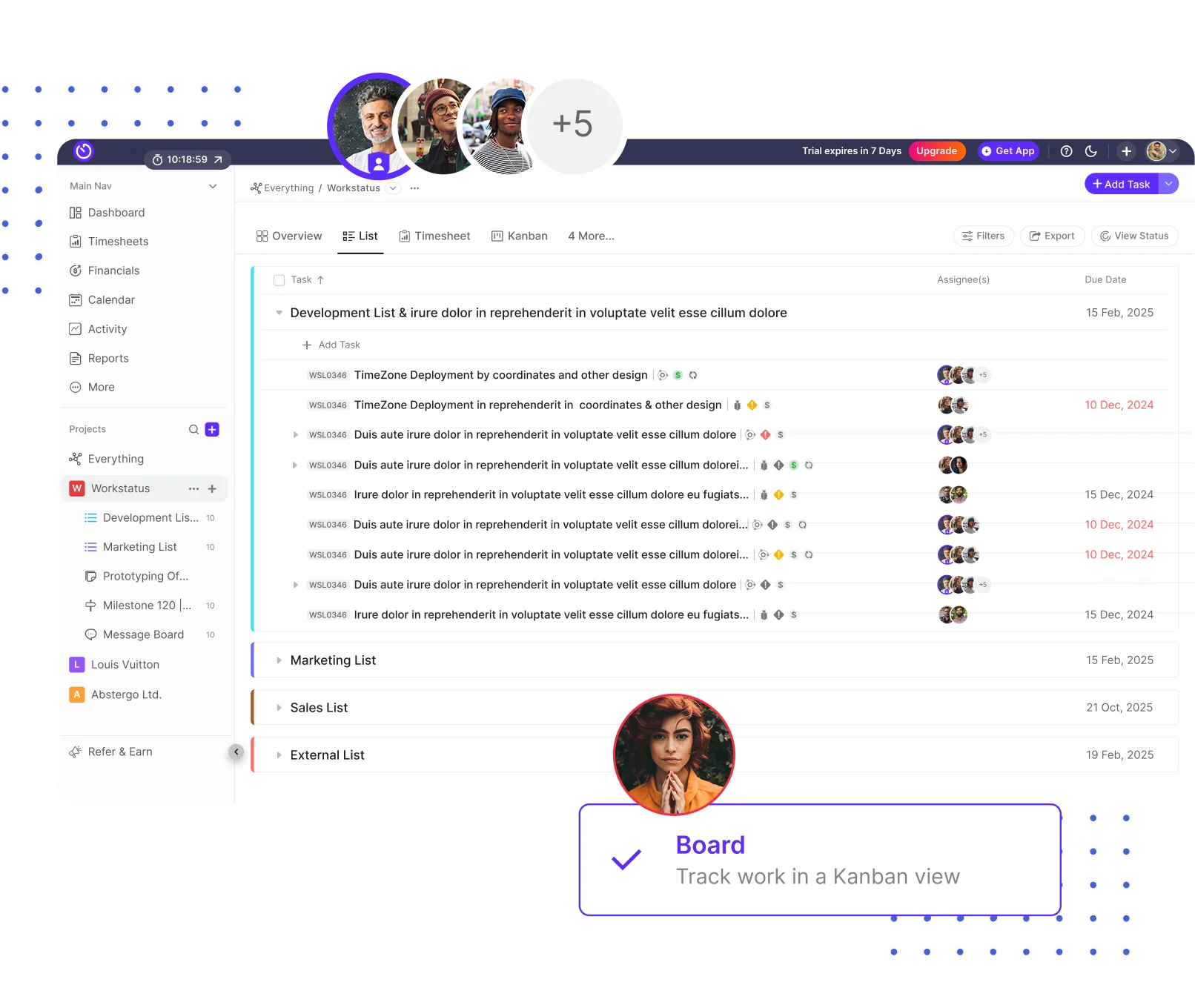
- Tracks work as it moves
- Spots blockers instantly
- Helps managers fix issues fast
Live Budget Burn & Margin Protection
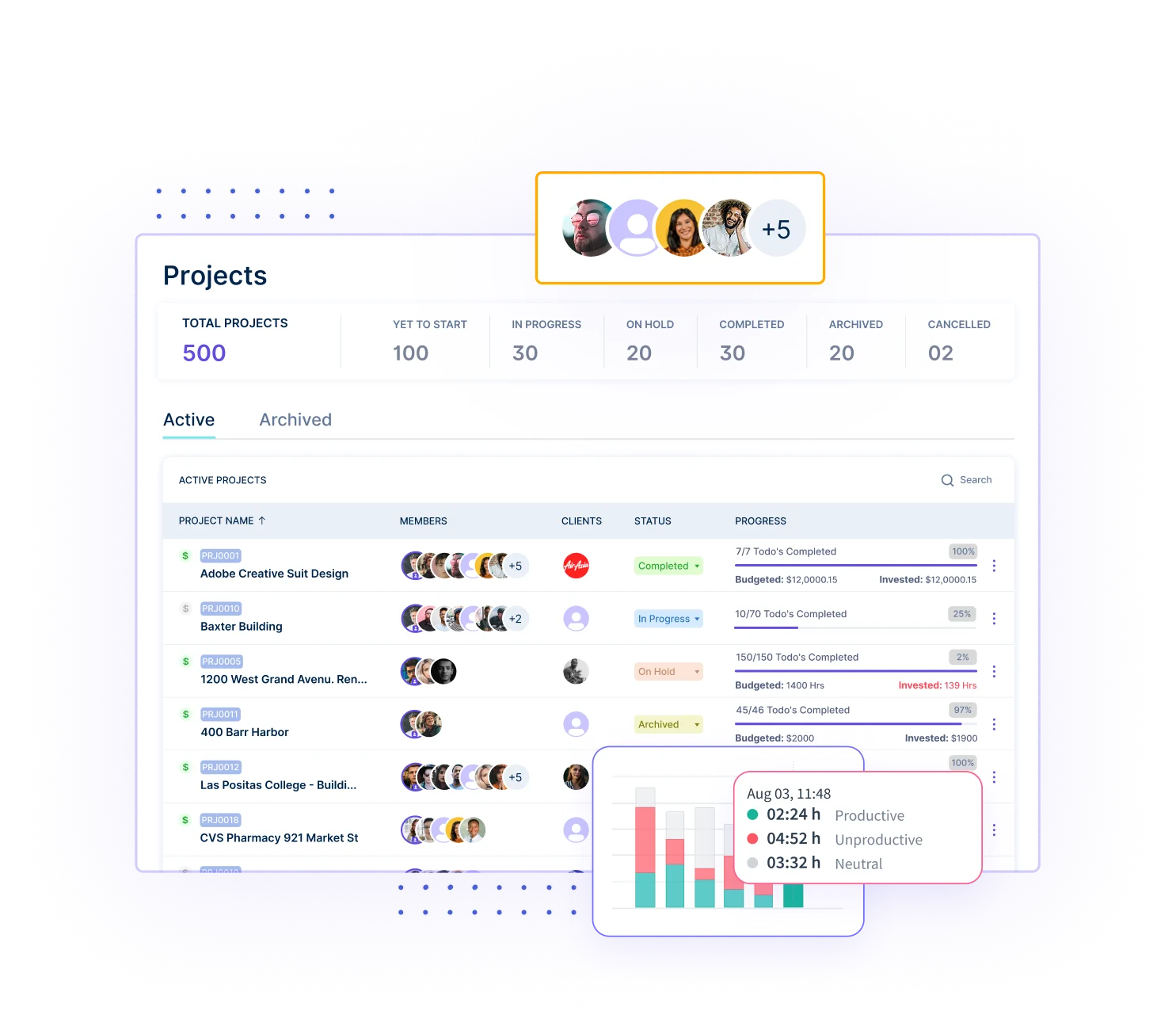
- Shows real-time cost and spend
- Alerts when budgets go high
- Helps protect profit on every project
Automated Project Billing Engine
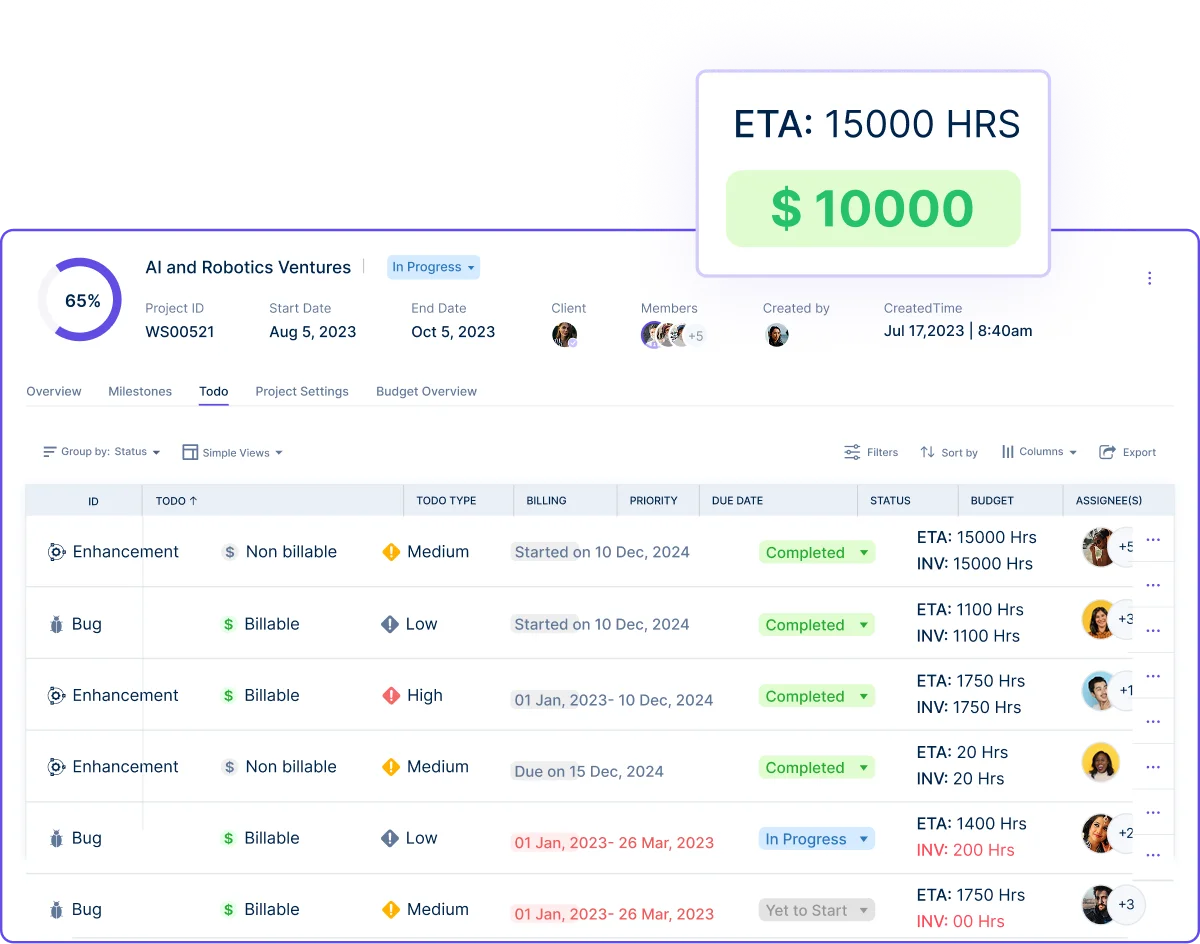
- Instant billing for T&M, retainers, and fixed-bid
- No manual calculations
- Zero billing delays or errors
Client-Ready Invoicing & Transparency Tools
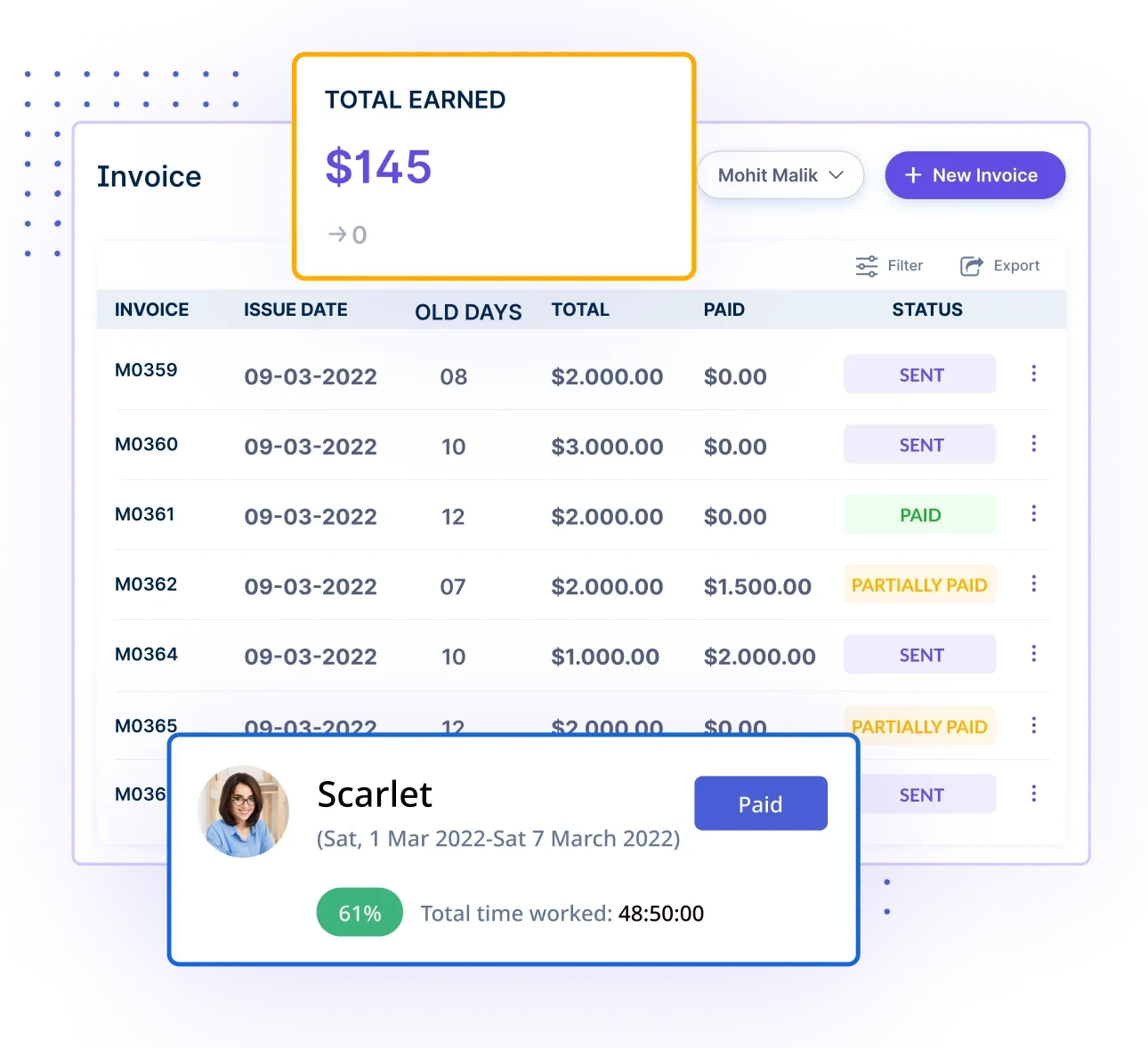
- Clear breakdowns for every client
- Custom rates and multi-project billing
- Builds trust with clean, simple reports
Connected Work Ecosystem
End-to-End Visibility Across Work, Cost & Delivery
- See progress, cost, and time in one screen
- Easier control over the whole project
- Fewer surprises, fewer delays
With Workstatus as their IT project time tracking software, managers don’t just track work; they stay ahead of delays and deliver projects with steady speed and clarity.
Real Examples of Delays Reduced with Real-Time Tracking

Here are real examples showing how early visibility reduced project delays:
1. A Mobile App Team Cut a 5-Day Delay to 1 Day
A mid-size IT company building a mobile app kept missing UI deadlines. With real-time tracking, they saw the designer was stuck waiting for API details.
- Blocker showed up instantly
- Backend shared the missing API within hours
- UI work restarted the same day
Result: A 5-day delay dropped to just 1 day.
2. A SaaS Development Team Fixed Sprint Overruns
A SaaS team kept ending sprints in a rush. Once they started to track developer hours in real time, they saw one module was taking 2× long as planned.
- Early alert on “slow progress.”
- Team shifted two developers to help
- Work finished inside the sprint
Result: Sprint overruns dropped by 40%.
3. An IT Services Firm Stopped Hidden Dependency Delays
A client billing module kept getting delayed for weeks. The real-time Kanban showed the frontend team was waiting on a backend API that no one had reported.
- Dependency became visible
- Teams synced in 10 minutes
- Work started the same day again
Result: A 3-day pause was avoided completely.
4. A Cloud Migration Project Saved Its Deadline
A cloud migration project was slipping because one engineer was overloaded. Real-time workload view showed he had 9 high-priority tasks.
- Tasks were redistributed
- Team load became balanced
- All milestones were hit
Result: Schedule overruns reduced by 100%.
5. A Web Dev Agency Saved Project Margins
A web agency noticed project hours were rising too fast. Real-time budget burn showed they had already used 70% of the hours at only 40% completion.
- Alert triggered a scope check
- Client agreed to add hours
- The project stayed profitable
Result: Margin leakage reduced by 30%.
Implementation Blueprint: How IT Teams Can Adopt Real-Time Tracking
Real-time tracking is easy to begin when the setup is simple. Here’s how IT teams can start without any stress:
- Begin with one small project
- Give every task a clear owner
- Set simple workflow stages that everyone understands
- Turn on live alerts for blockers and delays
- Teach the team to update tasks every day
With these small steps, teams can start real-time tracking fast and see better control, fewer delays, and smoother delivery from day one.
Conclusion
IT projects don’t fall behind because teams are slow; they fall behind because problems stay hidden too long.
Real-time tracking fixes this by giving managers a clear view of what’s happening right now.
With real-time visibility, teams can:
- Catch blockers
- Protect deadlines
- Balance workload
- Improve estimates
- Smooth delivery
And this is where Workstatus makes a real difference.
It brings all your work, tasks, costs, and billing into one simple, real-time system that helps you stay ahead of delays, not react to them.
If you want IT projects that move faster and finish on time, Workstatus is the easiest way to get there.
FAQs
Ques: What is real-time work tracking?
Ans: It shows what is happening in your project right now. You don’t wait for updates; you see the truth as it happens.
Ques: How does real-time tracking reduce delays?
Ans: It finds blockers early, shows slow tasks fast, and helps teams fix problems before they grow.
Ques: Do team members need to do extra work?
Ans: No. They only update task stages. The system handles the tracking automatically.
Ques: Will this make my team feel monitored?
Ans: No. The goal is clarity, not pressure. It helps the team avoid confusion and last-minute stress.
Ques: Can real-time tracking make our estimates better?
Ans: Yes. You see real progress every day, so you learn what tasks truly take and plan smarter.