
Table of Contents
Are your IT projects always running behind? Are tasks getting stuck, updates coming late, or your team feeling lost about what to do next?
Do small issues keep growing until they turn into big delays?
Here are some early signs you might notice:
- Unclear tasks
- Blocked progress
- Late updates
- Budget overruns
- No project visibility
If this feels familiar, you’re not alone.
Most IT projects don’t miss deadlines suddenly; the warning signs show up early. We just don’t catch them in time.
But not anymore.
In this blog, we’ll explore 9 early signs why IT projects miss deadlines and how spotting these signs early can save your project from slipping.
Let’s get started.
Sign 1: Chaotic Task Assignments & No Role Clarity
When no one knows who is doing what, the whole project slows down.
What this looks like:
- Two people end up doing the same task
- Some tasks are assigned to no one
- Engineers don’t know which task matters first
- Work gets stuck waiting for the next step
- Team keeps asking, “Who owns this?”
How Workstatus Solves It
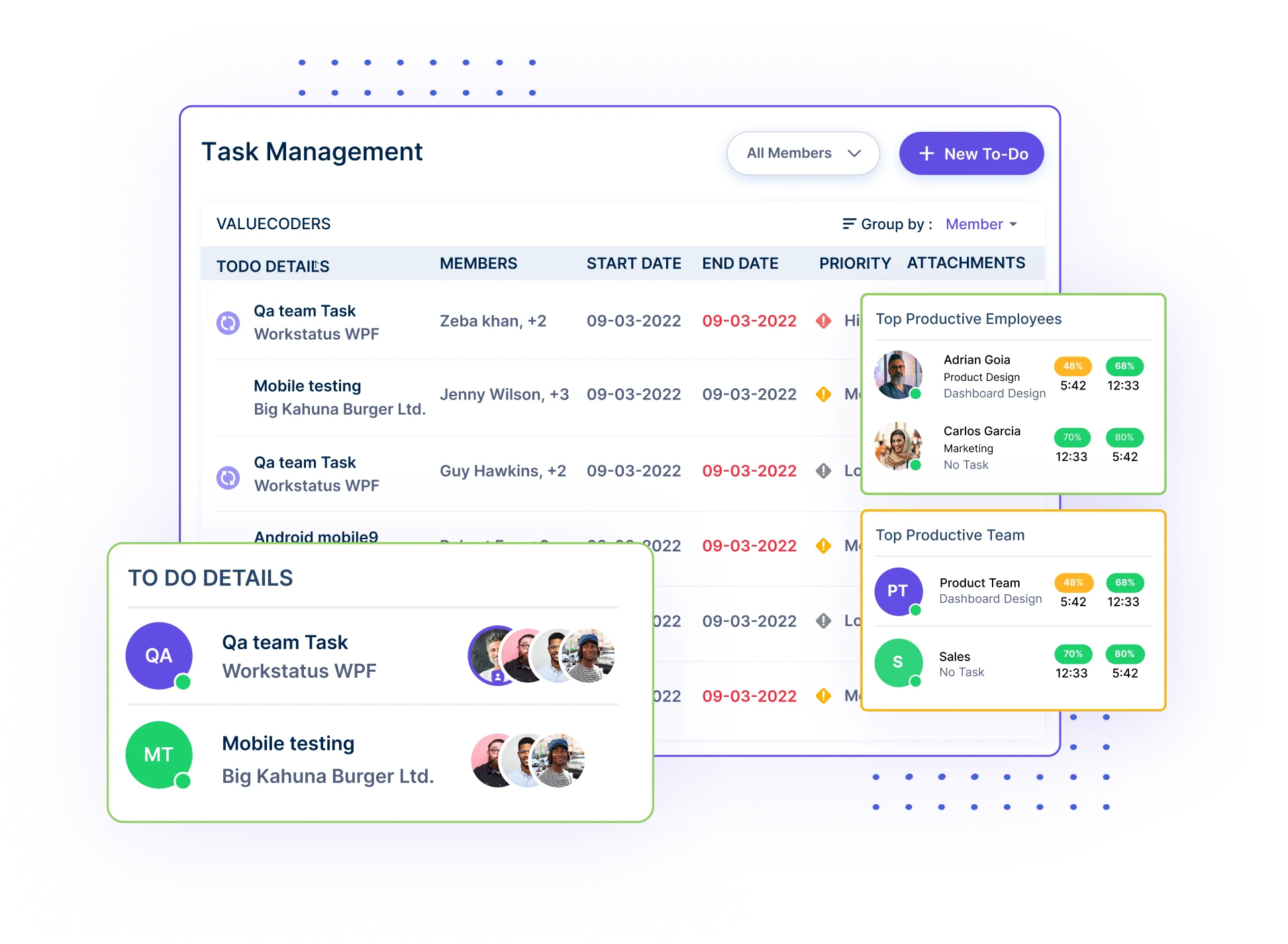
- Assign tasks to the right person in one click
- Set clear roles so everyone knows their job
- Mark priorities on Kanban boards to remove guesswork
- Track who is doing what in real time
- Avoid overlap with clear task ownership
With Workstatus, every task has a clear owner, priority, and path; no more confusion or blocked work.
Sign 2: Tasks Are Started Without Clear Estimates
When a task has no time plan, it grows bigger without anyone noticing.
What this looks like:
- Work takes too long
- No one knows the real timeline
- Deadlines keep slipping
- Hard to plan next steps
- The same mistakes happen again
How Workstatus Solves It
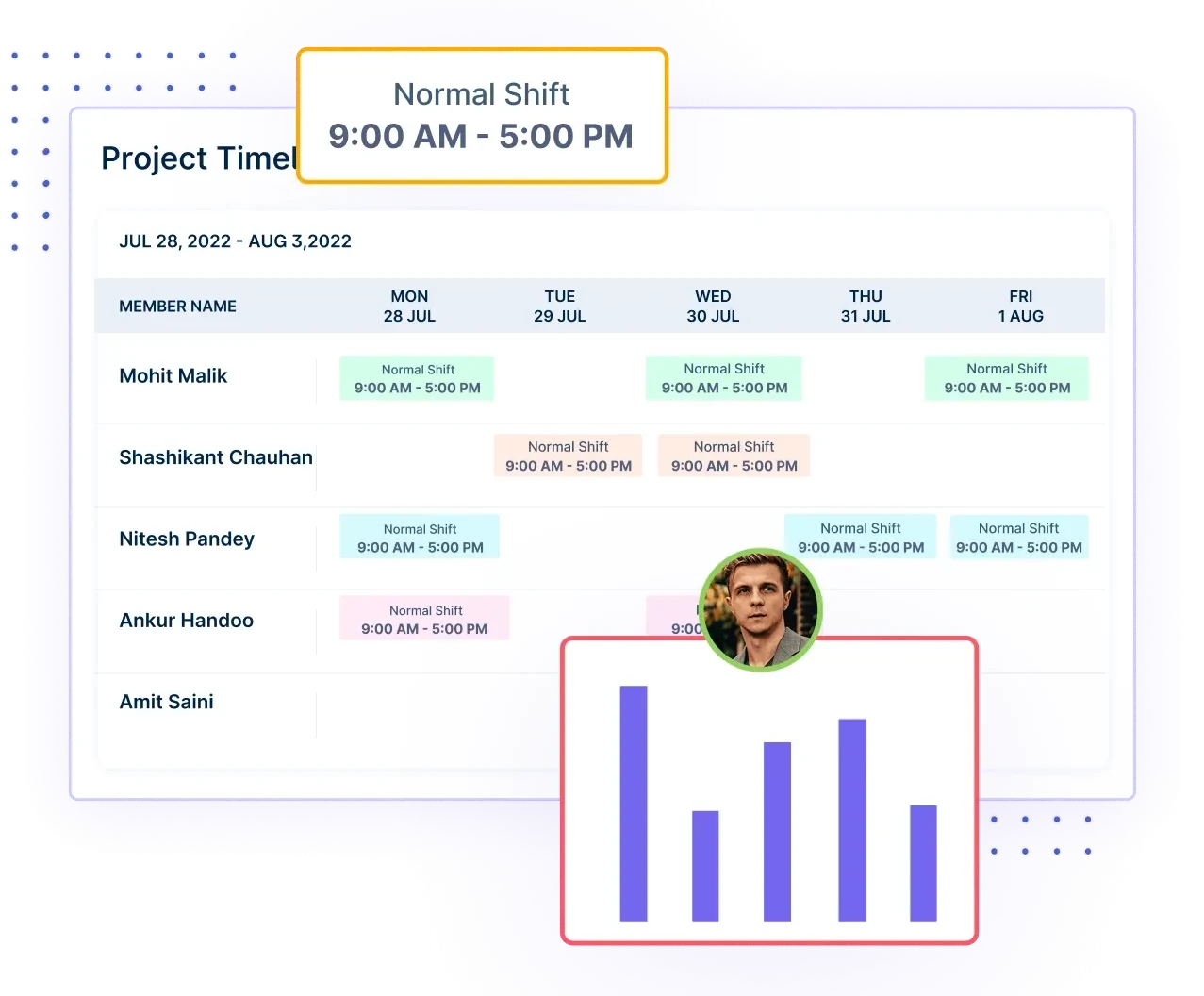
- Add clear time estimates
- Use past data to plan better
- Alerts when tasks cross limits
- Show project timelines to everyone
- Improve planning with work intelligence
With Workstatus, every task starts with a clear time goal.
Sign 3: No Clear View of Who Is Working on What
When workloads are unclear, things slow down, and people get stressed.
What this looks like:
- Managers guess who is free
- Tasks sit idle
- Some people get overloaded
- Work moves slowly
- Bottlenecks stay hidden
How Workstatus Solves It
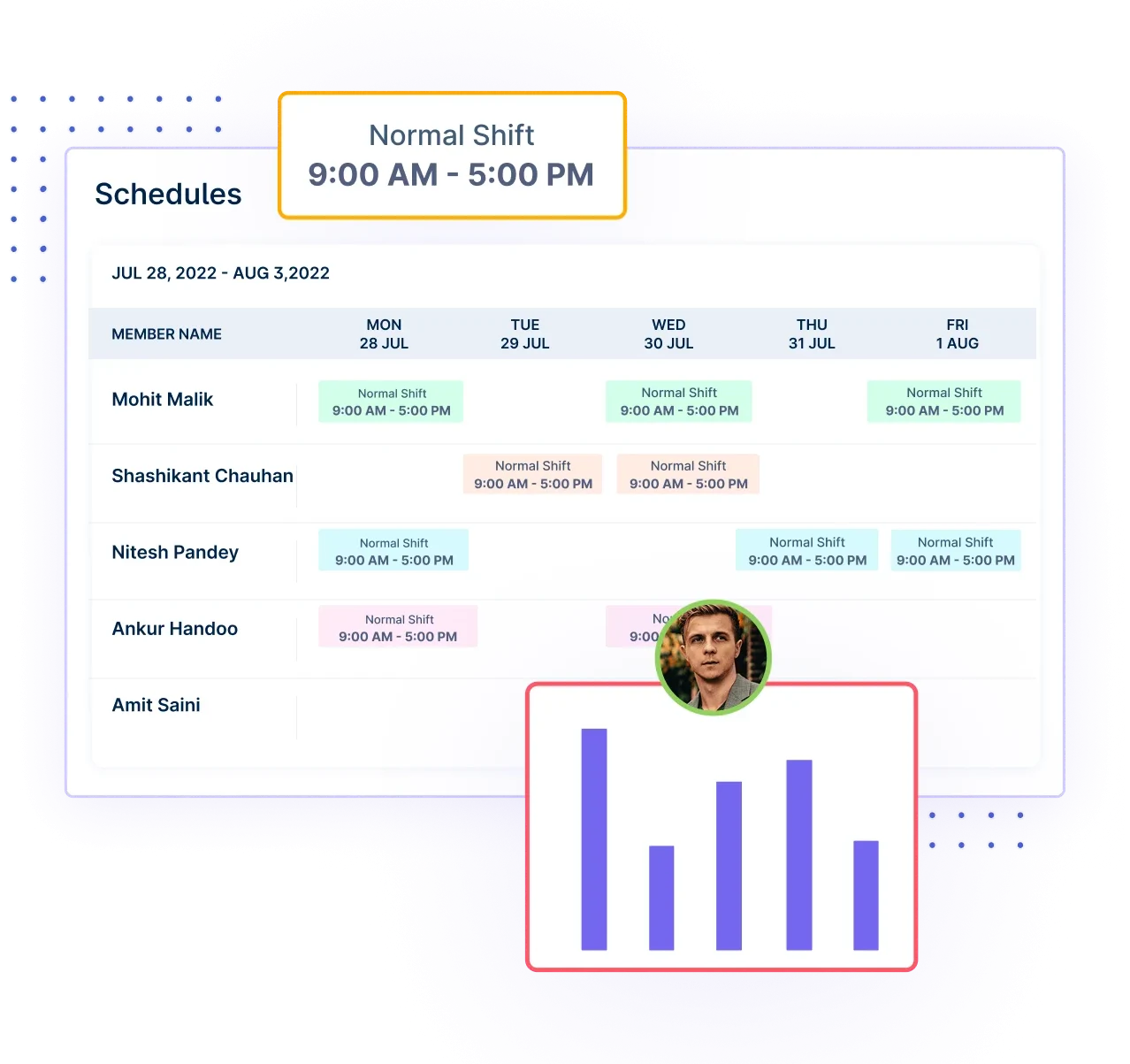
- Gantt charts to see tasks and owners clearly
- See who is working on what now
- Track activity in real time
- View team workloads easily
- Spot delays and reassign fast
With Workstatus, everyone’s work is easy to see.
Sign 4: No Single View of Project Progress
When updates come late, you lose control of the project.
What this looks like:
- Weekly updates that arrive too late
- Delays fare around at the end
- Teams use old information
- No idea how close you are to done
- Stress before client calls
How Workstatus Solves It
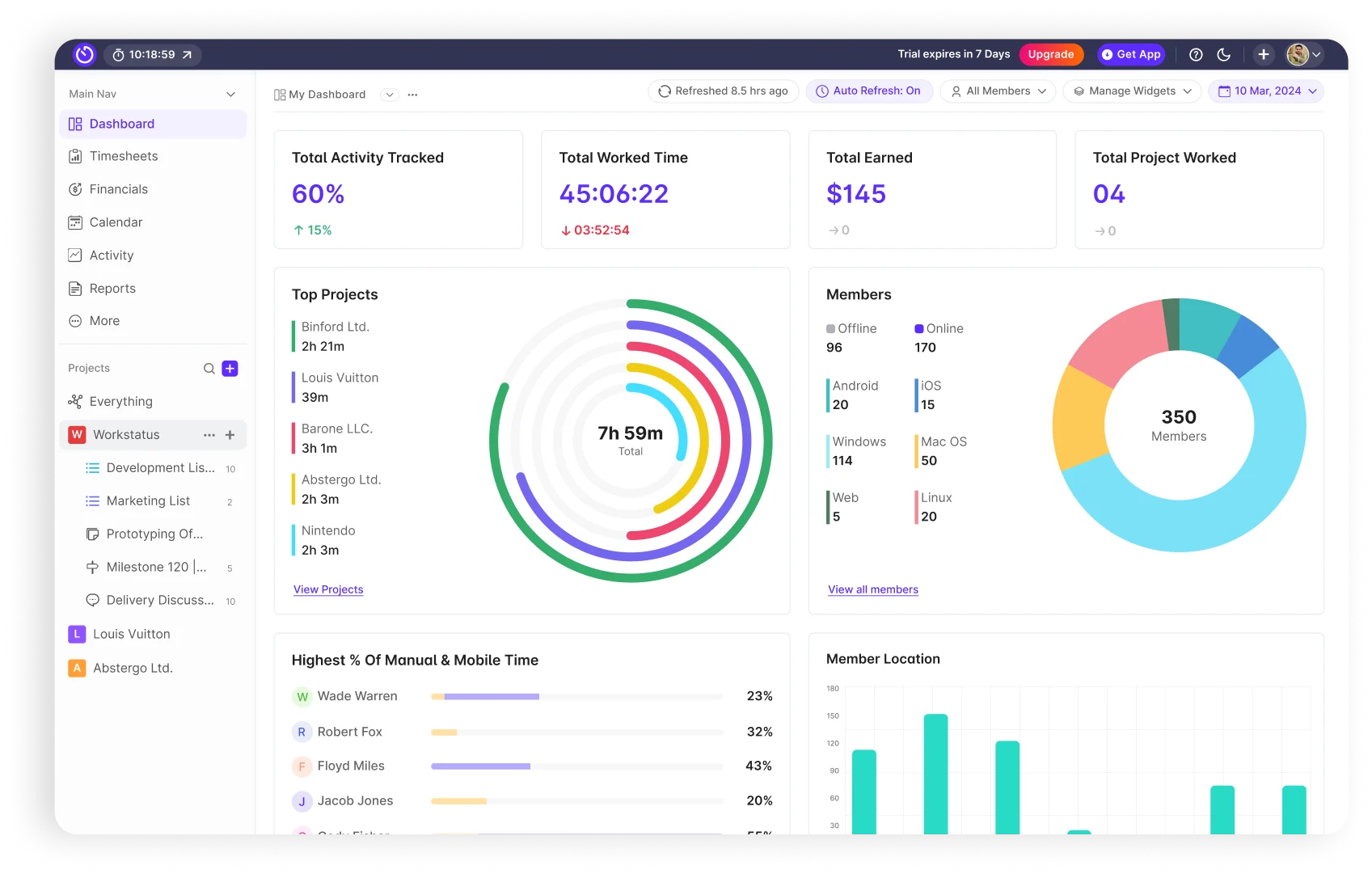
- One dashboard for full project intelligence & progress
- Live milestone tracking
- Alerts for timeline slips
- Clear view of done vs pending
- Auto status reports
With Workstatus, you always know your project’s real status.
Sign 5: Extra Work Keeps Entering the Project
When new tasks sneak in, deadlines move without warning.
What this looks like:
- Sudden new tasks
- Teams lose focus
- Scope grows quietly
- Extra effort increases
- Deadlines stretch
How Workstatus Solves It

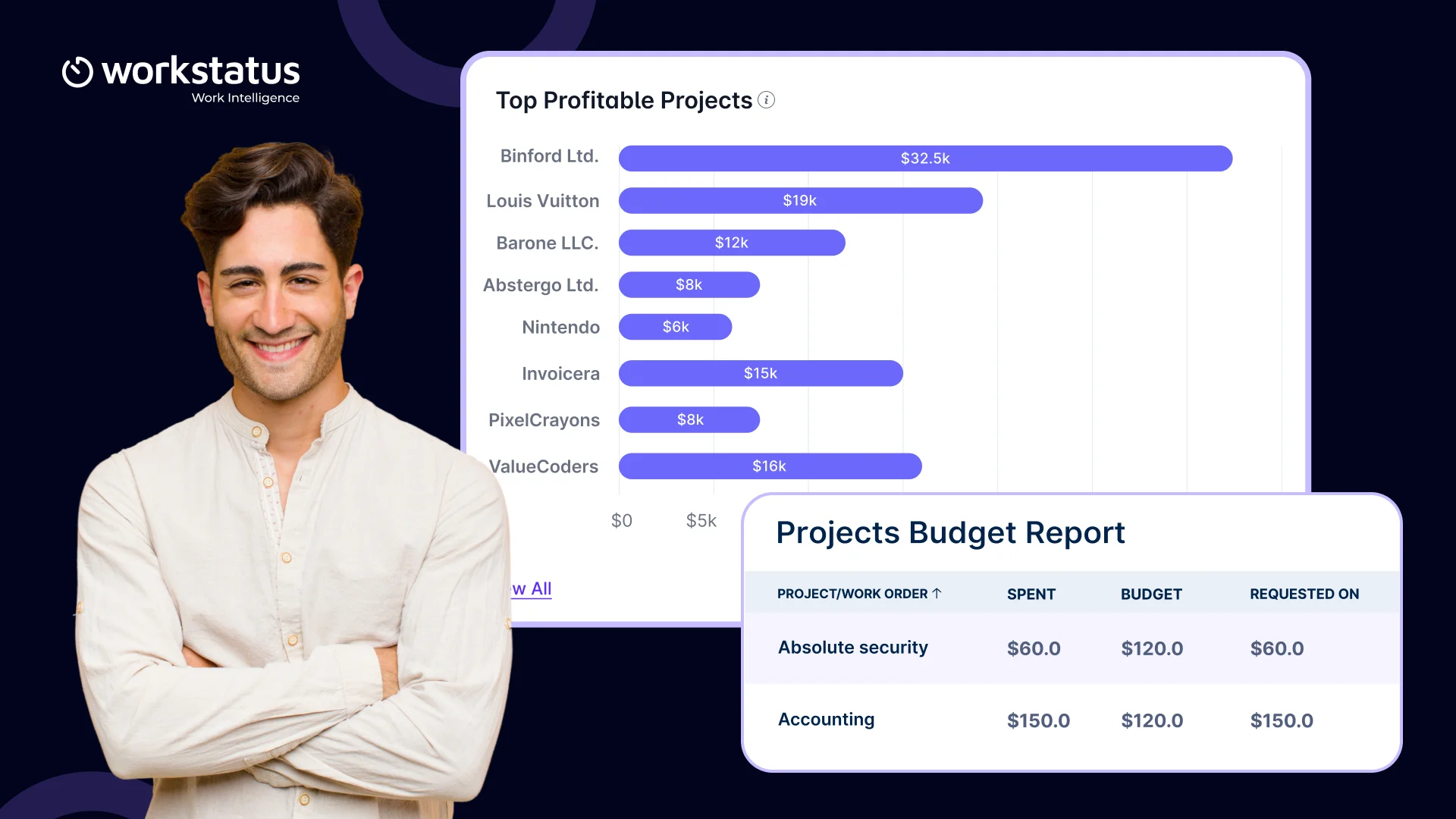
- Set clear project budgeting limits
- Track planned vs actual work with real-time work intelligence
- Flag new tasks instantly
- Approve or reject extra work
- Control scope easily
With Workstatus, extra work never catches you by surprise.
Sign 6: Team Bandwidth is Always Overloaded
Too much work slows everything down.
What this looks like:
- Too many tasks per person
- Missed deadlines
- Stress and burnout
- Slow delivery
- No idea who is overloaded
How Workstatus Solves It
- Kanban board to see tasks clearly
- See team capacity in real time
- Spot overload early
- Share work fairly
- Balance work with real data
With Workstatus, your team works at a healthy pace.
Sign 7: Daily Productivity Patterns Show Red Flags
When output drops, hidden issues are usually behind it.
What this looks like:
- Tasks take too long
- Long idle time
- Too much switching
- Mid-week slowdowns
- No clarity on time use
How Workstatus Solves It
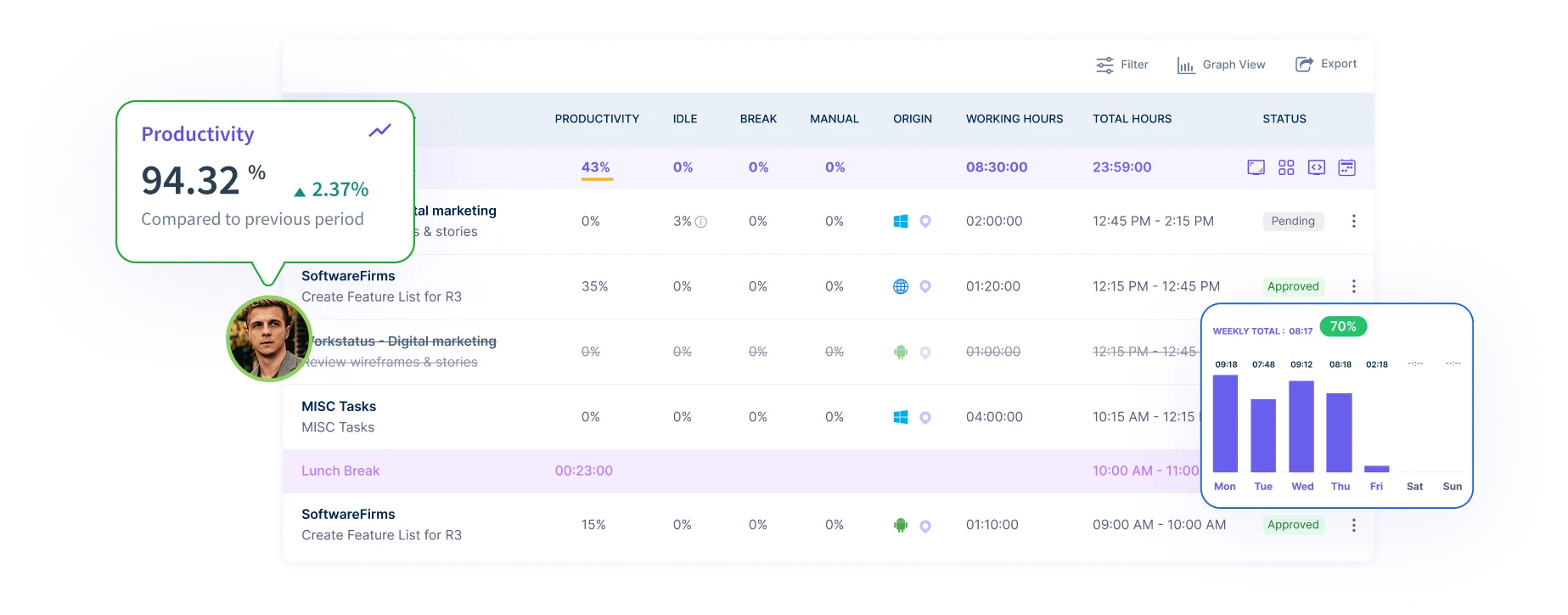
- Check activity patterns with built-in productivity intelligence
- Spot dips early
- Identify blockers
- Improve time use
- Keep teams consistent
With Workstatus, productivity becomes easy to understand.
Sign 8: Communication Is Slow or Scattered
Scattered updates cause mistakes and slow down work.
What this looks like:
- Missed follow-ups
- Delayed approvals
- Confusing instructions
- Wrong info shared
- Rework happens
How Workstatus Solves It
- One place for all updates
- Get idle-time alerts with time intelligence
- Auto notifications
- Clear activity logs
- One shared truth for the team
With Workstatus, everyone stays updated and aligned.
Sign 9: No Clear Reason Behind Project Delays
When you find delays at the end, it’s too late to fix them.
What this looks like:
- Teams assume things are fine
- Issues found during reviews
- No idea which tasks caused delays
- Confusion in meetings
- The same problems repeat
How Workstatus Solves It
- Detailed time & activity reports
- Clear reasons for delays
- Track plan vs actual timeline
- Real-time alerts
- Identify gaps & delays with reporting intelligence
With Workstatus, you catch delays early and fix them fast.
Conclusion
IT projects don’t fail in one big moment. They slip because small warning signs go unnoticed.
- Unclear tasks
- Late updates
- Hidden overload
- Quiet scope creep
These issues slowly push timelines off track.
The good news?
When you spot these signs early, you can prevent IT project delays before they turn into missed deadlines.
With the right IT project tracking software like Workstatus, teams get real-time visibility, clear ownership, and better control over timelines, workload, and budgets.
That’s how projects stay on track, and deadlines stop moving.
FAQs
Ques: Why do IT projects miss deadlines so often?
Ans: Most IT projects miss deadlines due to unclear tasks, poor estimates, scope creep, and a lack of real-time visibility.
Ques: What are the most common causes of software project delays?
Ans: The biggest causes are weak planning, overloaded teams, scattered updates, and no clear view of project progress.
Ques: How can I prevent IT project delays early?
Ans: Track tasks in real time, set clear estimates, monitor workloads, and spot blockers before they grow.
Ques: How does IT project tracking software help?
Ans: It shows who is working on what, tracks timelines, flags delays early, and keeps everyone aligned in one system.
Ques: Is project tracking useful for agile and Kanban teams?
Ans: Yes. It supports Kanban boards, Gantt charts, project timeline management, and project budgeting, all in one place.