
Table of Contents
Many teams rely on ClickUp to manage tasks, track progress, and stay organized. But a common gap remains:
ClickUp doesn’t show actual effort, billable time, or proof of work by default.
This leads to critical challenges:
-
Billable hours are underreported or overestimated
-
Teams struggle to justify time spent to clients
-
Revenue leaks due to untracked or misclassified work
-
Managers lack visibility into real utilization and workload
So how do you turn tasks into billable, verifiable work?
By integrating Workstatus with ClickUp, teams can automatically track time, capture real effort, and generate defensible proof of work behind every task. This means:
-
Every task is backed by actual time data
-
Billable vs non-billable work is clearly defined
-
Teams can confidently justify hours to clients
-
Utilization and profitability become measurable in real time
In this blog, you’ll see how Workstatus connects ClickUp tasks with work intelligence, turning everyday work into billable, defensible hours.
Let’s go!!
The Real Problem With Task-Only Tracking
Task tracking looks fine at first. But here’s why it often falls short.
Tasks show what was done. They don’t show how long the work took or how the time was spent.
What breaks without Workstatus:
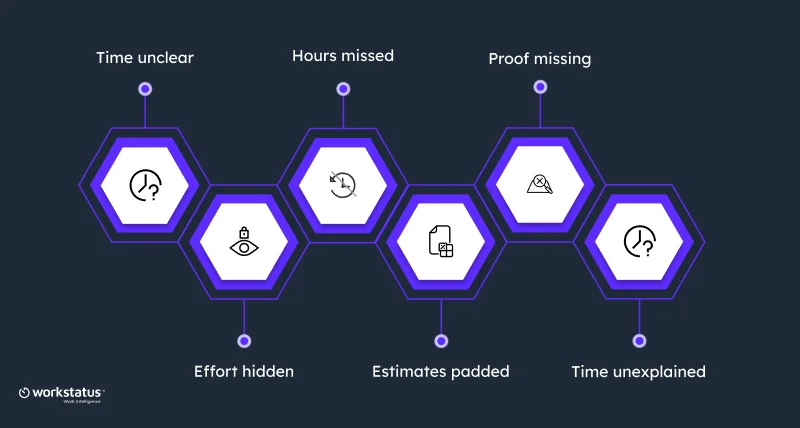
- Tasks are marked Done, but the time stays unclear
- “Done” doesn’t explain the real effort
- Manual time entries miss calculated billable hours
- Estimates get stretched to stay safe
- Clients question bills with no proof
- Teams struggle to explain where time went
So when a client asks,
“Why are we being billed for this?” The answer isn’t always ready.
Tasks show what happened. Workstatus shows how, when, and for how long, making work clear and defensible.
The Missing Layer- What Workstatus Adds to ClickUp
ClickUp is great for planning and organizing work.
But by itself, it doesn’t show the real work behind the tasks, like how time was spent, how effort was used, or whether the work is ready to be billed.
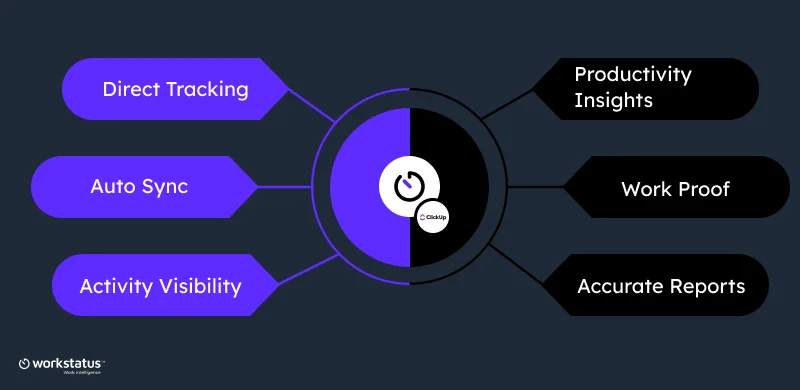
Here’s what Workstatus adds to ClickUp to make work visible, measurable, and billable (via the ClickUp integration):
- Track time directly on ClickUp tasks, no switching between tools
- Sync tasks automatically so time stays connected to task details
- See real work activity, including time spent and task progress
- Capture proof of work with activity logs and screenshots
- Get productivity insights for better planning and delivery
- Build accurate reports for streamlined billing, audits, and client trust
With ClickUp integration, Workstatus ensures ClickUp tasks don’t just show what was done; they show how, when, and how long it took, turning everyday work into billable, defensible hours.
With ClickUp integration, Workstatus turns tasks into clear, billable proof of work.
How Workstatus + ClickUp Works Together
ClickUp helps teams plan and manage tasks. Workstatus shows the real work done behind those tasks. Together, they make work clear, simple, and easy to explain.
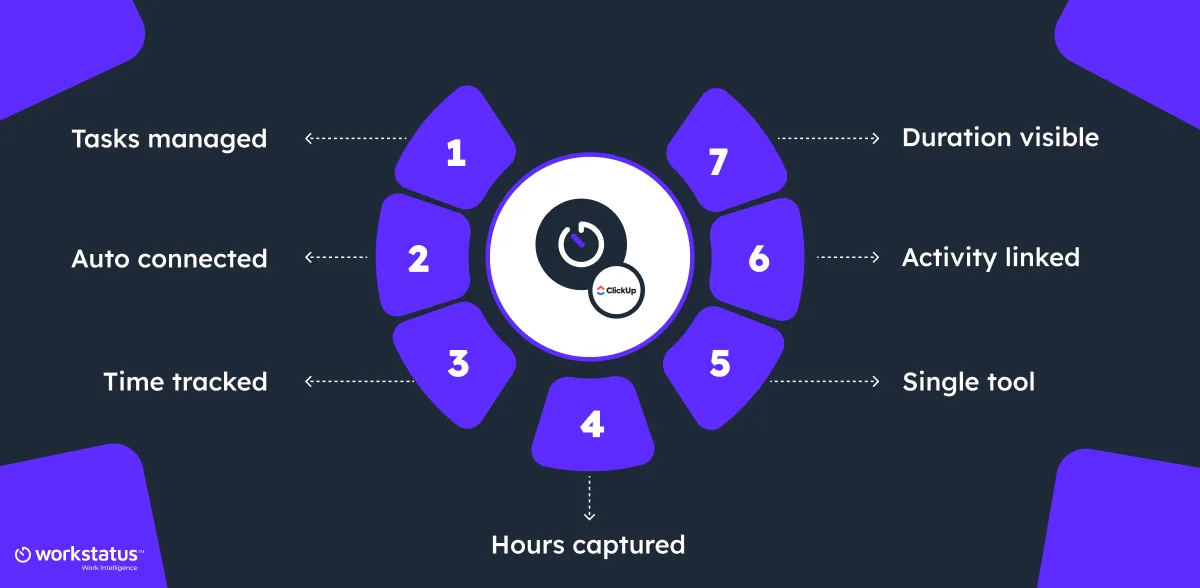
Here’s how the ClickUp billing integration works:
- Tasks are created and managed in ClickUp
- Workstatus connects to those tasks automatically
- Time is tracked against each ClickUp task
- You can see how long each task really took
- Work activity is linked to the task being worked on
- No need to switch tools to explain work
- No missing hours or manual time guesswork
With ClickUp integration, ClickUp shows what work was planned, while Workstatus shows how the work actually occurred; so tasks turn into clear, billable proof.
Turning ClickUp Tasks Into Billable Hours
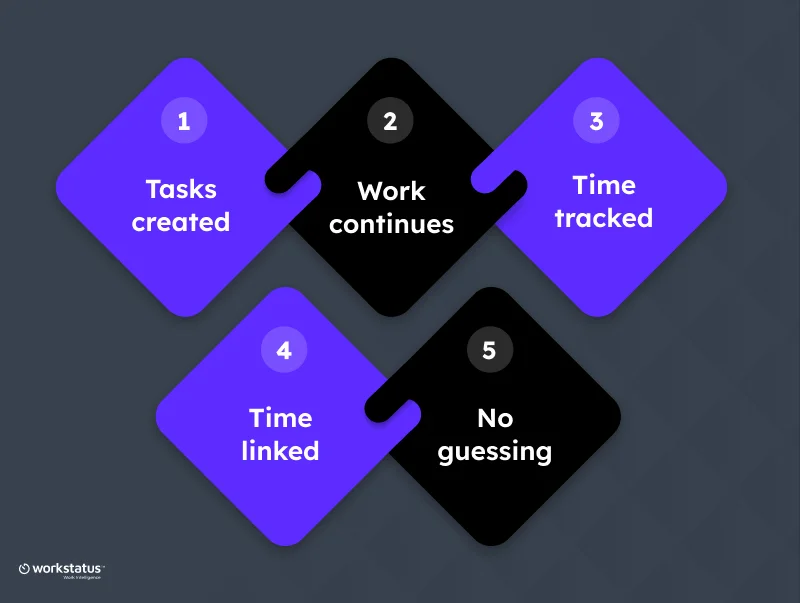
Tasks show what needs to be done. Time shows what can be billed. Here’s how ClickUp tasks turn into billable hours:
- Tasks are created and managed in ClickUp
- Team members work on those tasks as usual
- Workstatus tracks time while the task is being worked on
- Time is saved directly against each ClickUp task
- No need to estimate or add time later
When a task is marked as ‘Done’, the time is already recorded. Clear tasks, clear hours, and billing that makes sense.
Converting ClickUp Hours Into Proof of Work
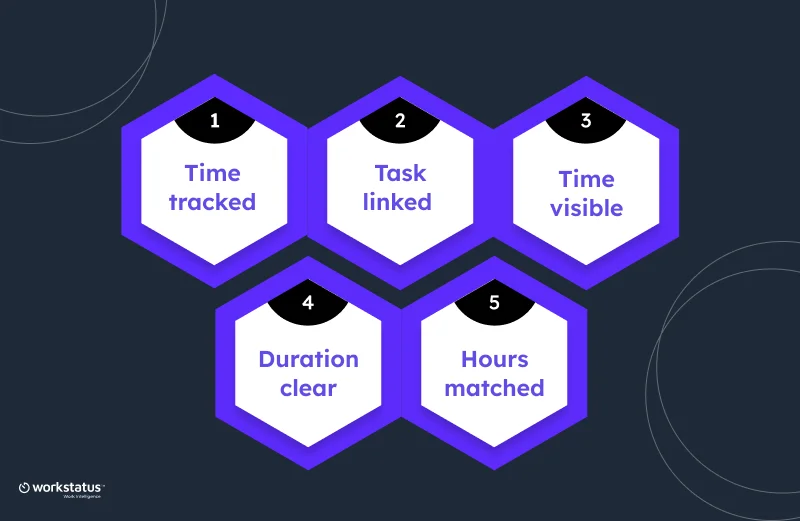
Hours alone don’t explain work. Proof makes the work clear.
Here’s how tracked hours become proof of work:
- Time is tracked while working on ClickUp tasks
- Workstatus links time to the exact task
- Online timesheets record work in real time
- You can see when the work happened
- You can see how long it took
- You can match hours to real tasks
So when clients ask questions, you don’t explain; you show. Clear hours turn into proof that clients can trust.
Why This Matters for Service Businesses
Service businesses don’t sell products; they sell time, effort, and results. If that time and effort can’t be shown clearly, clients question invoices, and revenue gets stuck.
Here’s why clear proof of work matters for service teams:
- Clients expect clear visibility into time and effort, not just task names
- Workstatus + ClickUp connects tasks with real work time and productivity intelligence
- Task-linked hours make invoices accurate, defensible, and trusted
- Activity data (screenshots, app usage, idle time) supports audit-ready proof of work
- Clear proof reduces billing disputes and speeds up payments
When work time and effort are backed by time intelligence, invoices feel fair, payments arrive faster, and revenue stays protected.
Work Visibility Managers Actually Use
Managers don’t need more screens. They need clear, measurable data that helps them act early.
Here’s the kind of data-driven visibility managers rely on:
- See 100% task-level time tracking, not just task status
- Identify 10–20% scope creep early when actual hours cross the estimates
- Spot 15–25% untracked or idle time before it impacts delivery
- Calculate billable vs non-billable hours to protect margins
- Cut reporting and follow-up time by up to 30%
- Use real activity data to reduce billing disputes by 20–30%
With this level of visibility:
- Planning becomes more accurate
- Problems show up sooner, not at billing time
- Managers make decisions based on data, not assumptions
This is work visibility that teams actually use, because it helps deliver on time and defend revenue.
Final Takeaway
ClickUp organizes tasks. Workstatus adds time, activity, and proof.
Together, they turn everyday work into clear, billable evidence; so teams bill with confidence, reduce disputes, and protect revenue.
So, turn your ClickUp tasks into clear, billable proof; integrate with Workstatus today.
FAQs
Ques: Do I need to change how my team uses ClickUp?
Ans: No. Your team keeps using ClickUp the same way. Workstatus works in the background to capture time and proof.
Ques: Is time tracking manual or automatic?
Ans: Time is tracked automatically while team members work on tasks, so there’s no need to fill out timesheets later.
Ques: Will this help reduce billing disputes with clients?
Ans: Yes. Since time is linked directly to tasks, clients can clearly see what was worked on and for how long.
Ques: Is this useful only for billing teams?
Ans: No. Managers, delivery teams, and finance teams all benefit from clear work visibility and accurate data.
Ques: Is the integration hard to set up?
Ans: Not at all. The integration is quick and simple, with no complex setup or workflow changes required.